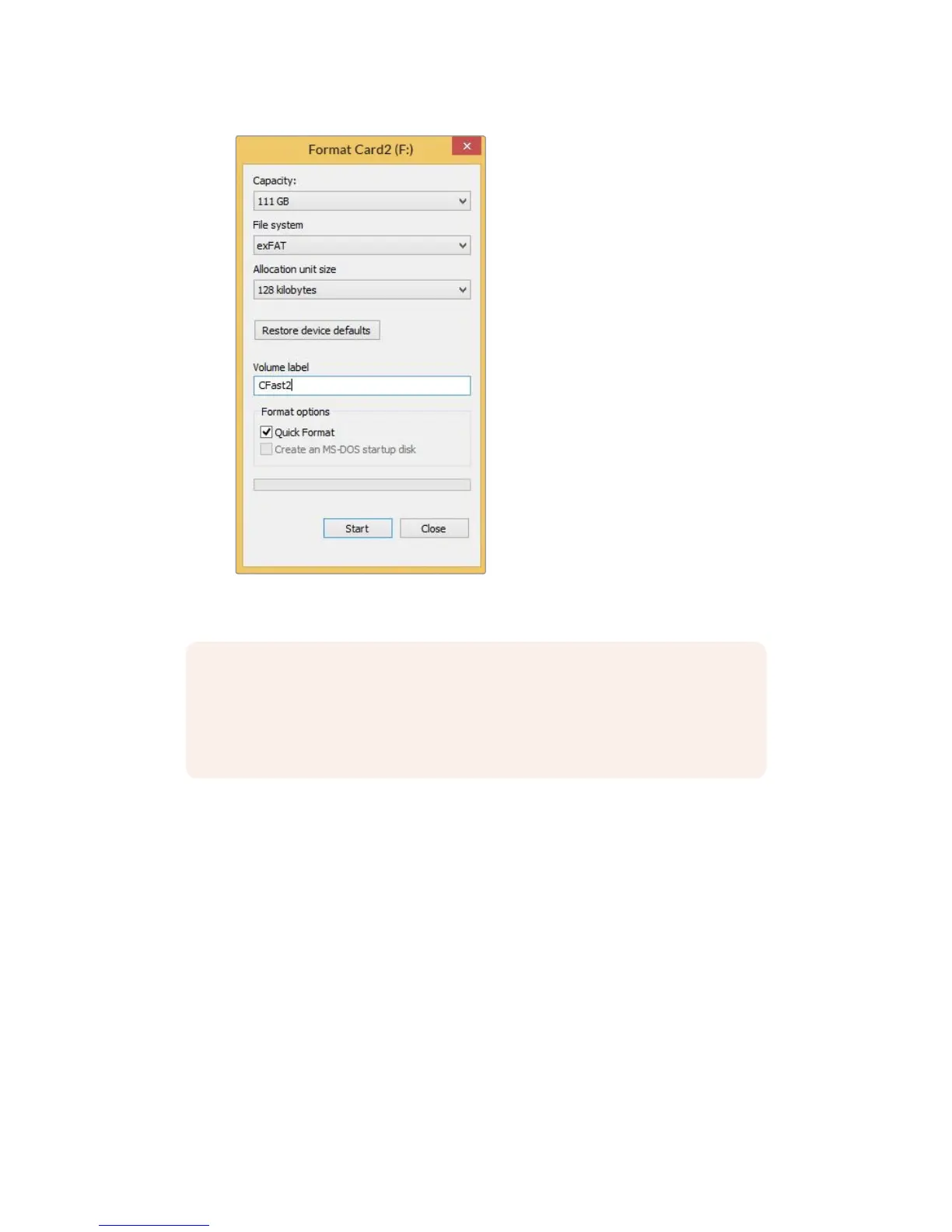
Use the ‘format’ dialog box feature in Windows to format
yourcamera's storage media in the exFAT format
NOTE If your recordings are dropping frames, check that your card or drive is on our
list of recommended media for the codec and frame size you are using. For lower data
rates try lowering your frame rate, resolution, or try a compressed codec such as
ProRes. Check the Blackmagic Design website for the latest information at
www.blackmagicdesign.com
31Storage Media










 To Next Page