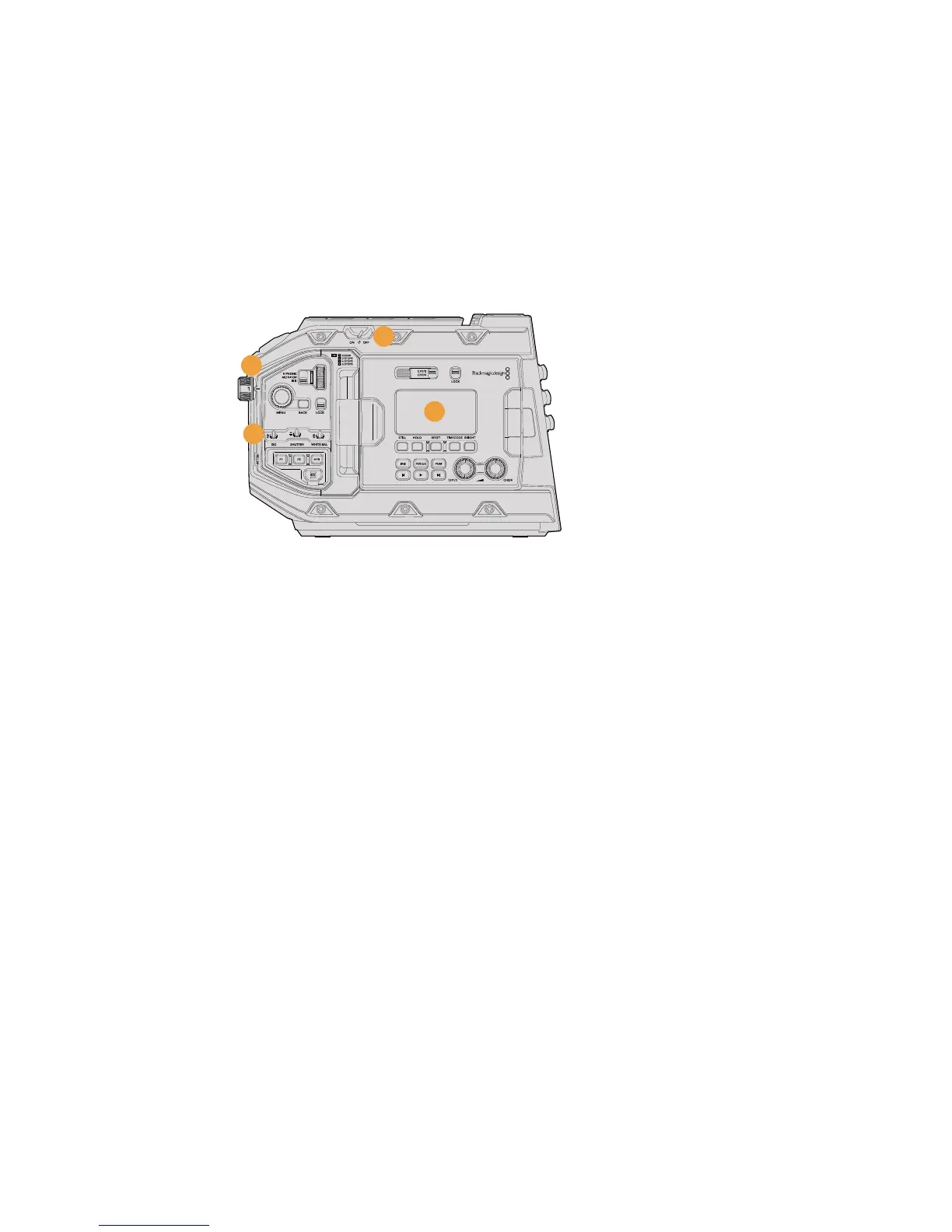
Left Side – URSA Mini Pro 4.6K
URSA Mini Pro 4.6K's left side panel features additional controls for easy access to all of your
camera's essential functions. These controls are split between the forward control panel, the
ergonomic control panel located on the outside of the foldout touchscreen monitor, and a
control panel on the inside of the foldout monitor.
CFast and SD card slots are located behind the foldout monitor. The USB-C port is above these
memory card slots, and is used to connect to a computer to update your URSA Mini Pro 4.6K's
internal software.
URSA Mini Pro 4.6K model, foldout touchscreen closed
11 Power Switch
Power switch for turning on the camera. There is also a backup power switch inside the
fold out monitor that allows the camera to be powered on by pressing both the record
and forward skip buttons at the same time.
12 ND Filters
Your URSA Mini has three internal neutral density filters to adjust the amount of light
reaching the sensor. Four settings are available, ranging from clear to six stops of light
reduction. Simply turn this wheel to move through the available settings. The filter will
click into place for each setting. For more information see the section 'URSAMini Pro
4.6K control buttons' in this manual.
13 Forward Control Panel
The forward control panel provides quick access to all of your URSA Mini Pro 4.6K's
essential functions. These controls are located for easy access when shooting on
a tripod or on the shoulder, and you can use them to adjust settings such as ISO,
shutterangle or shutter speed, iris, white balance, frame rate, and more. See the
section 'URSA Mini Pro 4.6K control buttons' for more information.
14 Ergonomic Control Panel
On the outside of your URSA Mini Pro 4.6K's foldout touchscreen monitor, you'll find an
LCD status monitor and a variety of controls for fast, powerful monitoring control. Here
you can see all of your camera's status information at a glance, as well as controlling a
variety of powerful monitoring functions. See the section 'URSA Mini Pro 4.6K control
buttons' for more information.
12
11
13
14
49Introduction to URSA Mini










 To Next Page