Playback
Playing Back Clips
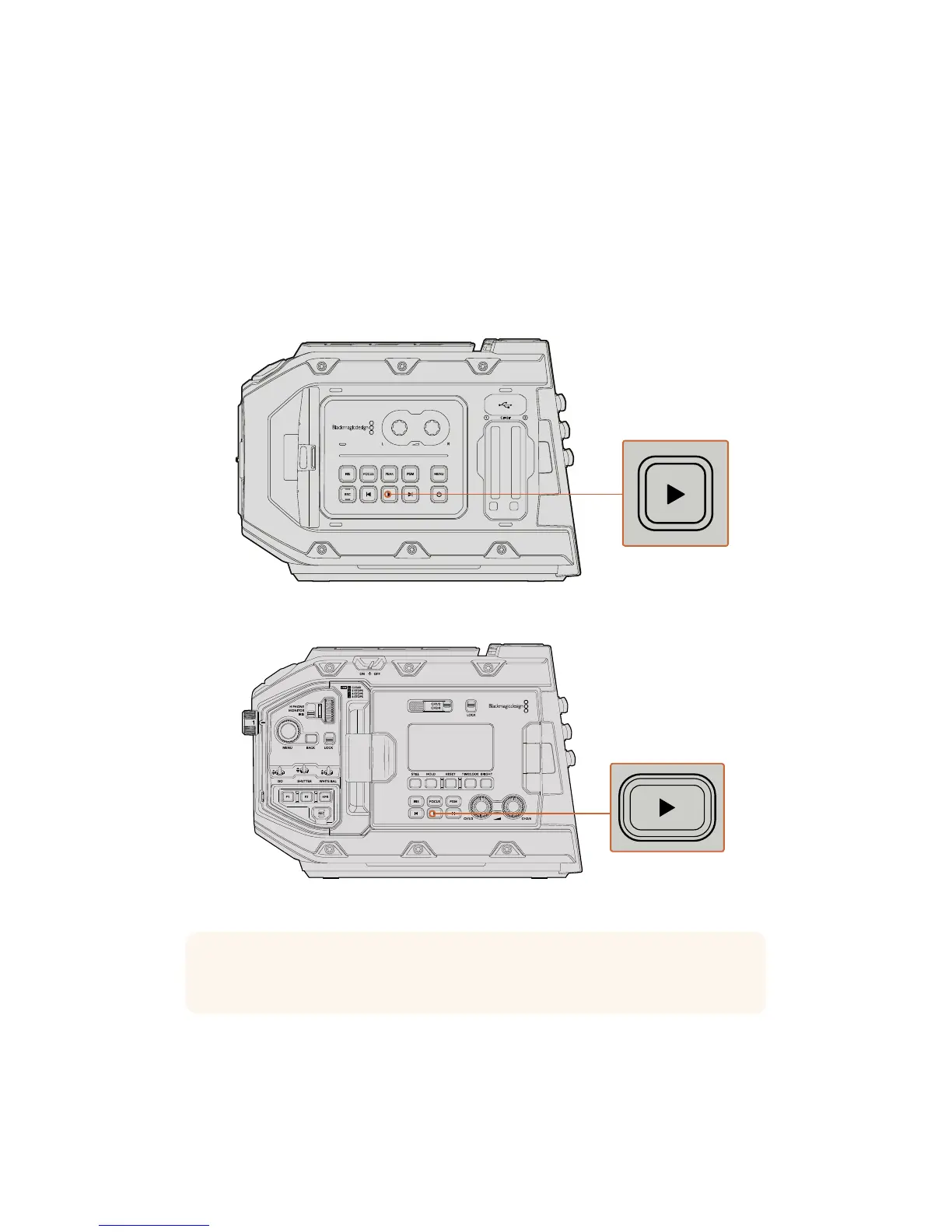
Once you have recorded your video, you can use the transport control buttons to play back
your clips.
Press the ‘play’ button once for instant playback and you’ll see your recorded video on
URSAMini's LCD touchscreen. Your clips can also be viewed on any display connected to
yourURSAMini's SDI outputs.
URSA Mini Camera
URSA Mini Pro 4.6K Camera
TIP Blackmagic URSA Mini has playback and transport controls buttons on both the
internal and ergonomic control panels.
45Playback










 To Next Page