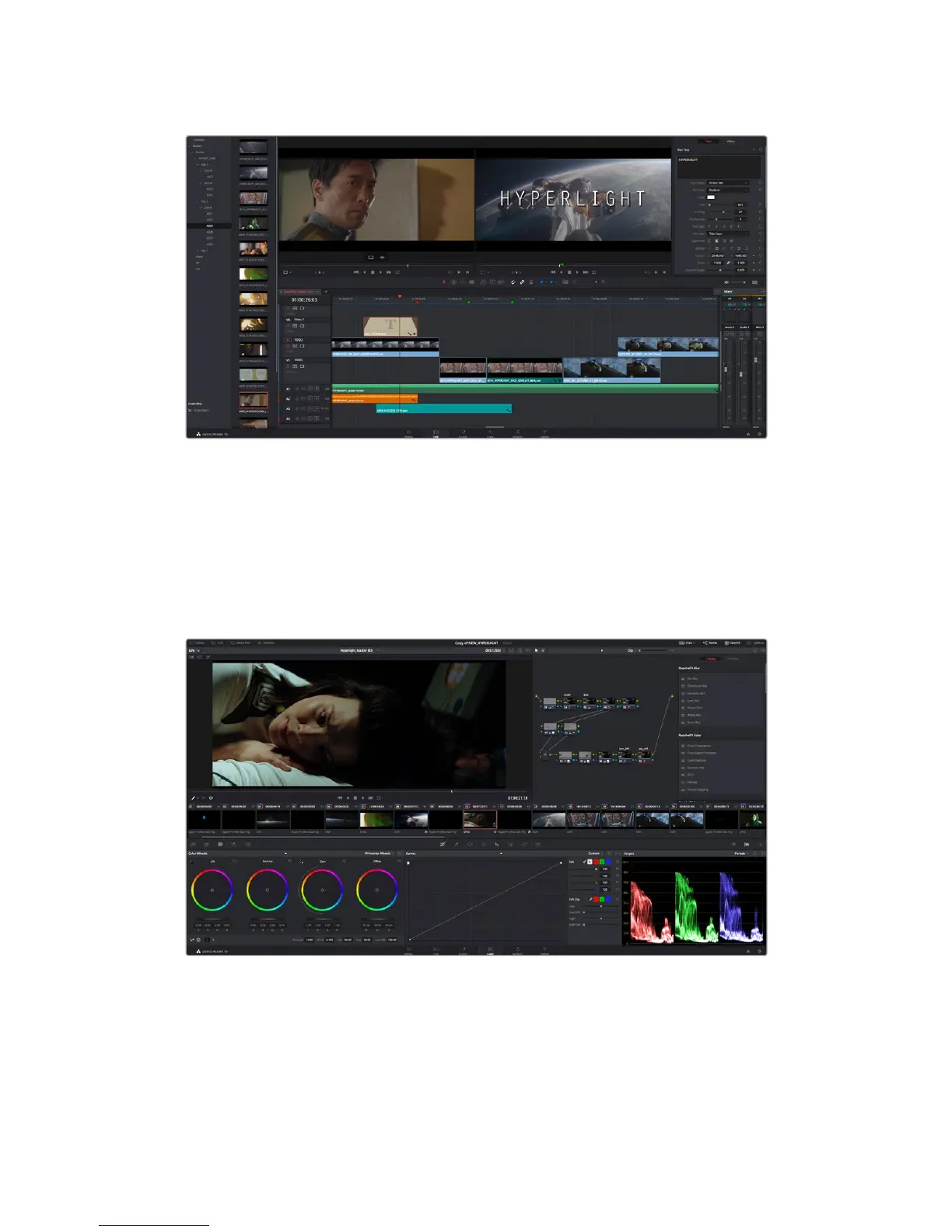
Drag a title type from the ‘titles’ palette and drop it on an empty track
Color Correcting your Clips
Once you have edited your sequence of clips and added your vfx, you can start color
correcting. This is best begun after you have finished editing your sequence so you can
maintain a consistent look, but part of the fun of DaVinci Resolve is being able to move between
the edit, fusion and color pages to make fine adjustments and discover new creative choices.
With the ‘color’ page you get absolute control over the look of your clips
220Using DaVinci Resolve










 To Next Page