Disconnect Current Device
Use this setting to disconnect your URSA Mini Pro 4.6K from the iPad it is currently
paired with.
Clear Paired Devices
Use this setting to clear the list of devices that your URSA Mini Pro 4.6K has been
paired with.
Controlling Your Camera with the Blackmagic Camera Control App
Once you have successfully paired your URSA Mini Pro 4.6K to your iPad, you can power the
camera on or off, change settings, adjust metadata and trigger record remotely using
the iPad app.
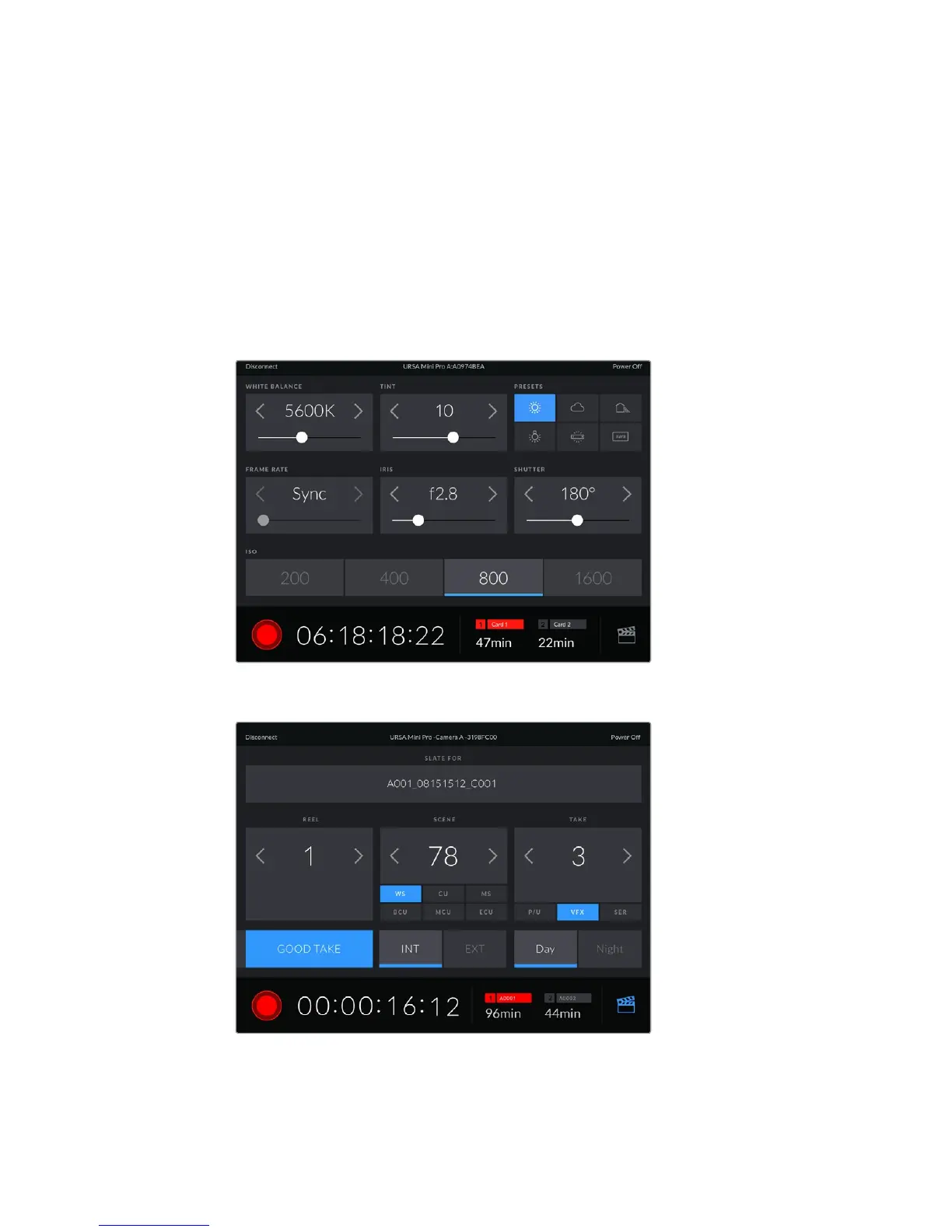
Once paired, the Blackmagic Camera Control app will display this
screen, allowing you to adjust your settings and start recording
Tap the slate icon in the lower right corner to access and update the slate
URSA Mini Pro 4.6K uses Bluetooth LE to communicate with devices for wireless control. As this
is the same type of protocol used in portable devices, it only uses a minimal amount of
battery power.
119Settings










 To Next Page