Focal length
Shows the focal length setting of the lens at the start of the recorded clip. When
automatically supplied, this is shown in millimeters. Tap this setting to enter data manually.
Distance
Shows the focus distance settings of the lens for the recorded clip. Some lenses can
provide this data automatically and it will be provided in millimeters. You can also enter
this data manually.
Filter
Shows the current lens filters used. Tap this setting to enter data manually. You can
make multiple entries separated by commas.
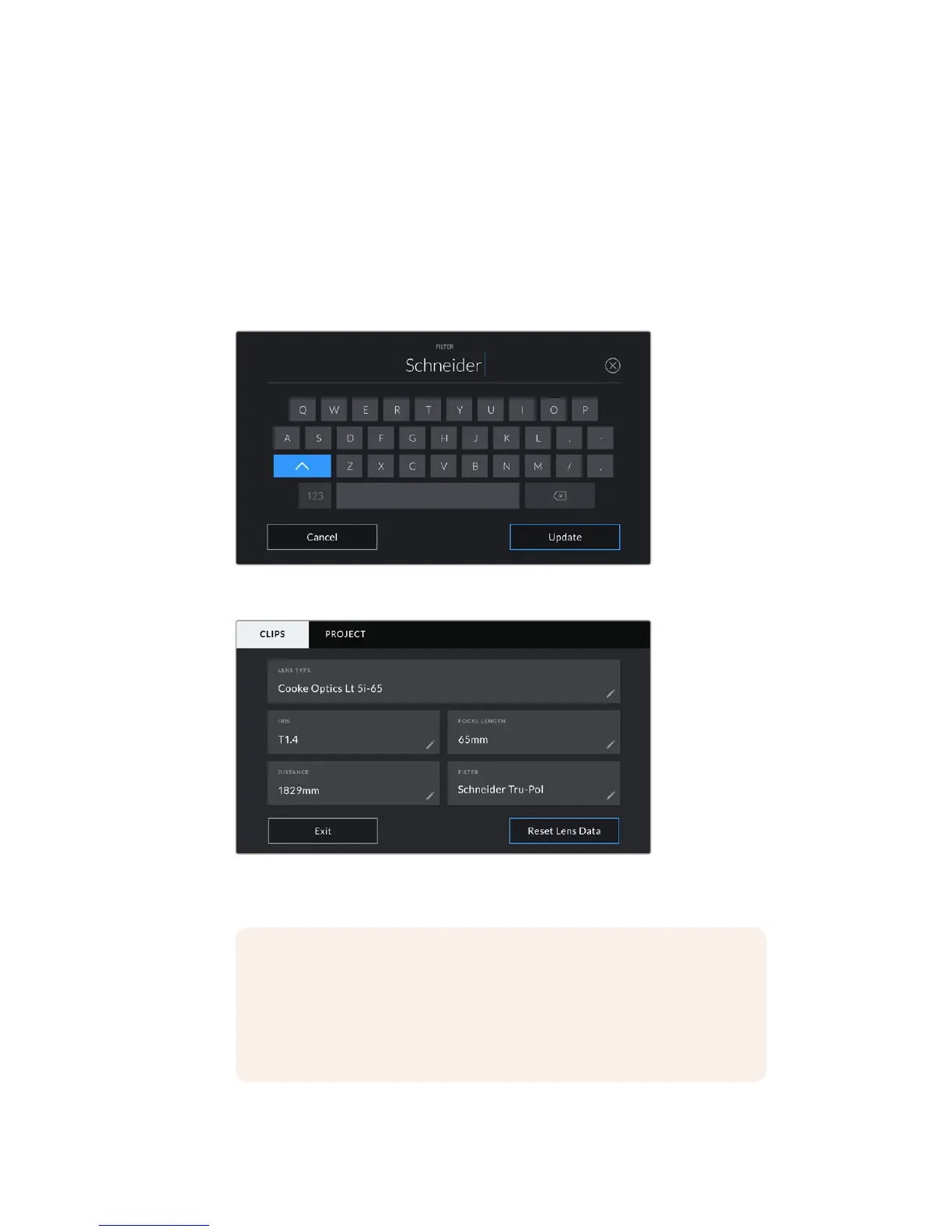
Filter information needs to be entered manually
The 'lens data' menu showing information automatically populated from a lens with
Cooke /i Technology, and filter information that has been manually entered
NOTE You can clear lens data at any time by tapping the ‘reset lens data’ icon
in the ‘lens data’ menu. You will be prompted to confirm your choice. If you
confirm, all lens data will be cleared and repopulated with any lens data
automatically provided by the currently fitted lens. If you have manually entered
any information into these fields, you will need to reset the lens data the next
time you mount a lens, otherwise the manually entered value will remain.
128Entering Metadata










 To Next Page