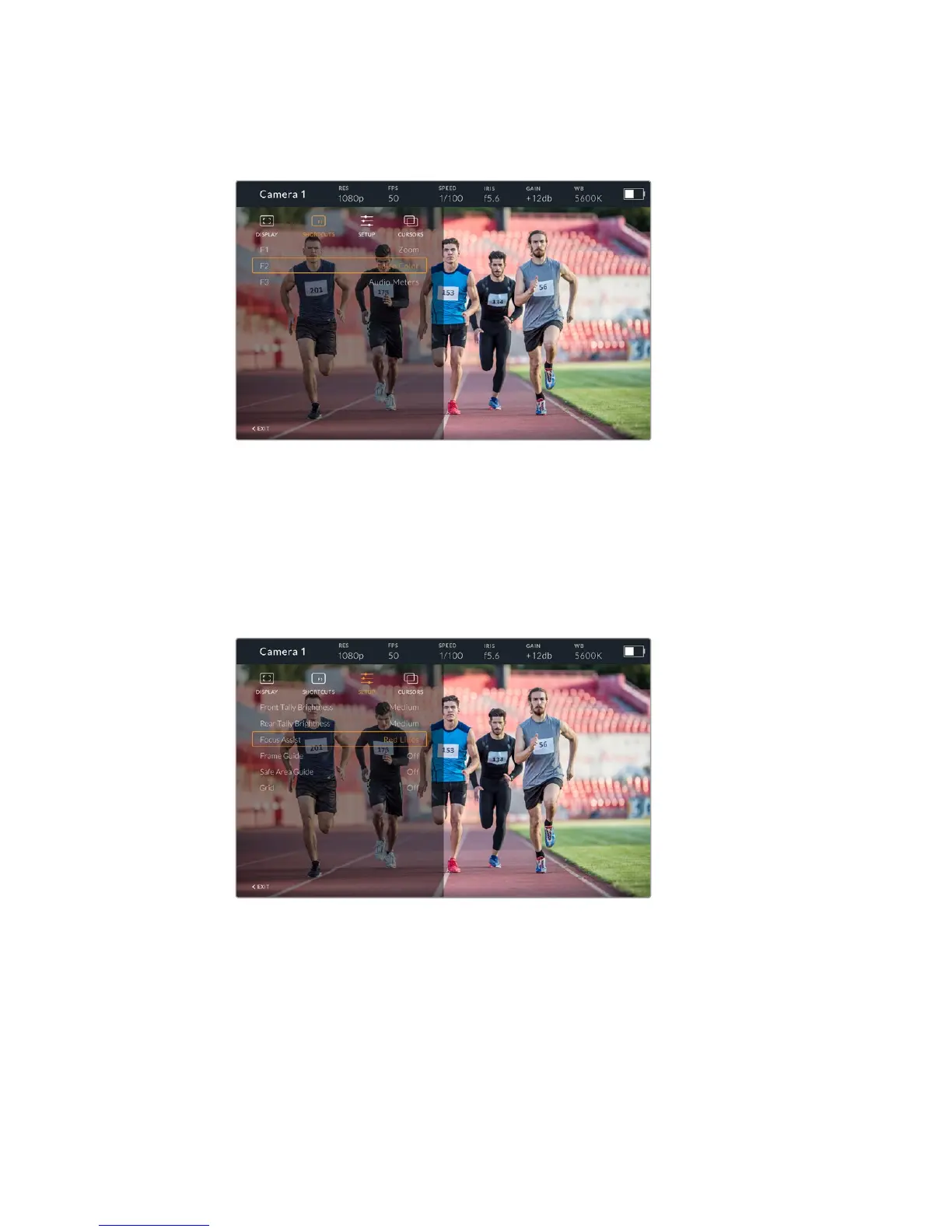
Once you have set up your shortcuts as required you can either scroll to ‘exit’ and press the
‘menu’ dial to close the menu display view, or hit the back button to exit out of the menu.
The 'shortcuts' submenu
Setup
The ‘setup’ menu is where you choose your preferences for how the viewfinder is setup.
Front Tally Brightness
Allows adjustments of tally LED brightness between ‘off’, ’low’, 'medium' and ‘high’.
Thetally light will illuminate whilst adjustments are being made so you can see what
each brightness level represents.
The 'setup' submenu
Rear Tally Brightness
Allows adjustments of tally LED brightness between ‘low’, 'medium' and ‘high’. The tally
light willilluminate whilst adjustments are being made so you can see what each
brightness levelrepresents.
157Blackmagic URSA Studio Viewfinder










 To Next Page