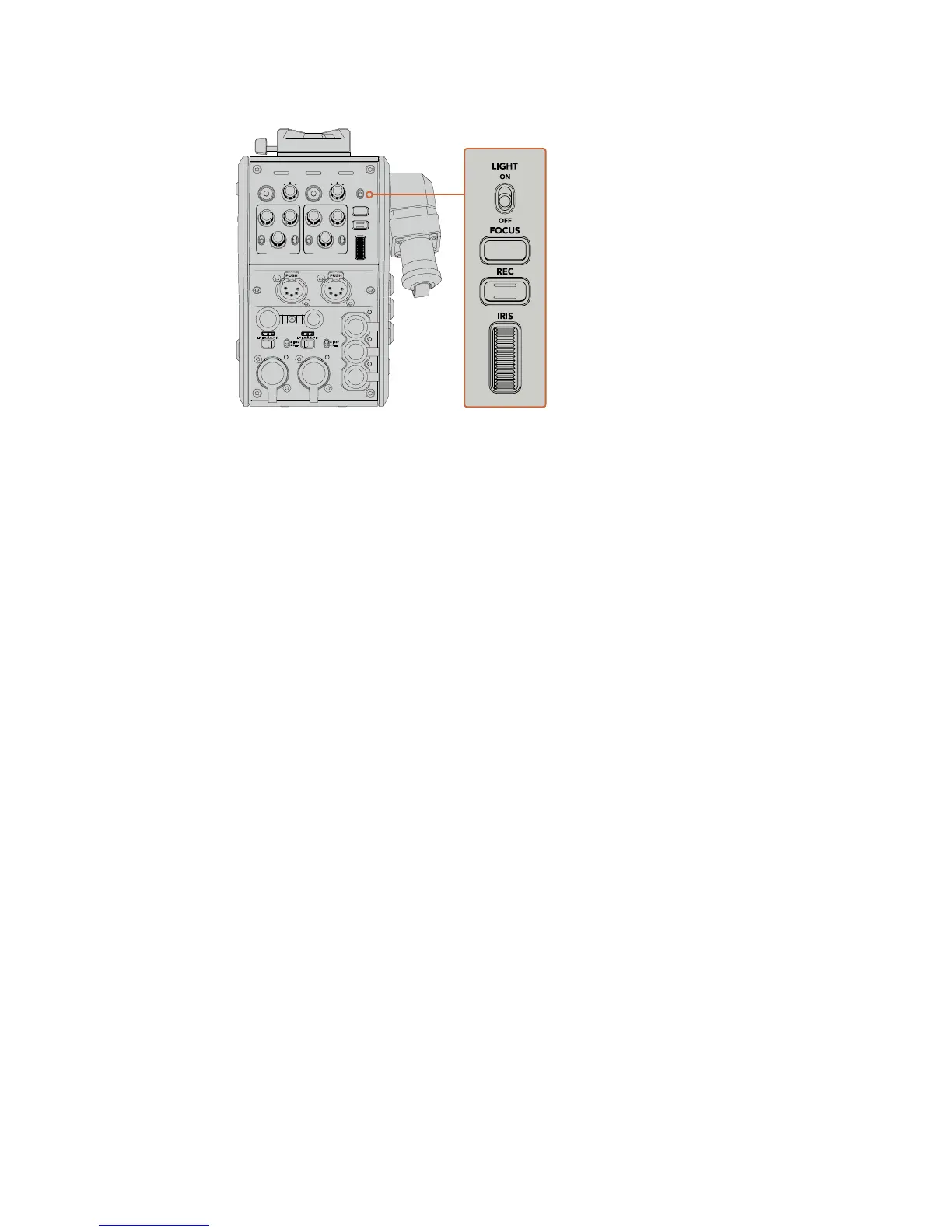
Light
Turns on the backlight to illuminate the operation panel, so that all your controls can be
seen easily when operating in a dark environment.
Focus
Pressing the button marked ‘focus’ will trigger the autofocus if you are using a lens that
supports autofocus.
Record
Pressing the button marked ‘rec’ will trigger the recording when pressed, and will stop
recording when pressed again.
Iris
If you are using a compatible active lens that allows control from the camera, you can
open or close the iris using the 'iris' wheel. Rotate the wheel up or down to open or
close the lens aperture.
POWER
RET 1
1 3
2
RET 2 LIGHT
FOCUS
REC
IRIS
TALLY FIBER
1 3
2
PGM 1
MIC
ON
OFF ENG
PROD
INCOM
INTERCOM 1
PGM 2
ON
OFF
PGM 1
MIC
ON
OFF ENG
PROD
INCOM
INTERCOM 2
PGM 2
TRACKER DC OUT
SDI OUT
1
2
3
4
5
1
2
3
4
5
1
2
21
3
LINE MIC
+48V
OFF
AES/EBU
LINE MIC
+48V
OFF
AES/EBU
180Operating the CameraFiberConverter










 To Next Page