Locking and Unlocking SD Cards
SD cards can be write protected, or 'locked', to prevent data from being overwritten.
When inserting an SD card, make sure the card is not write protected. Write protection is
disabled by moving the plastic switch on the left side of the card to the position closest to
theconnectors. After recording, you can then write protect the card by sliding the switch
backdown to the bottom position.
Move the lock tab up or down
to lock or unlock an SD card
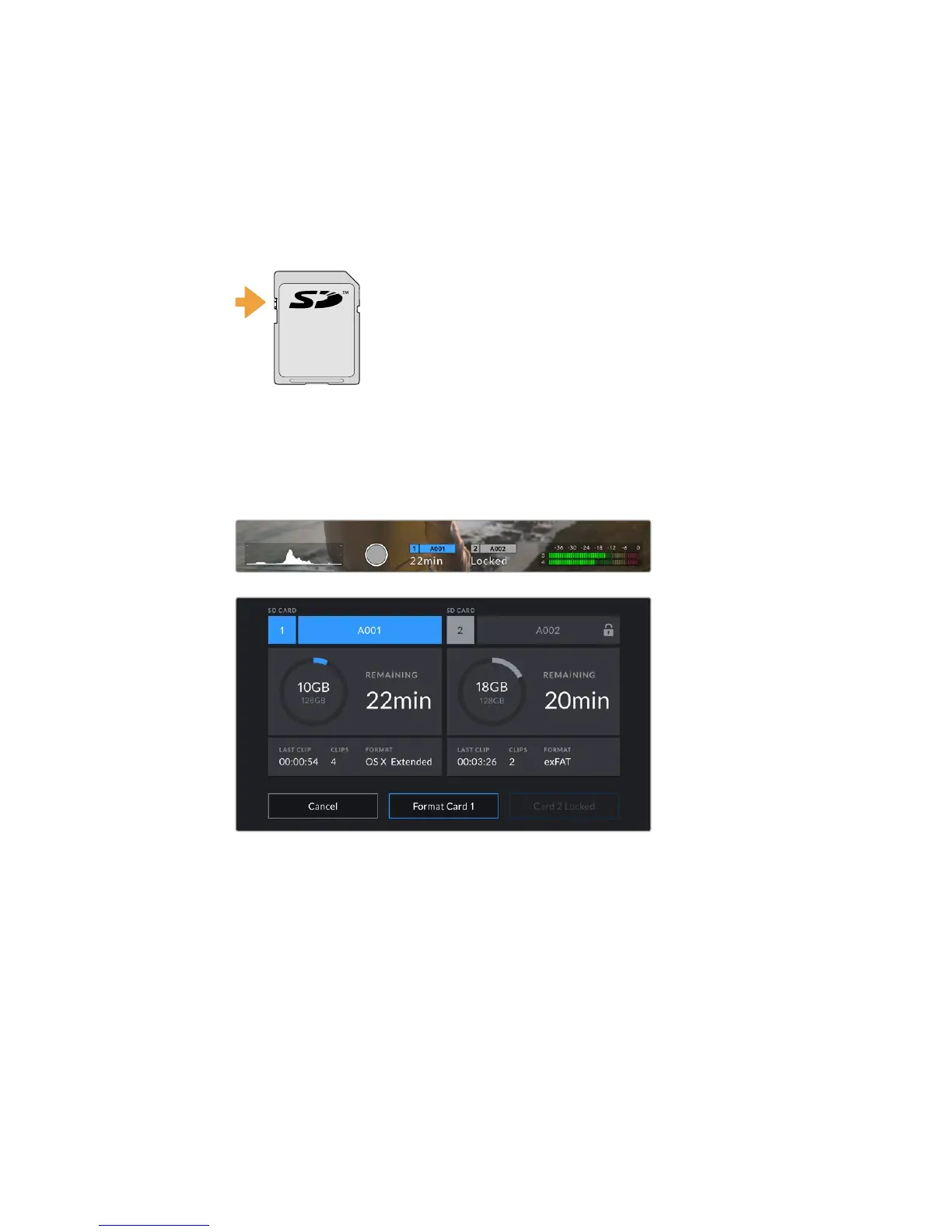
Your URSA Mini Pro 4.6K will let you know if you've inserted a locked SD card by displaying a
'locked' icon on the LCD touchscreen and storage menu. If the card is locked, you won't be able
to record video, capture stills, or export LUTs and presets until it is unlocked.
Your URSA Mini Pro 4.6K will indicate when locked SD storage media is inserted
LOCK
▼
22Storage Media










 To Next Page