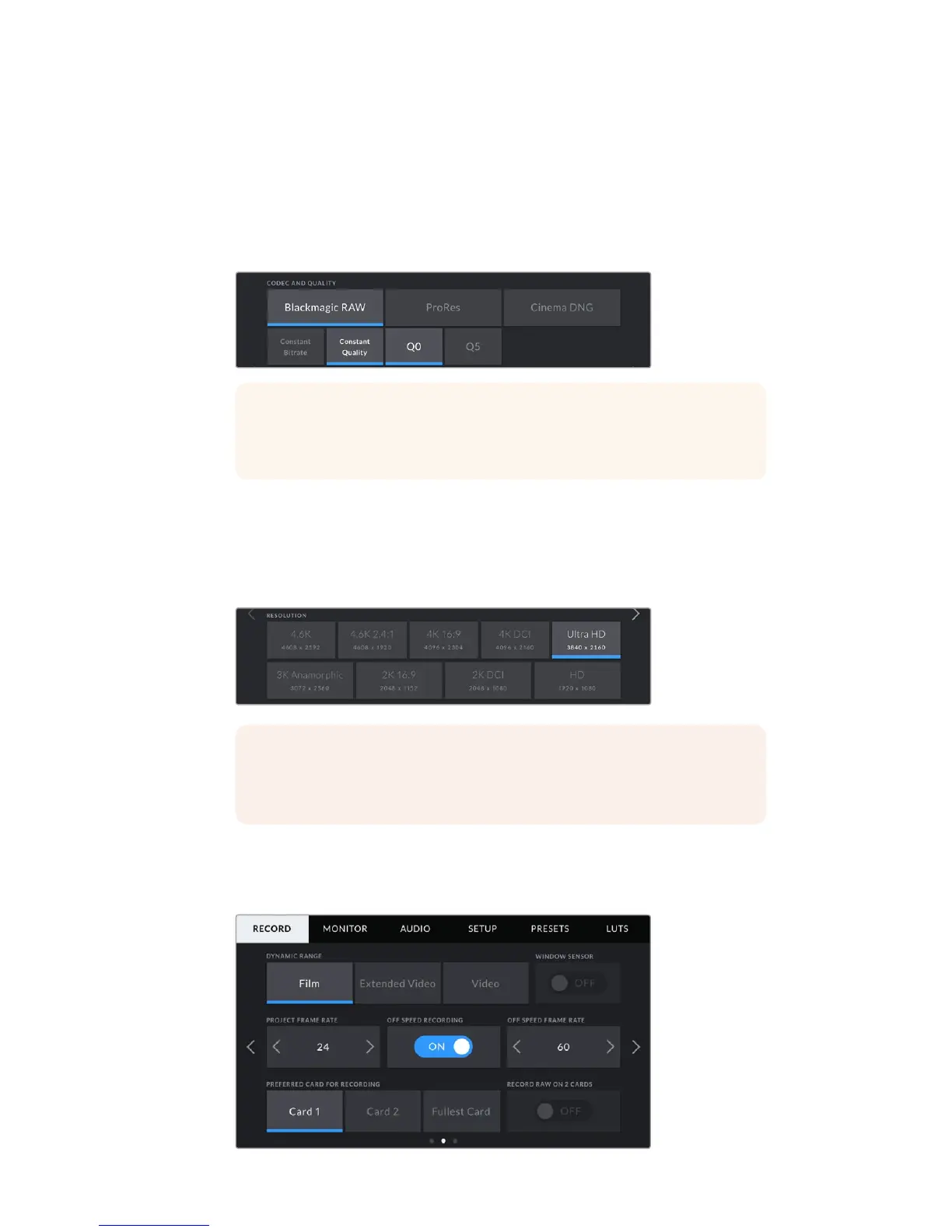
Codec and Quality
The ‘codec and quality’ menu is split into two rows. The top row on all URSA Mini models lets
you choose between ProRes and CinemaDNG. On URSA Mini Pro 4.6K you can also select
Blackmagic RAW. Thebottom row offers quality options within those families, for example,
thequality options available within the CinemaDNG codec family are ‘lossless’, ‘3:1’ and '4:1'.
Blackmagic RAW options are divided between four 'constant bitrate' and two
'constant quality'settings.
Resolution
This setting works in combination with the ‘codec’ setting. Use it to select the resolution for your
desired recording format.
For example, if you want to record Ultra HD clips using ProRes HQ, select ‘ProRes’ and ‘HQ’ in
the ‘codec and quality’ menu. Now choose 'Ultra HD' in the resolution menu.
Record Settings 2
The second page of the 'record' settings tab contains the following settings.
TIP The amount of video you can record on your camera's storage media
increases when choosingcodecs that utilize higher compression. Refer to the
‘record duration table’ inthe ‘recording’ section for more information.
NOTE Blackmagic URSA Mini supports a wide range of Cinema DNGRAW and
AppleProRes resolutions from 4.6K or 4K on URSA Mini 4.6K and URSAMini
4K, respectively, down to HD.
91Settings










 To Next Page