M410 User Manual 12
Setup
Connecting the Printer
Connecting the Printer
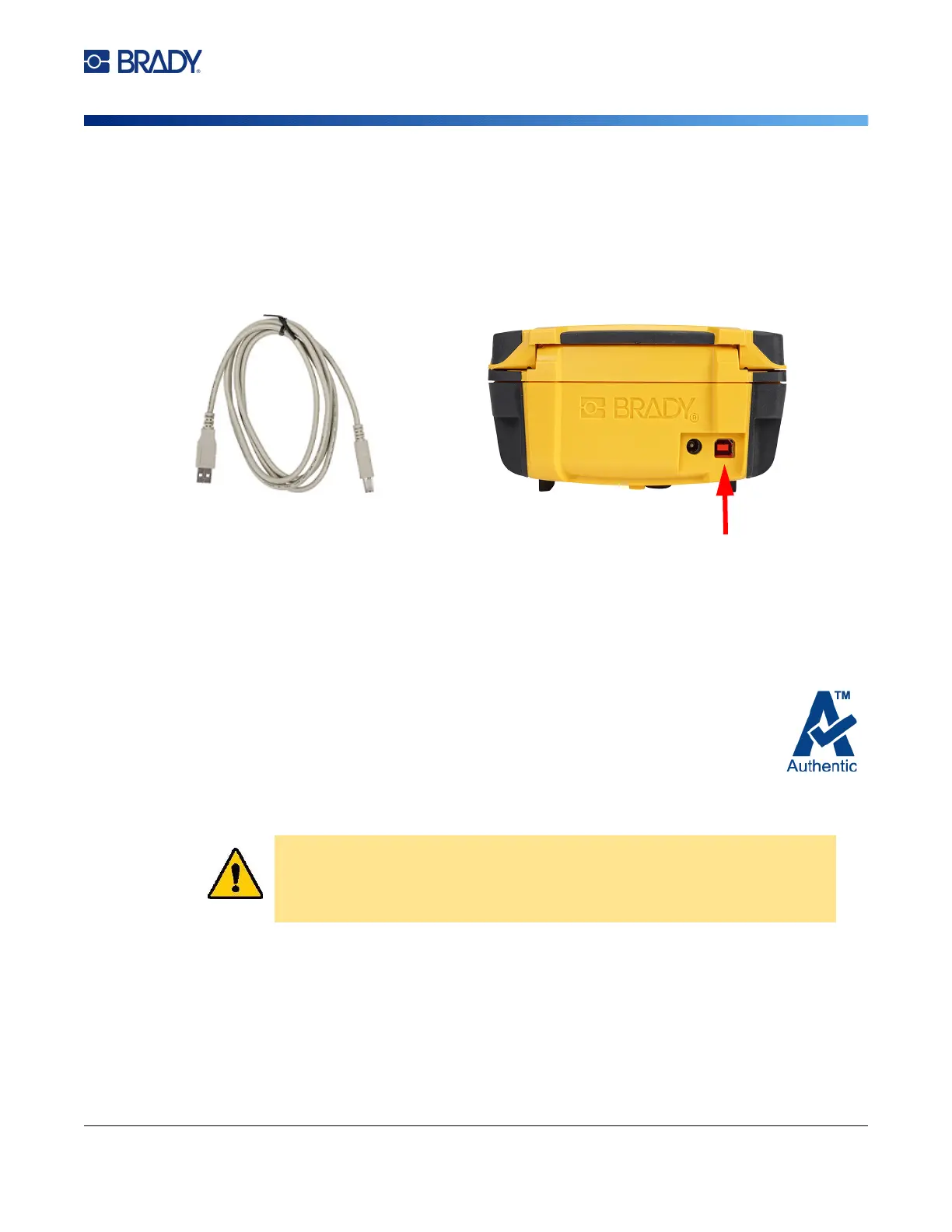
To connect to a computer via USB 2.0, plug the provided USB cable into the printer and the computer.
Brady Workstation software automatically detects the printer when connected via USB cable.
Note: If you are not using Brady Workstation software, you need to install the printer driver. See
“Installing the Windows Driver (Optional)” on page 11.
Note: If the printer has lost communication with the computer while still connected via the USB
cable, turn the printer off, then restart it to restore the connection.
Loading Cartridges
Brady cartridges come equipped with smart-cell technology that enables the printer and
Brady labeling software to recognize the type of label and automatically set many label
formatting details.
The status bar at the bottom of the display indicates how much labels and ribbon remain
in the cartridge. When a cartridge is empty, recycle according to local regulations. If you
need to store a cartridge with remaining supplies, store it in a cool, dry place. Unused supplies in the
cartridge will last up to six months before deterioration sets in.
CAUTION! Please note that the cartridge bay contains parts and assemblies
that may be susceptible to damage by Electrostatic Discharge
(ESD). When loading or unloading a cartridge, care must be taken
so that devices are not damaged.



 To Next Page