M410 User Manual 31
General Operation
Printing
Print directly from the preview:
• Press .
Exit the preview and return to the editing screen:
• Press .
Multiple Print
Multiple print lets you print multiple copies or print a range of labels rather than all the labels in the file.
To use the multiple print options:
1. Pr
ess .
The Multiple Print screen displays.
2. Make your selections. For help using the screen, see “Settings Screens” on page 23
.
•
No. of Copies:
Enter the number of copies desired.
•
Print Range:
Select the From field and enter the number of the first label to be printed.
Sele
ct the To field and enter the number of the last label to be printed.
•
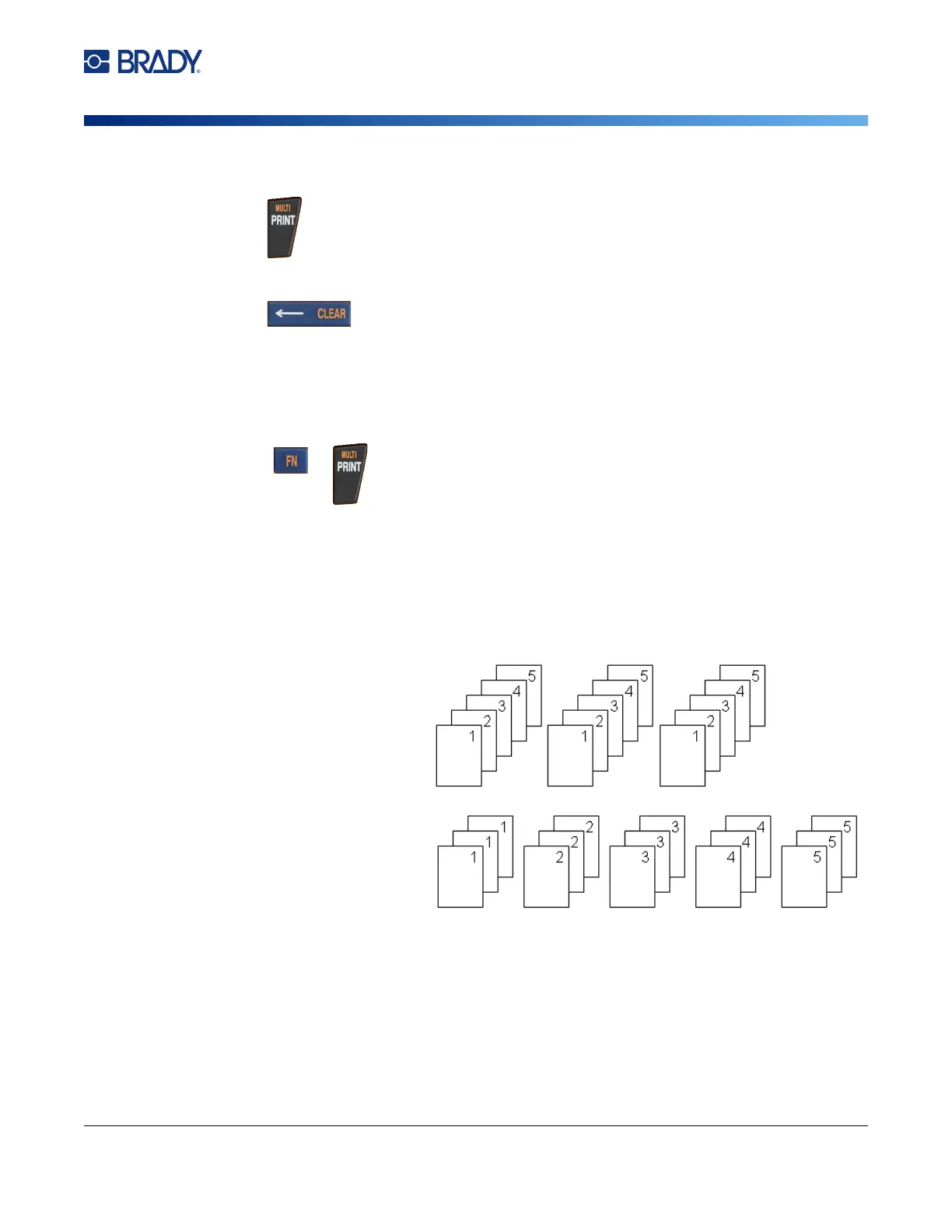
Collate:
Collation determines the order in which multiple copies of each label will print. For
example, suppose you h
ave set the number of copies to th
ree, and you have five labels in the
file.
With Collate selected,
yo
u get thre
e sets of all
five labels.
With Collate cleared,
you get three copies of
label 1, then three
copies of label 2, and
so on.



 To Next Page