M410 User Manual 70
8 Troubleshooting
Use the following tables to troubleshoot and diagnose possible performance problems with your
printer. If the corrective action suggested does not work, contact Brady’s Technical Support Group.
See “Technical Support and Registration” on page iv.
Error Messages .......................................................................................................70
Other Issues .............................................................................................................72
Hardware ...........................................................................................................72
Power On and Off (Printer not Working) .............................................................73
Print Quality ........................................................................................................73
Labels .................................................................................................................75
Error Messages
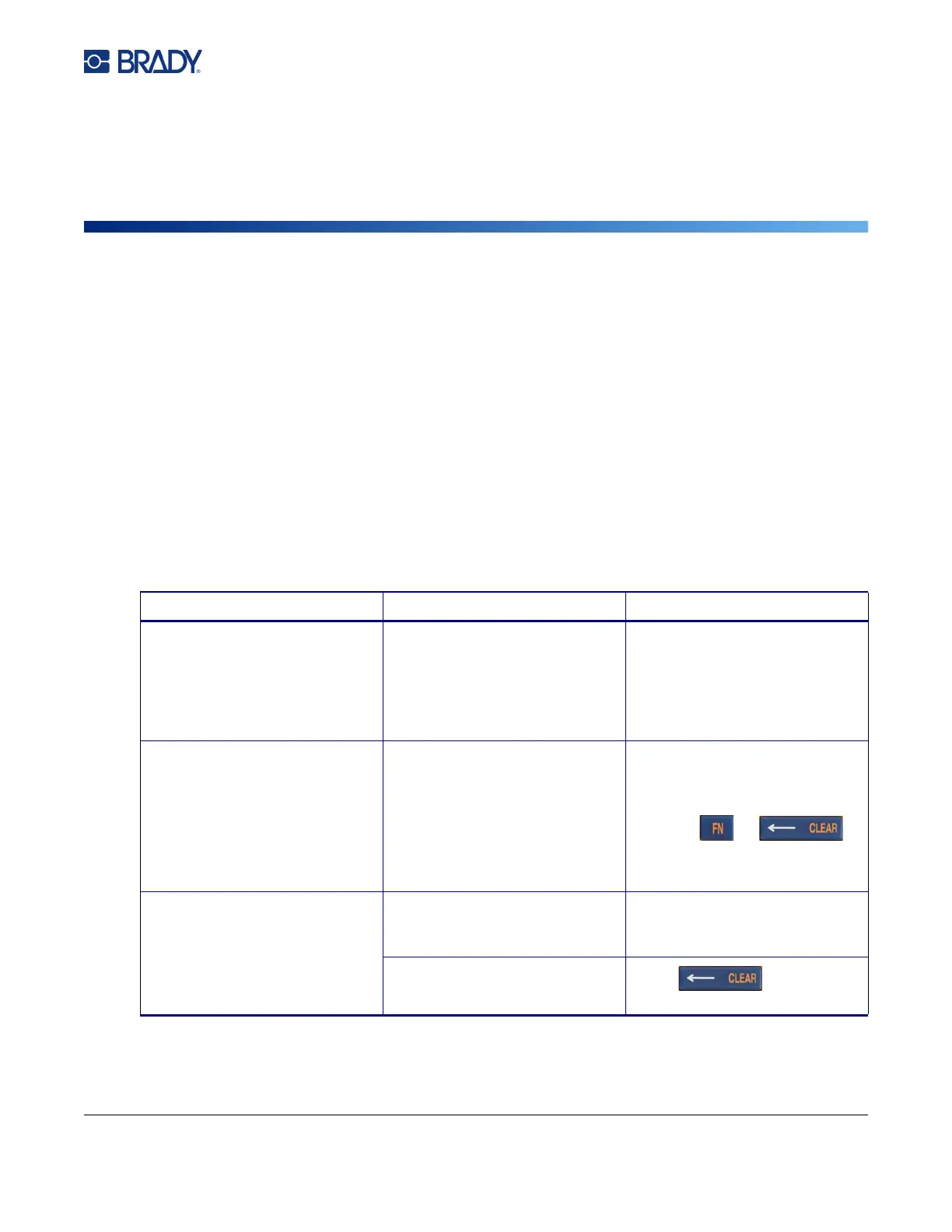
Message Cause Corrective Action
Check media.
Replace cartridge.
There is a problem with the
labels.
• Check for a jam. See “Printer
jammed, cannot feed labels.”
on page 75.
• Replace the cartridge. See
“Loading Cartridges” on
page 12.
Cut while printing Operating the cutter while labels
are still printing.
To remedy this error:
1. Cut through the material
completely.
2. Press
to clear the error message.
3. Reprint the label.
Data exceeds label
dimensions
The label supply is not the right
size for the amount of data on
the label.
Install a cartridge with larger
labels. See “Loading Cartridges”
on page 12.
The character typed is not valid
data for the type of barcode.
Press and type a
different character.



 To Next Page