M410 User Manual 17
Setup
Accessories
Accessories
The following accessories are available for the M410 printer and can be purchased separately from
your distributor:
• Magnet (176991)
• Utility hook ( 176992)
• Additional NiMH battery pack (133255)
• AC adapter (874060)
• Hard-sided carrying case (176995)
• Quick charger (876185)
Attaching the Magnet
Use the magnet accessory, purchased separately, to attach the printer to magnet-receptive metal
surfaces such as panels and I-beams.
Dispose in accordance with federal, state, and local regulations.
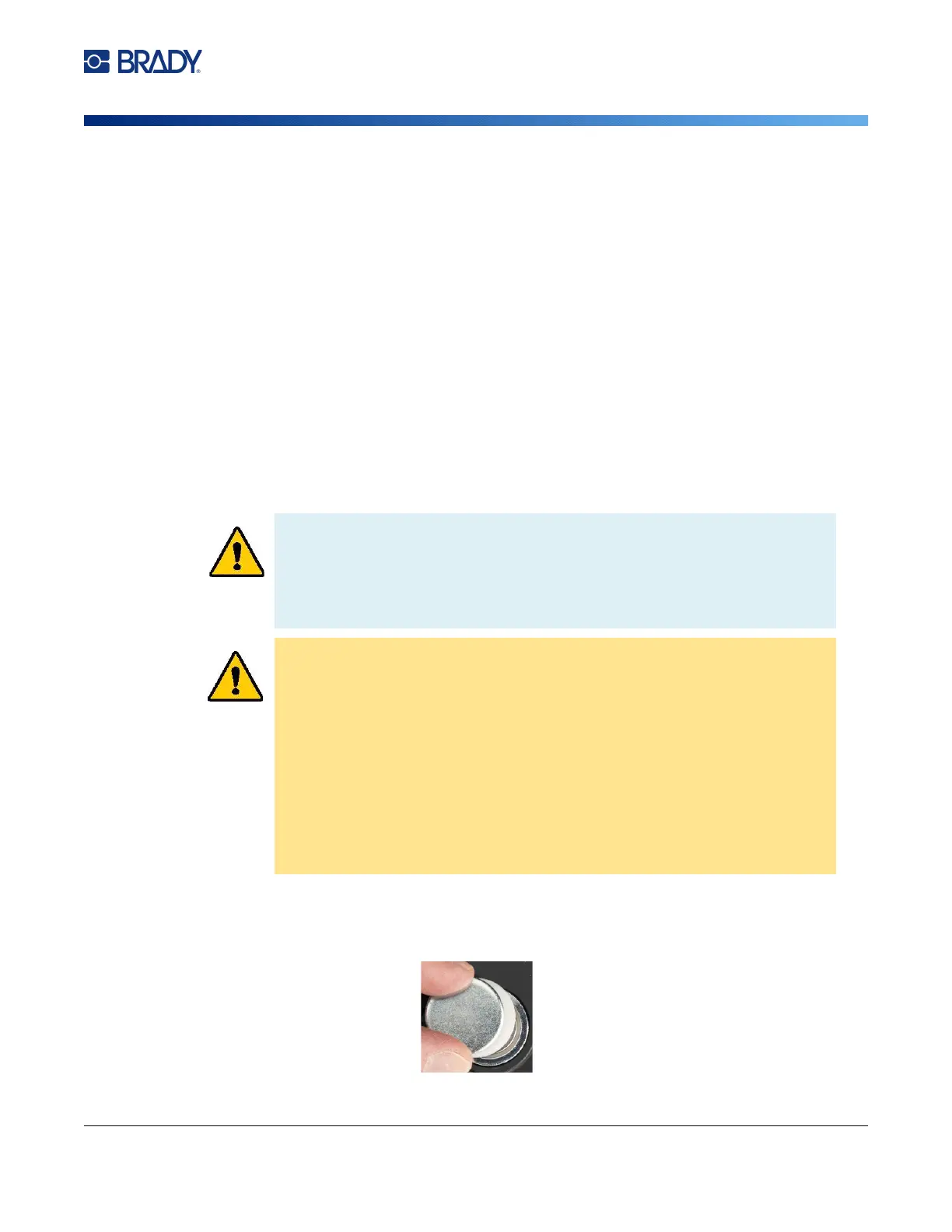
To attach the magnet accessory to the printer:
1. Slide the magnet keeper plate off of the magnet.
WARNING! The magnet accessory contains a neodymium magnet.
• Strong magnets may interfere with proper operation of heart pacemaker,
defibrillator, insulin pump, or other medical devices. Keep magnets a sufficient
distance from anyone wearing thes
e devices.
•
Do not use magnets in explosive atmospheres.
• Do not give children strong magnets (especially neodymium). Keep this
pr
oduct out of the reach of children.
• Many magnets are brittle and may shatter if they “jump” together or jump onto
a steel surface. Always wear eye protection if this is likely to happe
n.
•
Analog watches, televisions, and computer monitors can be permane
ntly
damaged by placing magnets near them.
•
Strong magnets may affect or interfere with sensitive electronic instruments
and navigation equipment. Always keep magnets a sufficient distance from
su
ch devices.
•
Magnets can destroy information stored on magnetic media such as cred
it
ca
rds, tape drives, and computer hard drives. To preserve your data, ke
ep
th
ese and other magnetic media away from the product.



 To Next Page