M410 User Manual 35
Editing Labels on the Printer
Formatting Text
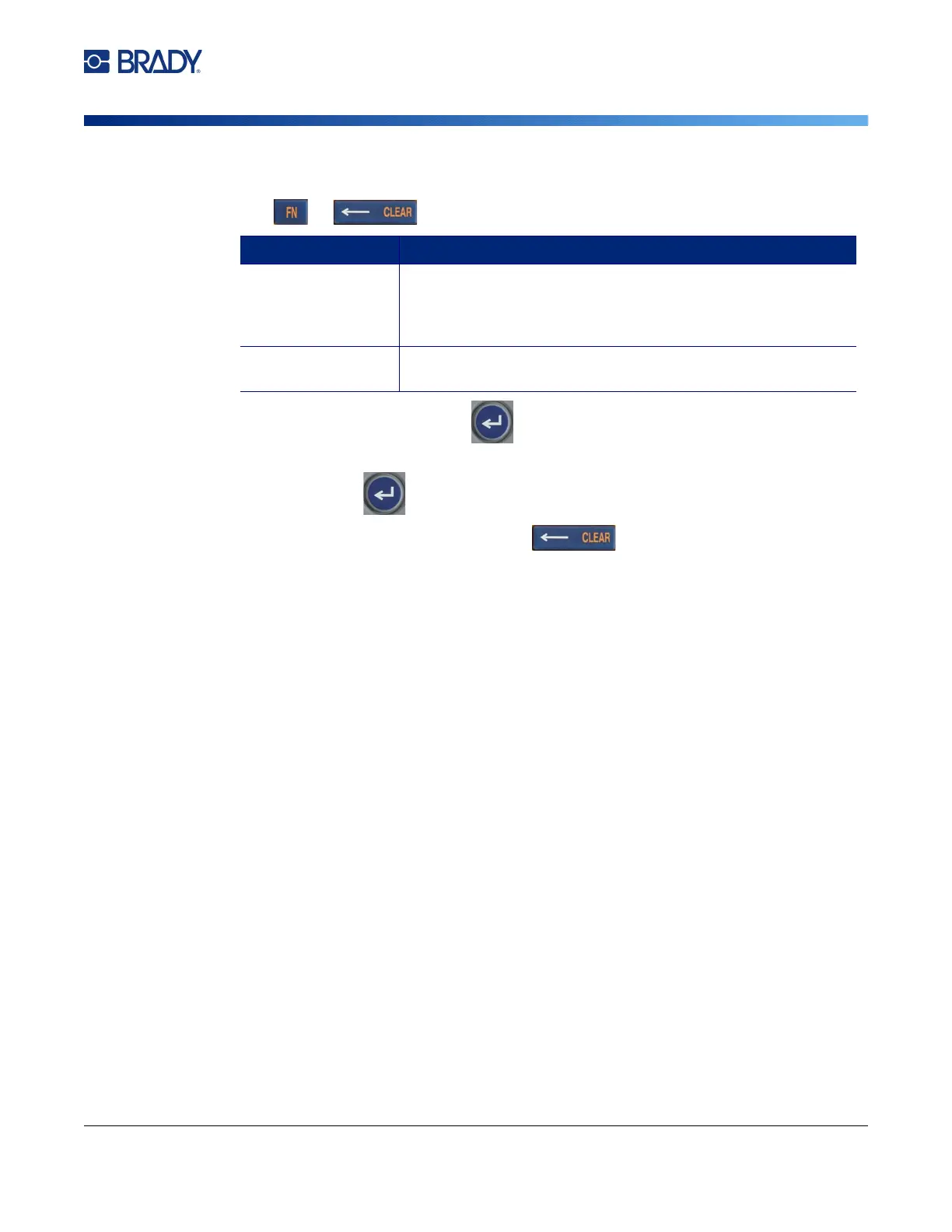
To clear all the data on a label or labels:
1. Press . You are presented with the following option
s.
2.
Select the desired option and
press
.
3. If you selected Clear All, a message displays asking for confirmation. Select Yes
in the
me
ssage and
press
.
If
you do not want to delete the labels, press to cancel the Clear All function. You
are returned to the screen with all labels intact.
Formatting Text
Character and line formats called attributes change the appearance of the fonts, such as size, weight
(bold), angle (italics), underline, and expanding or condensing the text. Many of these can be set as
defaults from the SETUP menu, but you can change them on individual labels or lines.
Typeface
The typeface (font style) is determined in the setup menu and applies to the entire label. That is, the
typeface cannot be changed on individual lines or areas of a label. See “Font Settings” on page 10.
Font Size
Font size applies to an entire line of data at a time and is measured in point size or millimeters, as
determined in the Setup function.
If the size is changed before the data is entered, all the data in the current and subsequent lines takes
on the new font size until font size is changed again. Changing the font size on pre-entered data
changes the size on the entire line, regardless of where the cursor is in the line. However, the font size
will not change on subsequent lines of pre-entered data. You must change the font size on each
individual line of pre-entered data.
To change the size of the chosen font:
1. Position the cursor on the line of text that you want to resize. See “Positioning the Cursor”
on
p
age 34
.
Clear Option Definition
Clear Text Clears data from the label, but retains formatting (font size,
number of areas, and so on). If the file contains multiple labels,
data is only cleared from the current label; data on other labels
is retained.
Clear All Removes all labels in memory. You are returned to one single
label in General Mode, with all default settings reapplied.



 To Next Page