M410 User Manual 69
Maintenance
Cleaning the Printer
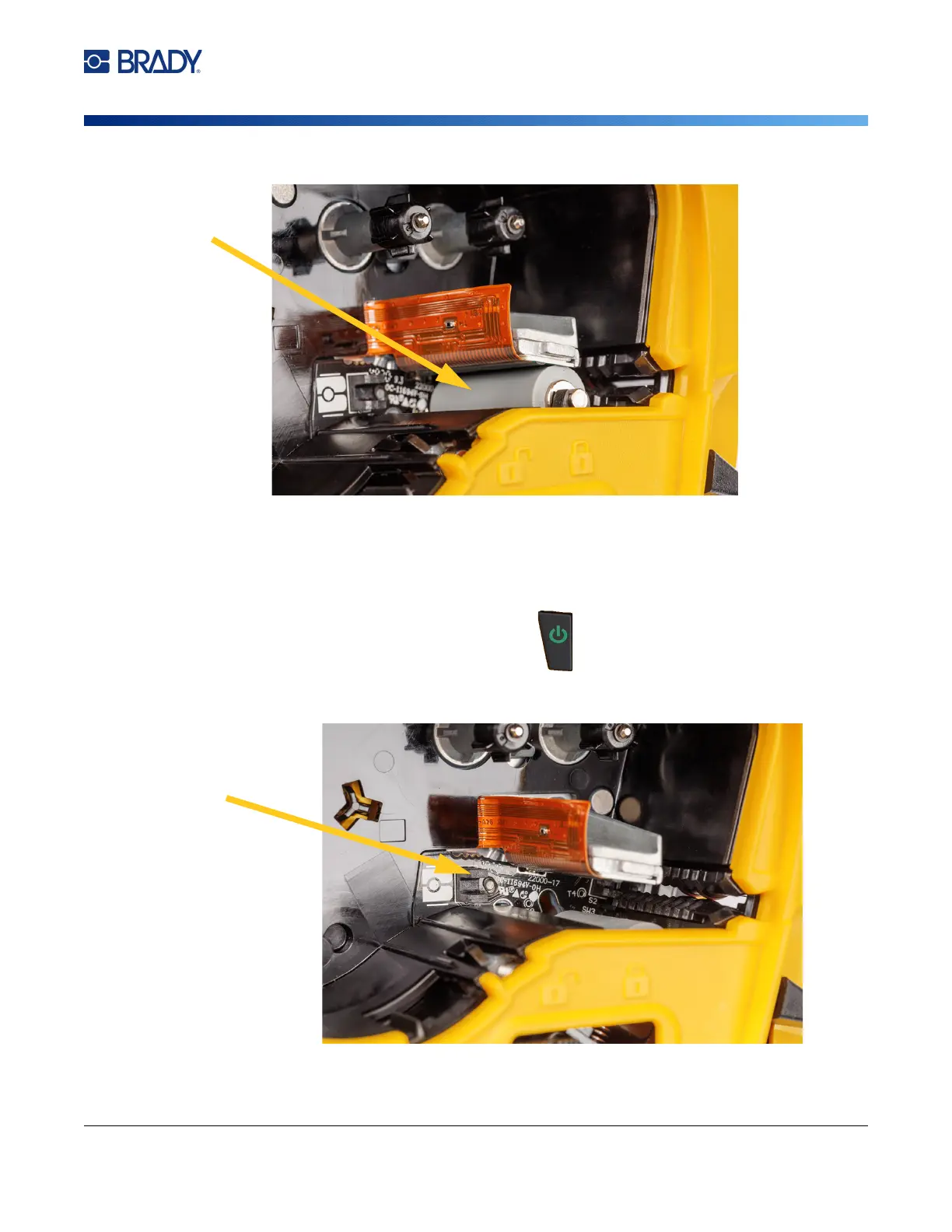
6. Using a clean moistened swab, gently brush the platen roller.
Sensor
Debris on the sensor can cause print to be offset on pre-sized labels.
To clean the position sensor:
1. Press the power button to turn the printer off.
2. Remove the cartridge. See “Loading Cartridges” on page 12.
3. Clean debris off the sensor either with a can of compressed air or a lint-free swab.



 To Next Page