M410 User Manual 60
Label Types
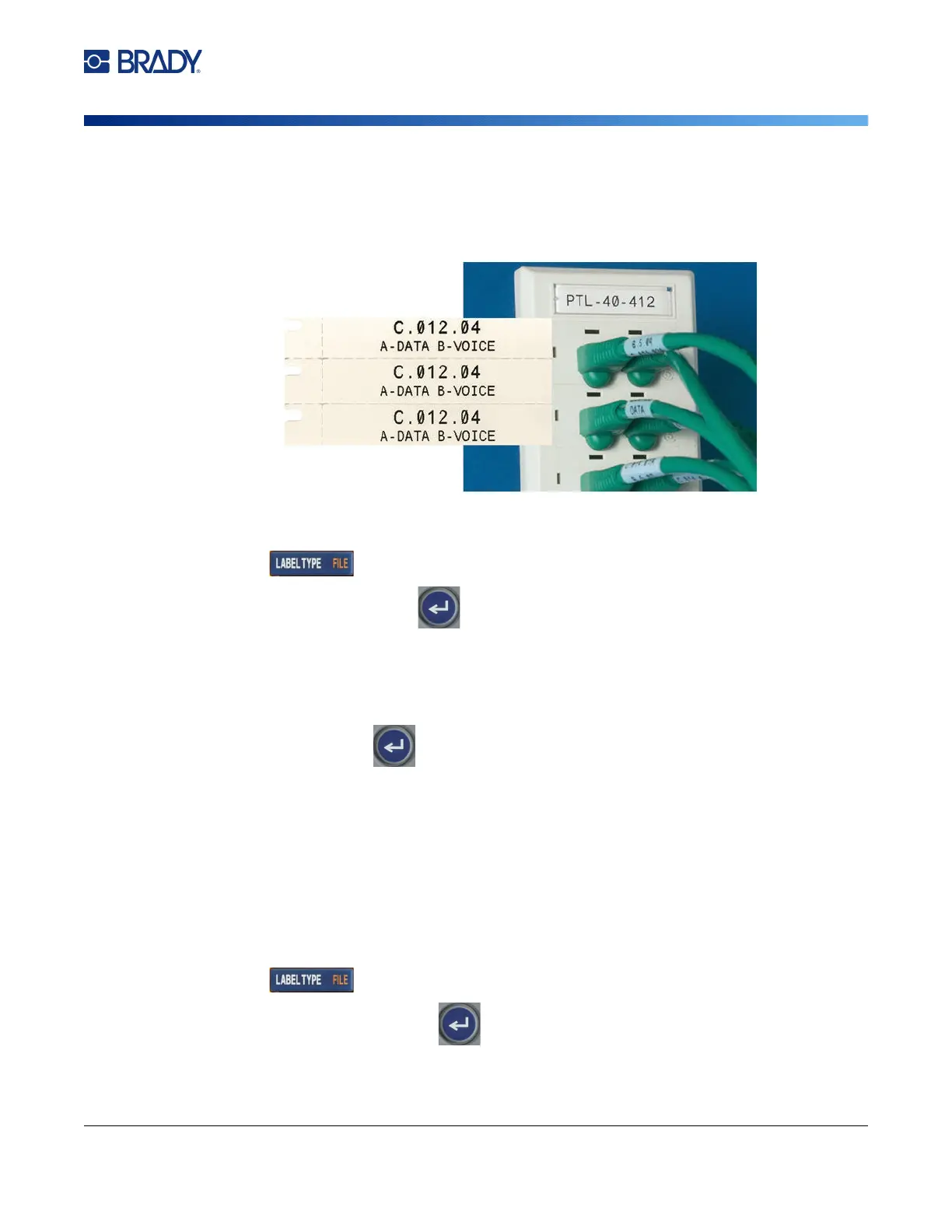
DesiStrip (Designation Strip)
DesiStrip (Designation Strip)
A DesiStrip (Designation Strip) is a paper faceplate label that can rest over the keys of a phone or
switches in a breaker box, and so on.
To create a DesiStrip label:
1. Press .
2. Select DesiStrip and press
.
3. Enter the length of an individual strip.
Tip: You can type the entire number including the decimal point or you can simply type three
digits and the printer supplies the decimal point for you. For example, type 2 0 0 to get 2.00.
Type 0 5 0 to get 0.50.
4. Select OK and press
.
Breaker Box
Breakers are usually arranged in two columns or along one row, depending on geographic regions.
The breaker positions are numbered left-to-right or top-to-bottom, depending on label orientation. This
numbering system is universal across various competing manufacturers of breaker panels.
To create breaker box labels:
1. Press .
2. Select Breaker Box and press
.
The printer displays the settings screen for breaker box
labels.



 To Next Page