M410 User Manual 71
Troubleshooting
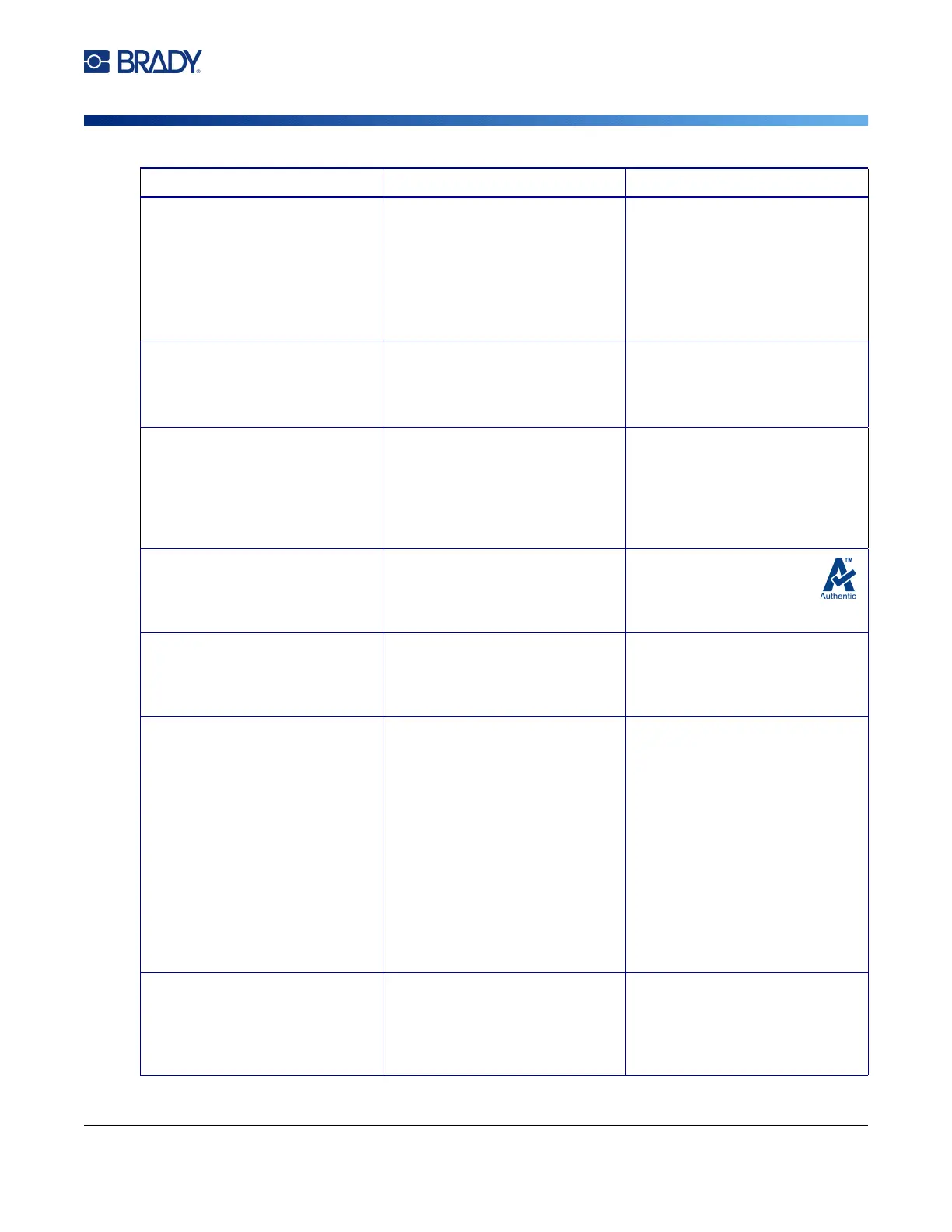
Error Messages
File incompatible with
installed media.
A saved label file was created
for a different cartridge than the
one installed.
Install the cartridge that the file
was created for, or a similar
cartridge.
Try swapping a cartridge with
continuous labels for a cartridge
with pre-sized labels, or vice
versa.
Head temperature outside
range
The printhead is either too hot or
too cold.
The operating temperature is
39° to 110° F (4° to 43° C).
Let the printhead cool down or
warm up for approximately 10
minutes, then re-initiate printing.
Incompatible media for
chosen application.
The selected Label Type is not
compatible with the installed
cartridge.
Install a cartridge that is
compatible with the current label
type. The current label type is
shown in the upper left corner of
the screen. See Chapter 5:
“Label Types” on page 52.
Invalid media.
Replace cartridge.
The cartridge cannot be
authenticated.
Install a cartridge with the
Authentic logo. See
“Loading Cartridges” on
page 12.
Invalid terminal repeat value
entered
The value entered is out of the
range.
The acc
eptable range is between
the minimum of 0.15 inch (3.81
mm) to the maximum of 40
inches (101.6 cm).
Locking lever not closed.
Close lever.
The locking lever is not in the
locked position.
Open the cover and slide the
locking lever to the right (locked
position). Then push down firmly
on the cover until you hear it
latch. For the location of the
locking lever see “Printer
Components” on page 4.
If the locking lever will not lock,
make sure the cartridge is fully
inserted. When installing, you
must press down on the
cartridge until it snaps into
place.
Low battery The battery needs to be
charged.
Attach the AC adapter to the
printer and plug into an electrical
outlet. This will supply
immediate power while charging
the battery at the same time.
Message Cause Corrective Action



 To Next Page