M410 User Manual 53
Label Types
Wire Marker
Pre-sized, self-laminating, or continuous label supplies can be used for wire marker labels.
To create a wire marker label:
1. Press .
2. Select Wire Marker.
For continuous labels, select the wire marker gauge and length. For pre-sized labels no
additional selections are available.
3. Press
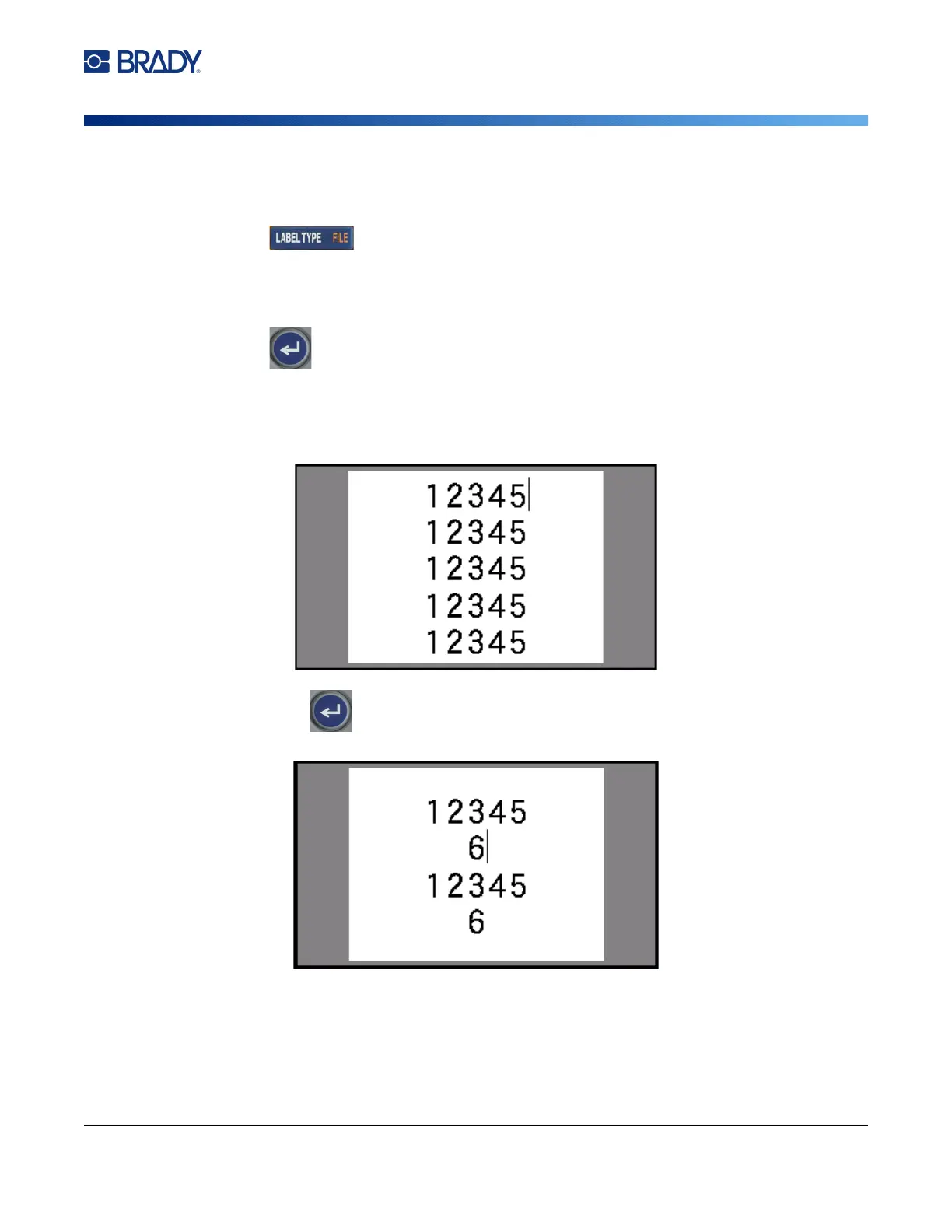
4. Enter the data.
The data is repeated down the wire marker label as many times as the length of the label
allows given the font size used. The smaller the font size, the more the data is repeated. The
font is set to Auto by default, but you can change it. See “Font Size” on page 35.
If you press to start a new line of text, a space opens below each line of repeated data
and begins to repeat the next line of text as you enter it.



 To Next Page