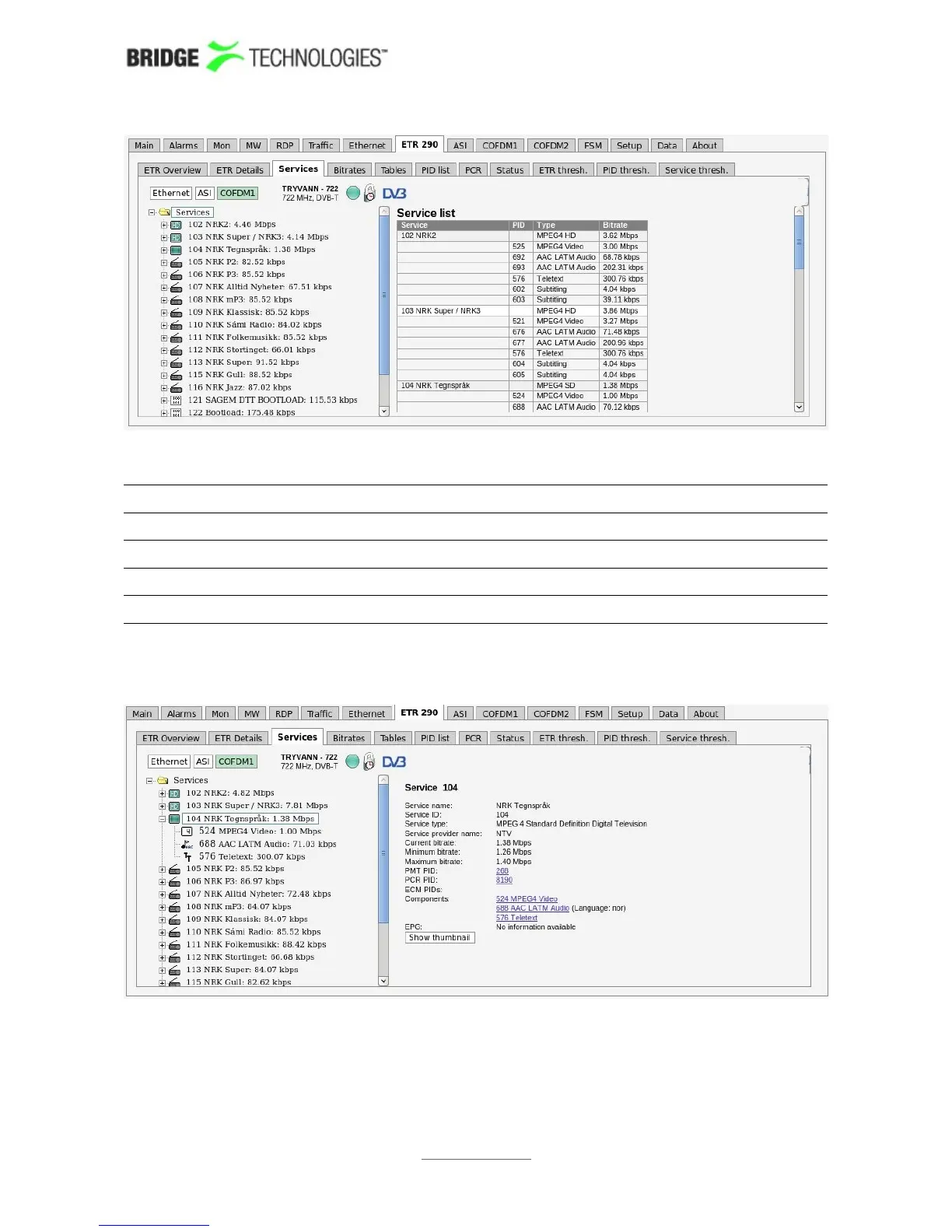
Services top node
Service: Service name and service ID
PID: Service component PID value
Type: Service and component encoding format
Bitrate: Individual current bitrate of services and components
When clicking a service, details about the service and service components will be
displayed.
If a PID is scrambled this is indicated in the service tree by the colour green or blue
(for even and odd scrambling respectively). A missing PID is indicated by the colour
red. If one of the blue PID links is clicked, PID details are shown.
PROBE USERS' MANUAL VERSION 5.0
2014 © BRIDGE Technologies Co AS - Bentsebrugata 20 - N-0476 Oslo, Norway - tel: +47 22 38 51 00 -
www.bridgetech.tv
122



 To Next Page