list, as defined in the Network Information Table analysed by the probe. Default values
will be assigned to parameters that are not a part of the NIT.
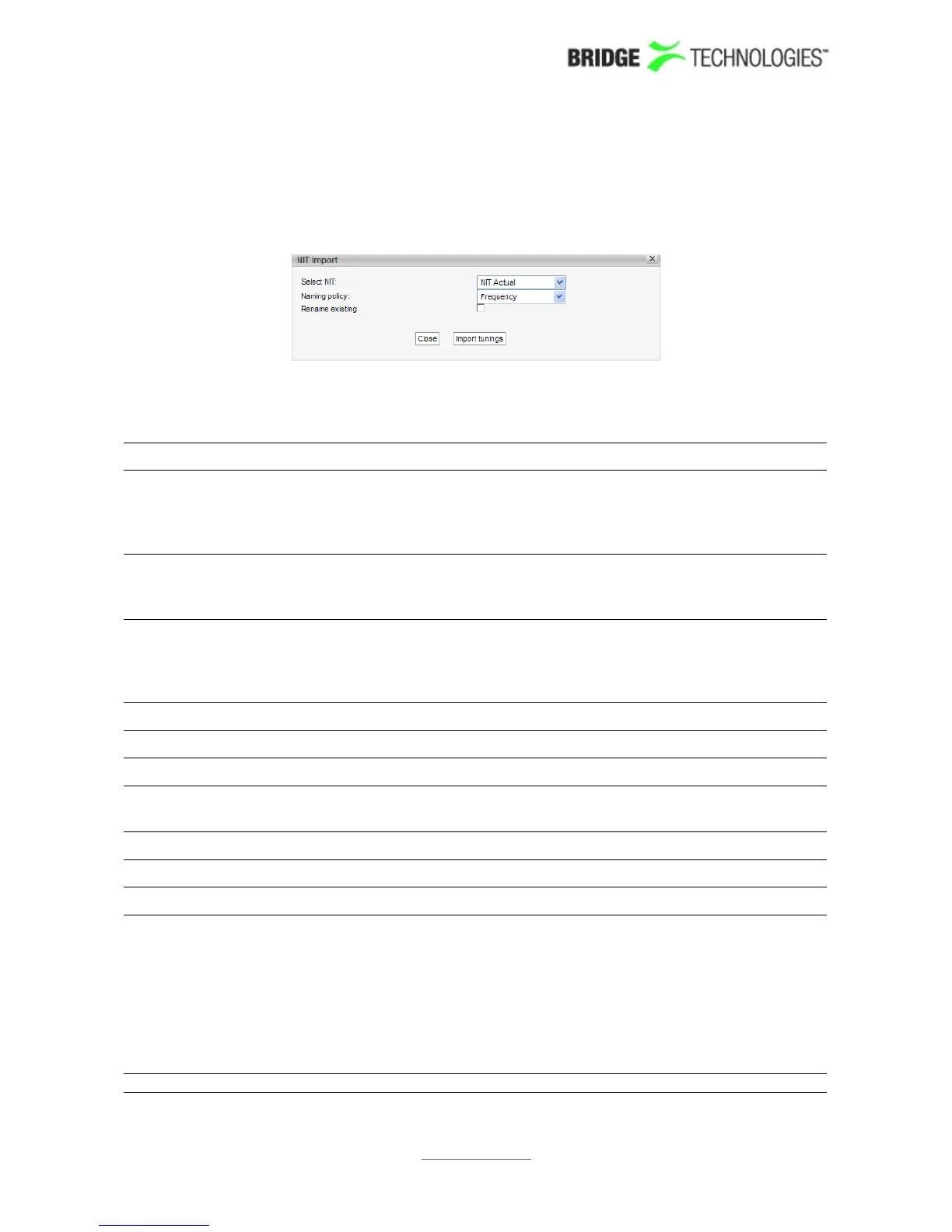
Clicking the Import from NIT button will open the NIT Import popup view.
NIT Import
Select NIT: The 'Select NIT' drop-down menu shows NIT tables available
in the transport stream currently being analysed. Information
in the selected NIT will be used to generate a tuning list
when the Import tunings button is clicked.
Naming policy: The probe will automatically name tunings according to the
naming policy selected by the user: 'Frequency', 'TS ID' or
'TS ID and frequency'.
Rename existing: If the 'Rename existing' checkbox is marked, imported
tunings that are already present in the tuning list will be
renamed in accordance with the naming policy selected by
the user.
The following parameters are defined for each SAT frequency:
SAT - Tuning setup:
Name: A name should be assigned to each frequency channel
Transponder
frequency:
The transponder frequency in GHz
LNB frequency: The LNB frequency in GHz
LNB voltage: The LNB voltage - may be 0V, 13V or 18V
22kHz tone: Enable or disable 22kHz tone
DiSEqC: The satellite front-end module supports Diseqc 1.2 signalling.
The operator can enable a particular Diseqc message to be
transmitted towards the antenna for each frequency defined
in the tuning setup typically used to control L-band switches.
Specifically, the message sent has the format ( 0xE0 0x10
0x39 N ), where N is a byte configurable by the user to be
between 0x00 and 0x0f. This is the command 0x39 "Write to
Port group 1 (Uncommitted switches)".
Symbol rate: The SAT symbol rate in MSymb/s
PROBE USERS' MANUAL VERSION 5.0
2014 © BRIDGE Technologies Co AS - Bentsebrugata 20 - N-0476 Oslo, Norway - tel: +47 22 38 51 00 -
www.bridgetech.tv
209



 To Next Page