6
6
6-9
6-9
Installation > Installation Procedure
Installation > Installation Procedure
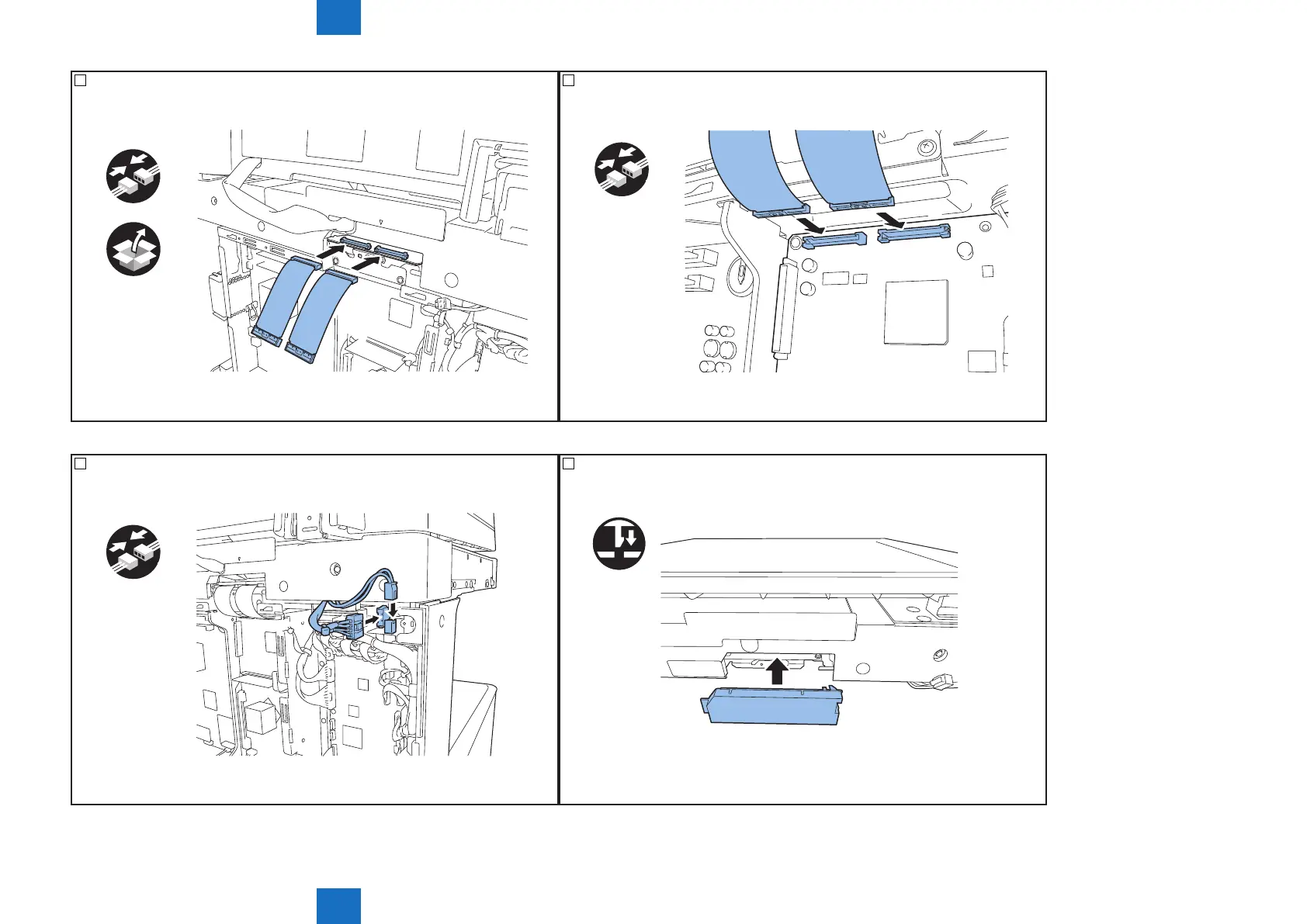
10) Connect the included 2 exible cables to the reader controller PCB.
x2
F-6-11
11) Connect 2 exible cables to the controller PCB of the host machine.
x2
F-6-12
12) Connect 2 connectors of the reader to the host machine.
x2
F-6-13
13) Attach the connector cover removed in step 8).
F-6-14



 To Next Page