6
6
6-10
6-10
Installation > Installation Procedure
Installation > Installation Procedure
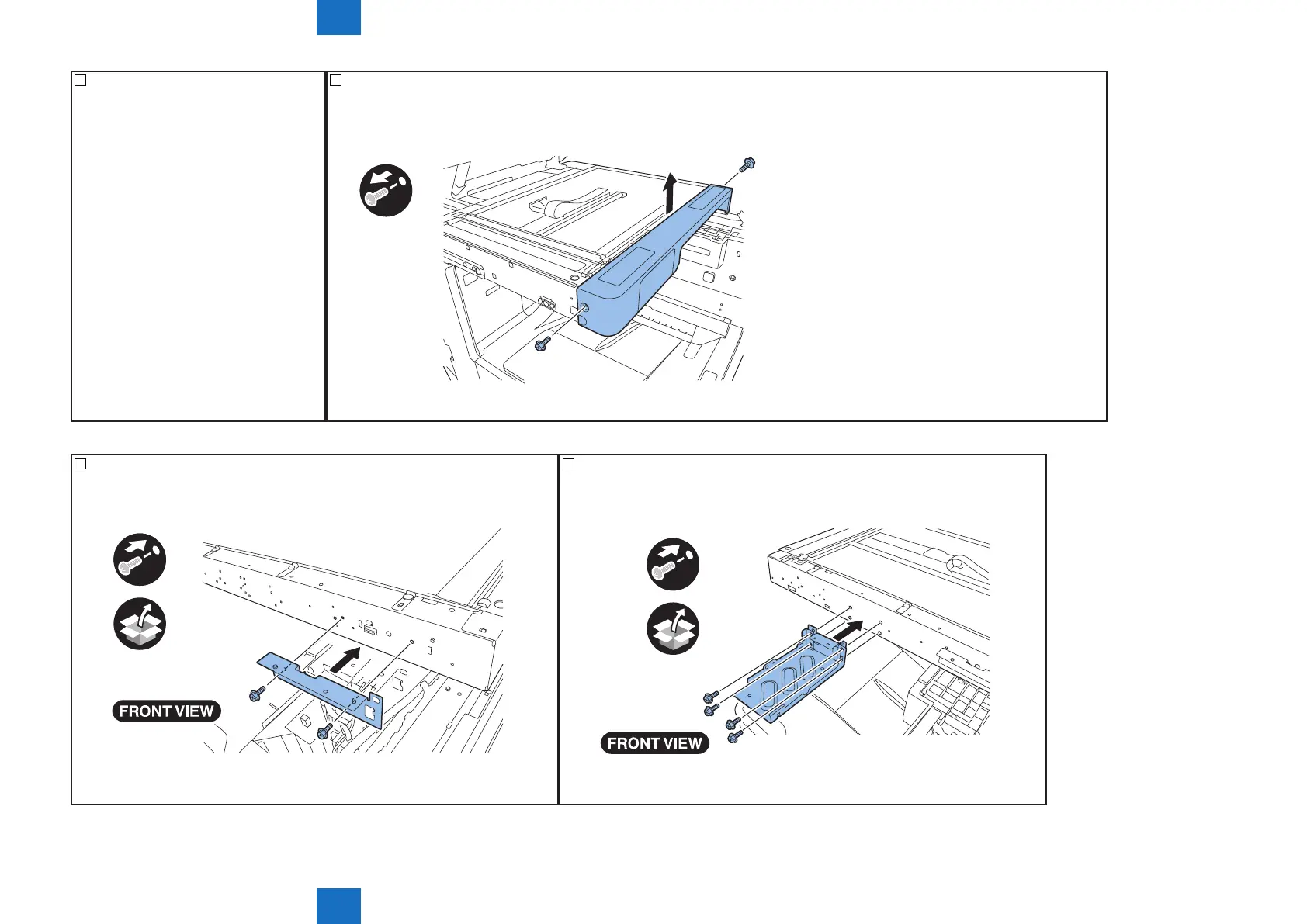
14) Open the ADF or platen cover. 15) Remove the reader front cover.
• 2 screws
x2
F-6-15
16) Attach the xation plate right included in the host machine.
• 2 screws (TP, M4X6) included in the host machine.
x2
F-6-16
17) Attach the xation plate left included in the host machine.
• 4 screws (TP, M4X6) included in the host machine.
x4
F-6-17



 To Next Page