37
Preparing Recording Media
Switching Between Card Slots
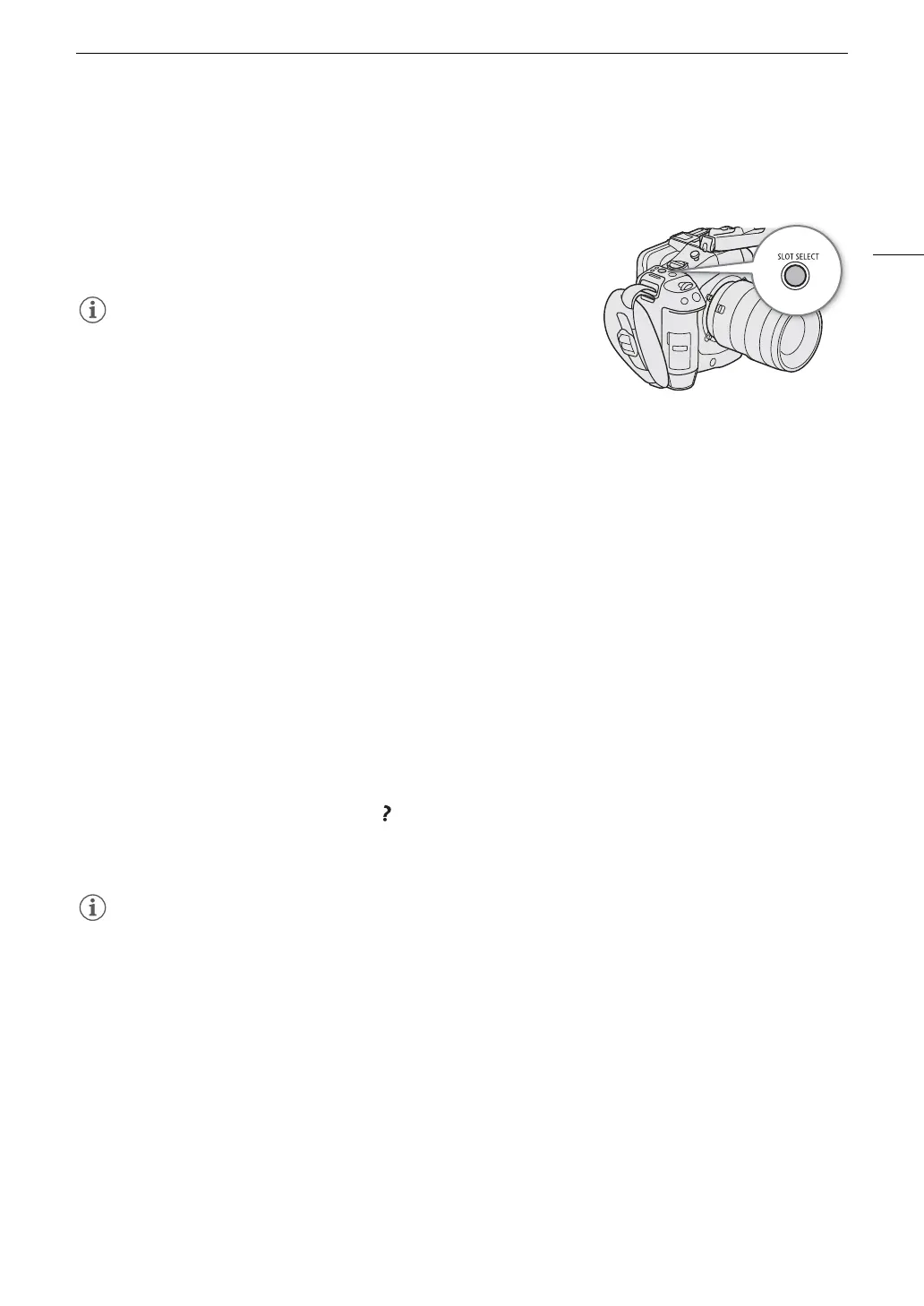
If both slots contain a card, you can switch the card used for recording/playback as necessary.
Press the SLOT SELECT button.
• The access indicator of the selected SD card slot will illuminate in
green.
• You cannot use the SLOT SELECT button to switch between card
slots while recording or playing back.
• You can also perform this function remotely using Browser Remote
(A 187).
Checking the Remaining Recording Time on a Card
The display on the upper left of the screen shows the card icons and the remaining recording time* (in minutes)
on each card (A 49).
On the [Æ Recording/Media Setup] status screen (A 208), you can check the total space, used space and
approximate remaining recording time* of each card. The approximate remaining number of photos (SD card B
only) and speed class will be displayed as well.
* Remaining recording times are approximate and calculated based on the current video configuration used.
Recovering Recordings
Some actions, such as suddenly turning off the camera or removing the card while data is being recorded, can
cause data errors in the recorded file. You may be able to recover recordings with corrupted data using the
following procedure.
1 Switch to MEDIA mode and open the index screen with the recordings you wish to recover (A 139).
2 Select the desired recording (with the icon).
3Press SET to open the file menu and select [Recover] > [OK].
• The camera will attempt to recover the corrupted data.
• The file may not be recorded if the power is cut or if the SD card is removed immediately after starting
recording. In case of recordings with a duration of less than 0.5 seconds, such files may be deleted if file
recovery is attempted.
• In some cases, it may not be possible to recover the data. This is more likely when the file system is corrupted
or the card is physically damaged.
• Only clips, audio (WAV) and News Metadata files recorded with this camera can be recovered. Photos cannot
be recovered.
• In the RAW/XF-HEVC S/XF-AVC S index screen, recovered clips appear with a Ð icon instead of the usual
thumbnail.



 To Next Page