83
Focus
AF Lock
While using continuous AF, you can lock the focus on a certain
subject and then move the camera to change the composition.
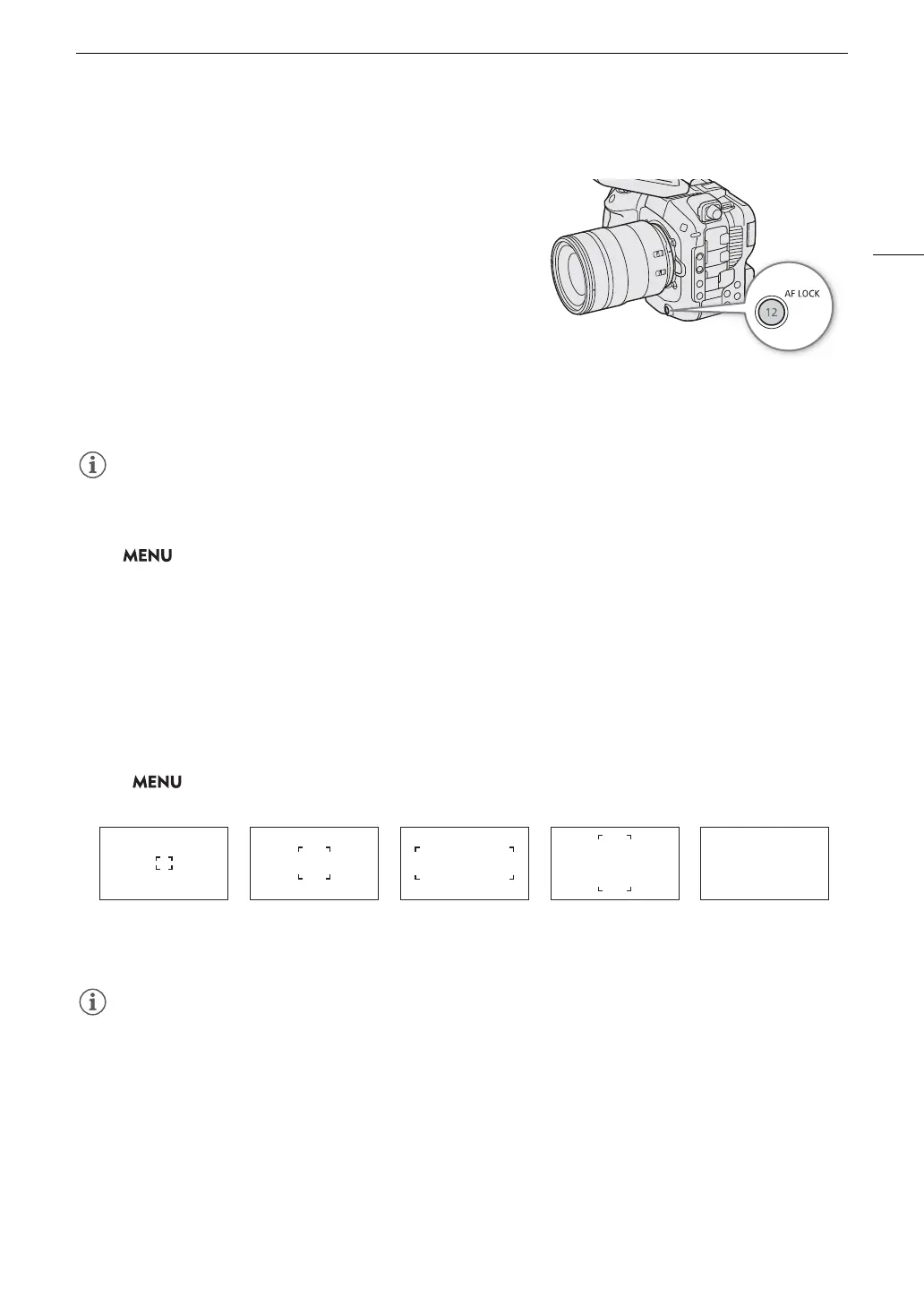
1 While the autofocus is active, press the AF LOCK button.
• The focus will be locked and
@
and the AF frame will turn
gray. When you are using subject detection, the frame
around the main subject will turn gray.
• The frame displayed on the screen will be the focus guide
frame if [Focus Guide] is set to [On].
• When you use a button assigned to [AF Lock (While
Pressed)], the focus will only be locked while the button is
held pressed down.
2 Press the AF LOCK button again to cancel the AF lock.
AF lock will be canceled automatically in the following cases:
- If the camera is turned off or the camera’s system frequency is changed.
- If the lens is removed or replaced.
- If > [
v
Camera Setup] > [Continuous AF] is changed to [Disable].
- When slow & fast motion recording is activated and the shooting frame rate used is other than 24P, 25P,
30P, 48P, 50P, 60P, 100P or 120P.
Changing the AF Frame Type and Position
You can change the type and position of the AF frame that appears on the screen while using one of the
autofocus functions. You can change the position of the AF frame when the frame type is set to an option other
than [Whole Area].
Select > [
v
Camera Setup] > [AF Frame] > Desired option.
• To move the AF frame (when set to an option other than [Whole Area]), you can touch the desired subject on
the LCD monitor or press the joystick (in 8 directions). Press SET or CANCEL to move the AF frame back to
the center of the screen.
• When [Tele-converter] is enabled, the [Small Zone] frame will be displayed and the position will be [Center
Frame]. The size of the AF frame will change depending on the set magnification.
[Small Zone] [Zone] [Large Zone: Horizontal] [Large Zone: Vertical] [Whole Area]



 To Next Page