67
ISO Speed/Gain
Base ISO settings
• If you select an ISO/gain value below the base ISO speed, white clipping in the highlights is more likely to
occur.
• There is a difference in the amount of noise and latitude balance between each base ISO speed setting.
Example: when comparing the latitudes of base ISO 800/ISO 800, base ISO 3200/ISO 3200, and base ISO
12800/ISO 12800, the highlights are the same, but the low-light areas (shadows) are different.
Manual ISO Speed/Gain Value
1 Select > [
v
Camera Setup] > [ISO/Gain] > [ISO] or [Gain].
2 Select > [
v
Camera Setup] > [ISO/Gain Mode] > [Manual].
3 Depending on your previous selection, select > [
v
Camera Setup] > [ISO/Gain Increment] >
Desired option.
4Adjust the ISO speed or gain value using the direct setting mode (A 55).
• You can also use direct touch control (A 54).
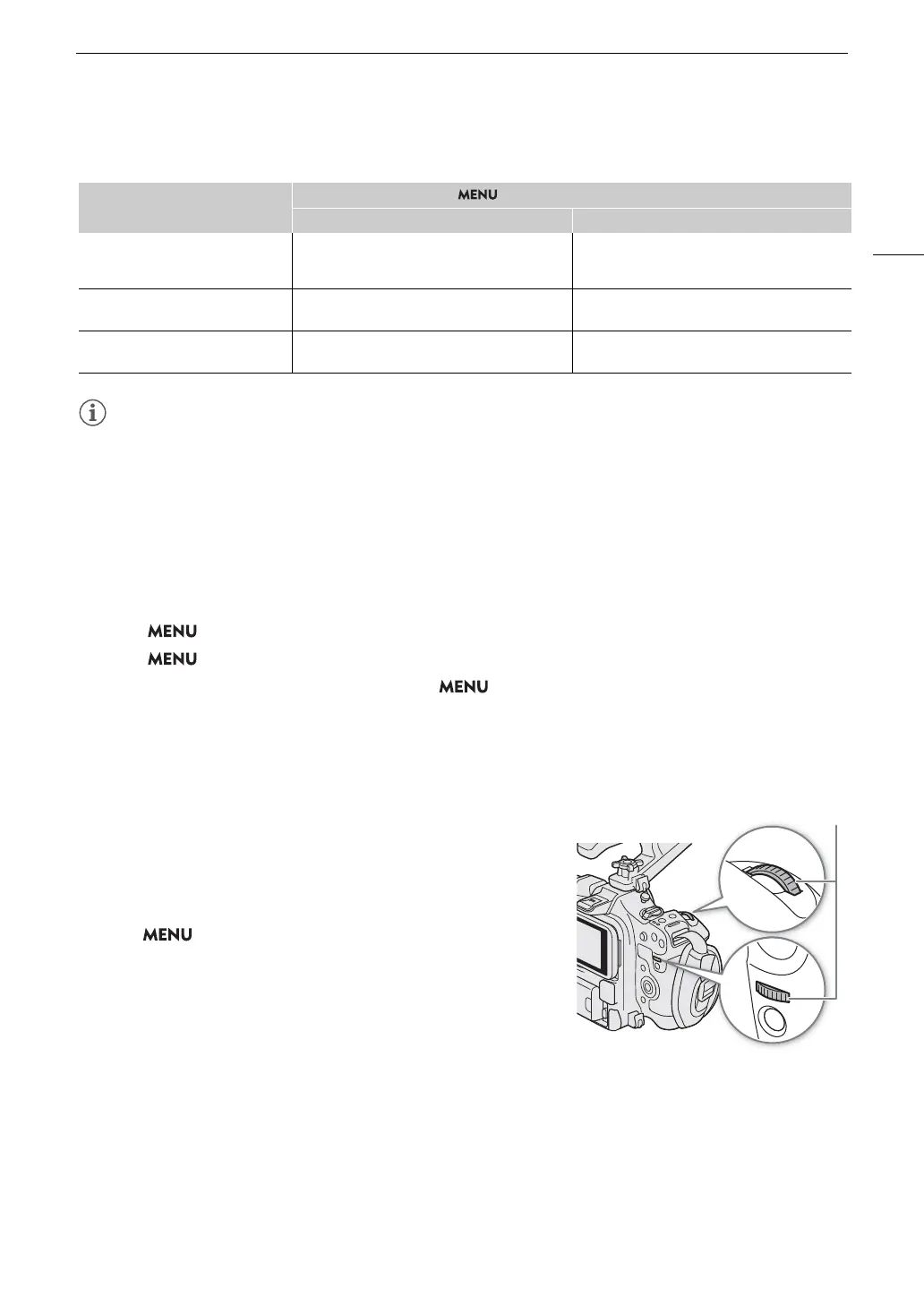
Using the Control Dial/Control Ring
You can adjust the ISO speed or gain value using the control dial or the
control ring of an RF lens.
1 Perform steps 1 to 3 in the Manual ISO Speed/Gain Value procedure.
(A 67)
2 Select > [
B
System Setup] > [Front Control Dial], [Rear
Control Dial] or [Control Ring] > [ISO/Gain].
3 Turn the control dial or control ring to set the desired ISO speed or
gain value.
ISO Speed/Gain Preset
Using direct touch control (A 54), you can adjust and use up to 3 preset ISO speed/gain values.
Saving a preset value
Gamma curve
> [v Camera Setup] > [ISO/Gain]
[ISO] [Gain]
[Canon Log 2] / [Canon Log 3]
(Also applies when the main recording
format is RAW)
[Auto Selection], [Base ISO 800], [Base ISO 3200],
[Base ISO 12800]
[Auto Selection], [Base ISO 800 (12 dB)],
[Base ISO 3200 (12 dB)], [Base ISO 12800 (12 dB)]
[PQ] / [HLG] / [Canon 709] /
[BT.709 Wide DR]
[Auto Selection], [Base ISO 400], [Base ISO 1600],
[Base ISO 6400]
[Auto Selection], [Base ISO 400 (6 dB)],
[Base ISO 1600 (6 dB)], [Base ISO 6400 (6 dB)]
[BT.709 Standard]
[Auto Selection], [Base ISO 160], [Base ISO 640],
[Base ISO 2500]
[Auto Selection], [Base ISO 160 (–2 dB)],
[Base ISO 640 (–2 dB)], [Base ISO 2500 (–2 dB)]



 To Next Page