Selecting the Video Recording Method
38
Selecting the Video Recording Method
This camera features various recording modes, as well as video recording methods using two cards. You can
also stream the audio/video while recording it on a card (A 182). Below is an overview. For details, refer to each
function’s section.
Recording modes
Second card recording Functions
1 Select the recording mode
• Use direct touch control (A 54) or in the menu, select > [Æ Recording / Media Setup] >
[Recording Mode] > Desired option.
2 Select the second card's recording function
• Use direct touch control (A 54) or in the menu, select > [Æ Recording / Media Setup] > [2nd
Card Rec Functions] > Desired option.
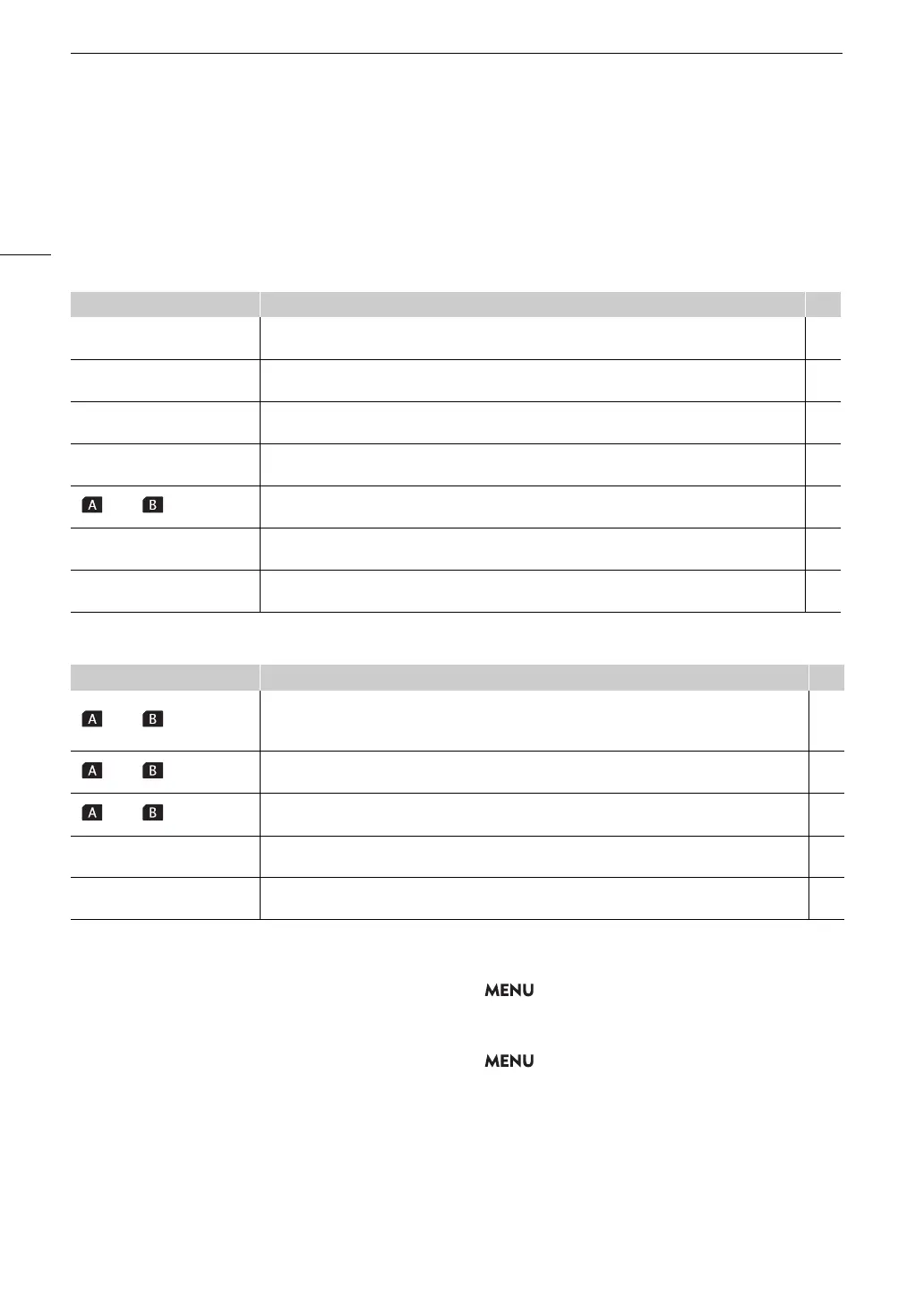
[Recording Mode] Description A
[Normal Recording]
Normal recording. Records a clip in the selected recording format. The most basic video recording
method.
45
[Slow & Fast Motion]
Slow & fast motion recording. Records using a frame rate that is different from the playback frame
rate (overcrank/undercrank shooting). Audio is not recorded (muted).
112
[S&F Clip / Audio (WAV)]
If [S&F Clip / Audio (WAV)] is selected, audio (WAV) is recorded to the card that is not the video
recording destination.
112
[Pre-Recording]
Pre-recording. Records onto a temporary memory (3 seconds) so the clip will contain a few seconds
of video and audio recorded before you perform the recording operation.
115
[ Main / Continuous Rec]
Continuous recording. SD card A is used for normal recording (following REC button record/stop
operations), and SD card B is used for continuous recording (uninterrupted recording).
116
[Frame Recording]
Frame recording. A preset number of frames are recorded each time the REC button is pressed, and
saved as one clip when frame recording mode ends. Audio is not recorded (muted).
117
[Interval Recording]
Interval recording. Automatically records a pre-defined number of frames at a pre-defined interval.
Sound is not recorded in this mode.
117
[2nd Card Rec Functions] Description A
[ Main / Proxy Rec]
Proxy recording. Simultaneously records a proxy clip (to SD card B, while the main clip is recorded to
SD card A) with a smaller file size for offline editing. The proxy clip is recorded with a file name
associated with the main clip.
62
[ Main / Sub Rec]
Sub recording. Simultaneously records a clip to SD card B with a different video configuration from
that of the main clip on SD card A.
61
[ Main / Audio Rec]
The main clip is recorded on card A, and a WAV file* is recorded on card B simultaneously.
* Differs from WAV files recorded using slow & fast motion recording.
98
[Relay Recording]
Relay recording. Continues recording on the other card without interruption when the card you are
using becomes full. It is available from SD card A to SD card B and vice versa.
–
[Double Slot Recording]
Double slot recording. Records the same clip simultaneously to both cards, which is a convenient way
to make a backup copy of your recordings.
–



 To Next Page