Recording Audio
98
Recording Audio
The camera features the following options for audio recording and playback. You can record audio using an
external microphone/line-in device (INPUT terminals or MIC terminal), the monaural microphone*, or an
accessory compatible with the multi-function shoe.
The audio signal will be output with the video signal from the SDI OUT terminal / HDMI OUT terminal. You can
record the audio signal on an external recorder.
* Only for recording voice memos while shooting. Recording voice memos is useful when synchronizing video and audio during
editing.
Available audio recording formats
* Audio for proxy clips is recorded in AAC format.
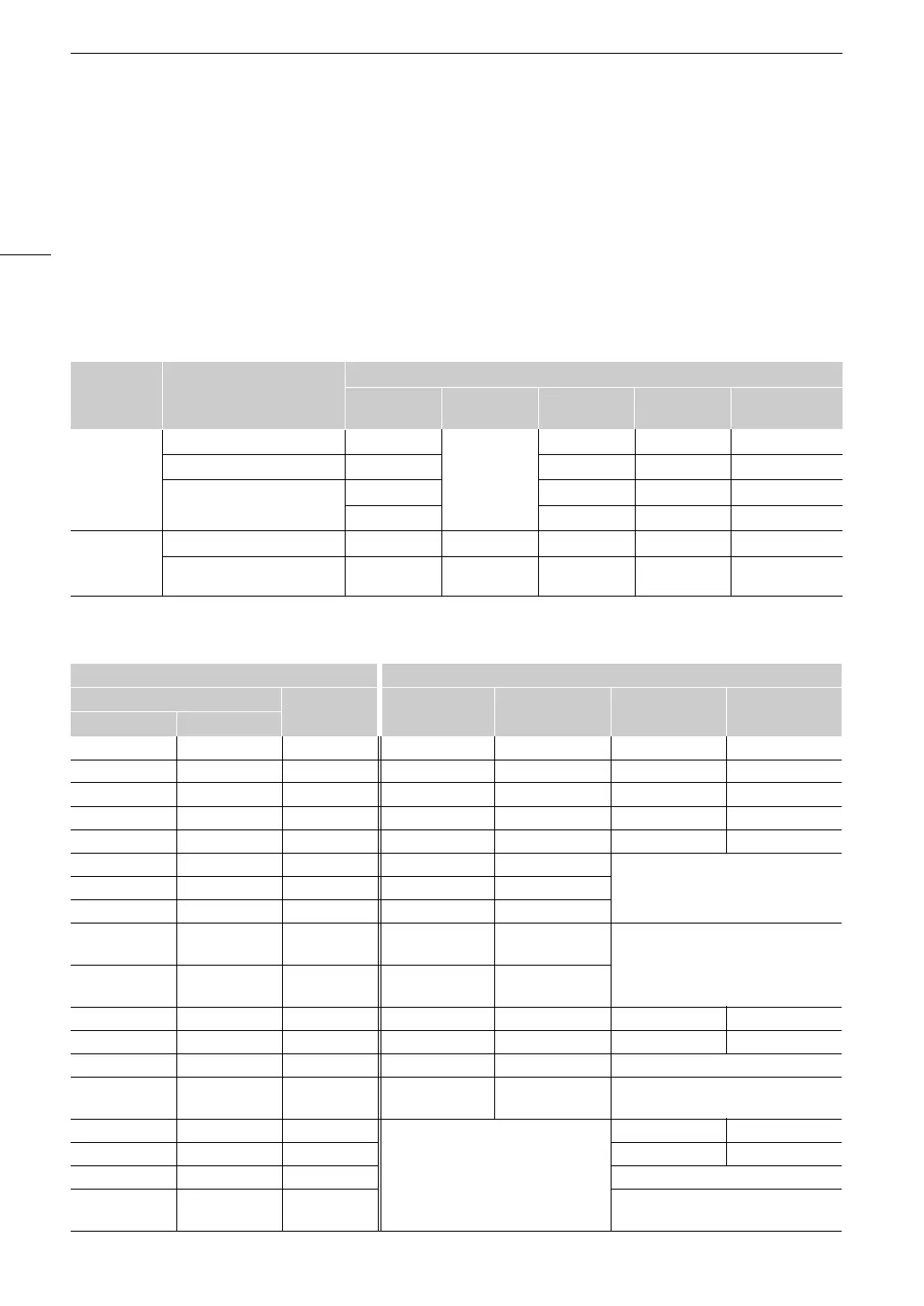
Audio Settings and Recorded Audio Channels
Video format / audio recording
function
Audio format
Codec
Sampling
frequency
Bit depth
Number of
audio channels
Bit rate
Video
recording
RAW Linear PCM
48 kHz
24 bit 4 channels 4.5 Mbps
XF-AVC Linear PCM 24 bit 4 channels 4.5 Mbps
XF-HEVC S*
XF-AVC S*
Linear PCM 24 bit 4 channels 4.5 Mbps
AAC 16 bit 2 channels 256 Kbps
Audio
recording
For slow & fast motion recording – 48 kHz 24 bit 4 channels 4.5 Mbps
For second card recording
functions
– 8 kHz 16 bit 1 channel 128 Kbps
Menu settings Recorded audio channels/audio sources
[Audio Input Selection]*
[CH2 Input]* CH1 CH2 CH3 CH4
[CH1/CH2] [CH3/CH4]
[INPUT Terminals] [INPUT Terminals] [INPUT 2] INPUT 1 terminal INPUT 2 terminal INPUT 1 terminal INPUT 2 terminal
[INPUT Terminals] [INPUT Terminals] [INPUT 1] INPUT 1 terminal INPUT 1 terminal INPUT 1 terminal INPUT 2 terminal
[INPUT Terminals] [MIC Terminal] [INPUT 2] INPUT 1 terminal INPUT 2 terminal MIC terminal (L) MIC terminal (R)
[INPUT Terminals] [MIC Terminal] [INPUT 1] INPUT 1 terminal INPUT 1 terminal MIC terminal (L) MIC terminal (R)
[INPUT Terminals] [MIC Terminal] [MIC Terminal] INPUT 1 terminal MIC terminal (L+R) MIC terminal (L) MIC terminal (R)
[INPUT Terminals] [Monaural Mic] [INPUT 2] INPUT 1 terminal INPUT 2 terminal
[Monaural Mic][INPUT Terminals] [Monaural Mic] [INPUT 1] INPUT 1 terminal INPUT 1 terminal
[INPUT Terminals] [Monaural Mic] [Monaural Mic] INPUT 1 terminal [Monaural Mic]
[INPUT Terminals]
[Multi-Function
Shoe]
[INPUT 2] INPUT 1 terminal INPUT 2 terminal
[Multi-Function Shoe]
[INPUT Terminals]
[Multi-Function
Shoe]
[INPUT 1] INPUT 1 terminal INPUT 1 terminal
[MIC Terminal] [INPUT Terminals] – MIC terminal (L) MIC terminal (R) INPUT 1 terminal INPUT 2 terminal
[MIC Terminal] [MIC Terminal] – MIC terminal (L) MIC terminal (R) MIC terminal (L) MIC terminal (R)
[MIC Terminal] [Monaural Mic] – MIC terminal (L) MIC terminal (R) [Monaural Mic]
[MIC Terminal]
[Multi-Function
Shoe]
– MIC terminal (L) MIC terminal (R) [Multi-Function Shoe]
[Monaural Mic] [INPUT Terminals] –
[Monaural Mic]
INPUT 1 terminal INPUT 2 terminal
[Monaural Mic] [MIC Terminal] – MIC terminal (L) MIC terminal (R)
[Monaural Mic] [Monaural Mic] – [Monaural Mic]
[Monaural Mic]
[Multi-Function
Shoe]
– [Multi-Function Shoe]



 To Next Page