99
Recording Audio
* Menu items under the [¡ Audio Setup] menu.
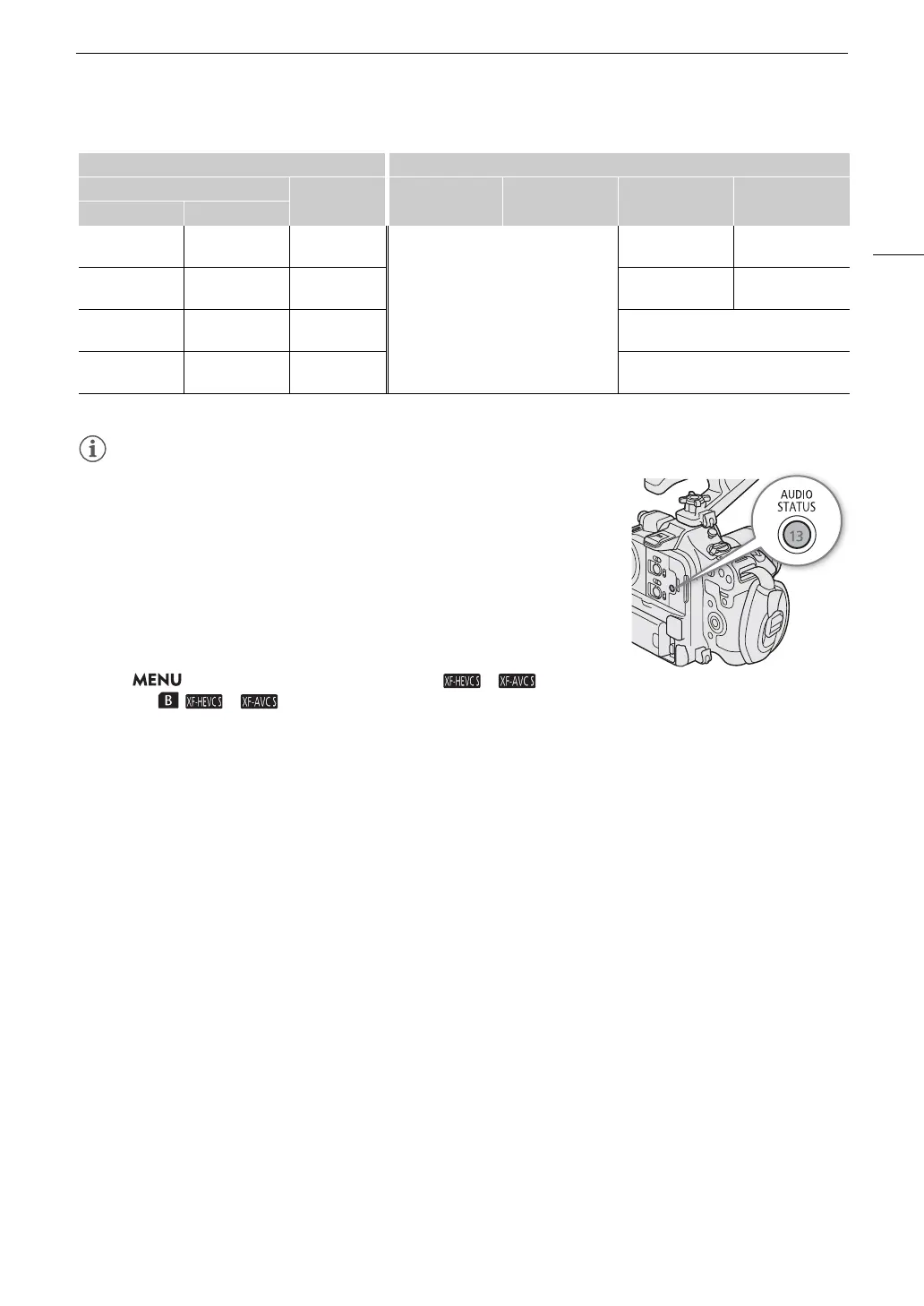
• You can press the AUDIO STATUS button to display only the [¡ Audio
Setup] status screens. On these status screens you can check the input
source selected for each audio channel and other audio-related settings.
Audio Format for XF-HEVC S / XF-AVC S Clips
Select the audio recording format for XF-HEVC S / XF-AVC S clips (primary
clips or sub recording clips).
Select > [ÆRecording/Media Setup] > [ / Main
Audio] or [ / Audio] > Desired option.
[Multi-Function
Shoe]
[INPUT Terminals] –
[Multi-Function Shoe]
INPUT 1 terminal INPUT 2 terminal
[Multi-Function
Shoe]
[MIC Terminal] – MIC terminal (L) MIC terminal (R)
[Multi-Function
Shoe]
[Monaural Mic] – [Monaural Mic]
[Multi-Function
Shoe]
[Multi-Function
Shoe]
– [Multi-Function Shoe]
Menu settings Recorded audio channels/audio sources
[Audio Input Selection]*
[CH2 Input]* CH1 CH2 CH3 CH4
[CH1/CH2] [CH3/CH4]



 To Next Page