Synchronizing with an External Device
96
Synchronizing with an External Device
You can use the camera’s TIME CODE terminal to synchronize this camera’s time code to an external signal.
Using the same external time code signal with multiple cameras allows you to set up a multi-camera recording.
You can output the time code signal from this camera to other cameras. You can also output the time code
signal from the SDI OUT terminal to an editing device (while recording or during playback), so the editor can
create video with the same time code.
Connecting an External Device
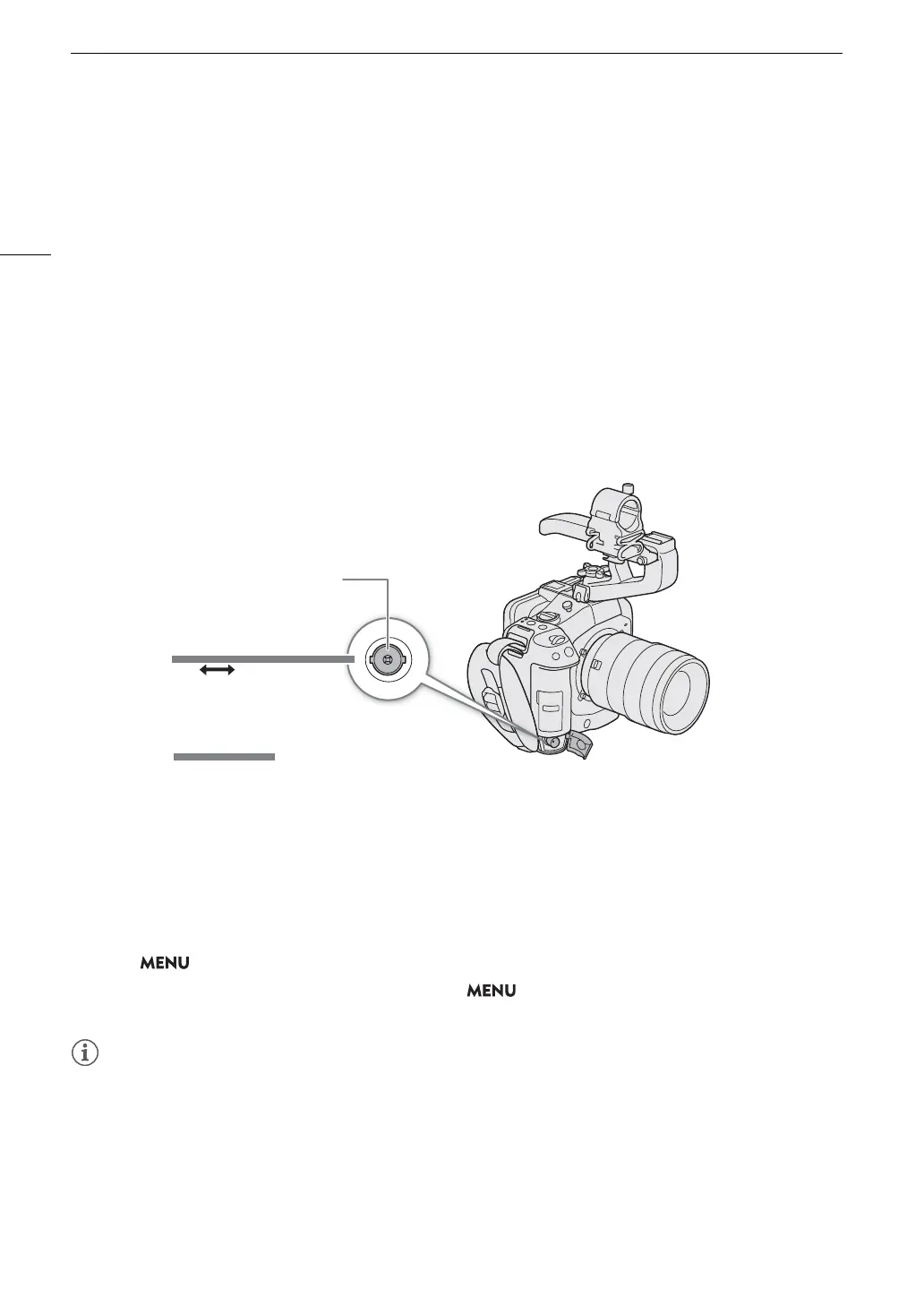
When synchronizing a time code signal, connect the external device to the TIME CODE terminal on the camera.
Be sure to set the TIME CODE terminal to input or output in advance.
Connection diagram
Time Code Signal Input
An external SMPTE-standard LTC timing signal received from the TIME CODE terminal can be recorded as the
time code. The user bit of the external timing signal can also be recorded with clips. Before connecting the
device, set the TIME CODE terminal to input with the procedure below and make sure the time code running
mode is set to [Free Run] (A 93).
1 Select > [B System Setup] > [TC In/Out] > [In].
2 To record the external signal’s user bit, select also > [B System Setup] > [User Bit Recording
Mode] > [External].
• Synchronize the camera’s time code with an external time code signal that matches the camera’s system
frequency. Use a 24-frame time code signal when the frame rate is set to 23.98P or 24.00P, a 25-frame time
code signal when it is set to 25.00P, 50.00i or 50.00P and a 30-frame time code signal for other frame rates.
• When a suitable external time code signal is received, the camera’s own time code will be synchronized to it
and the synchronization will be maintained even if you disconnect the cable from the TIME CODE terminal.
• If the external time code signal is incorrect or there is no input signal, the internal time code set in the camera
will be recorded instead.
Standard TC signal
TIME CODE terminal
BNC cable (commercially available)



 To Next Page