59
Video Recording Configuration: Video Format, Sensor Mode, System Frequency, Resolution and Frame Rate
XF-AVC S
• For details on the signal output from each terminal, refer to Video Output Configuration (A 149).
Selecting the System Frequency
You can change the system frequency also in MEDIA mode if you want to play back clips from a card recorded
with a different system frequency setting.
1 Select > [Æ Recording/Media Setup] > [System Frequency].
2 Select the desired option.
• The camera will reset and restart in the selected mode.
Main recording
format
Main resolution Bit rate
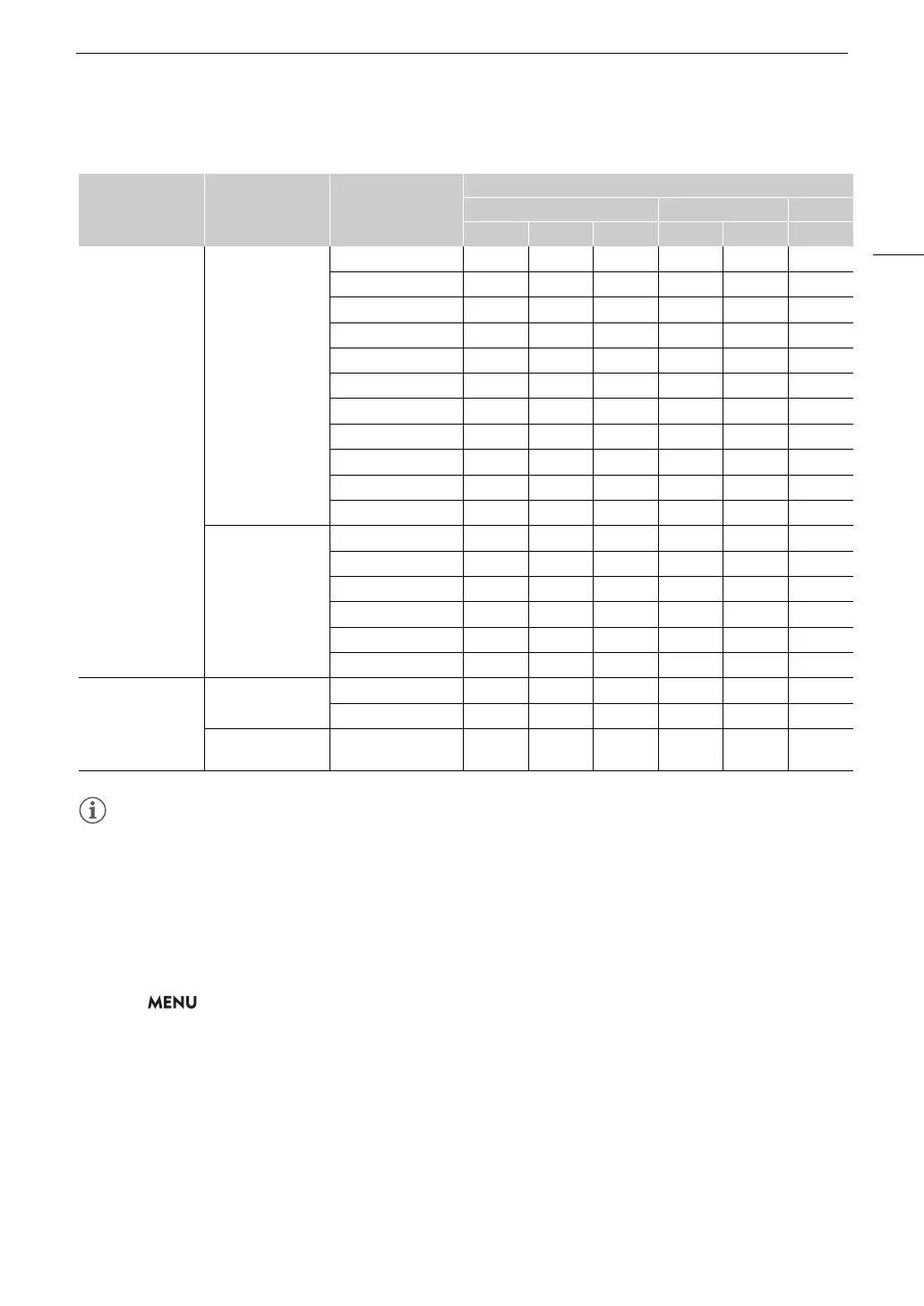
System frequency/Frame rate
59.94 Hz 50.00 Hz 24.00 Hz
59.94P 29.97P 23.98P 50.00P 25.00P 24.00P
XF-AVC S YCC422
10 bit
4096x2160
3840x2160
600 Mbps Intra-frame Ü Ü – – – –
500 Mbps Intra-frame – – – Ü Ü –
480 Mbps Intra-frame – – Ü – – Ü
450 Mbps Intra-frame – Ü – – – –
375 Mbps Intra-frame – – – – Ü –
360 Mbps Intra-frame – – Ü – – Ü
300 Mbps Intra-frame – Ü – – – –
250 Mbps Intra-frame – – – – Ü –
240 Mbps Intra-frame – – Ü – – Ü
250 Mbps Long GOP Ü – – Ü – –
150 Mbps Long GOP – Ü Ü – Ü Ü
2048x1080
1920x1080
300 Mbps Intra-frame Ü – – – – –
250 Mbps Intra-frame – – – Ü – –
150 Mbps Intra-frame – Ü – – – –
125 Mbps Intra-frame – – – – Ü –
120 Mbps Intra-frame – – Ü – – Ü
50 Mbps Long GOP Ü Ü Ü Ü Ü Ü
XF-AVC S YCC420
8bit
4096x2160
3840x2160
150 Mbps Long GOP Ü – – Ü – –
100 Mbps Long GOP – Ü Ü – Ü Ü
2048x1080
1920x1080
35 Mbps Long GOP Ü Ü Ü Ü Ü Ü



 To Next Page