41
Setting the File Name for Recordings
Setting the File Name for Recordings
This section explains how to set the file names for RAW clips, XF-AVC clips, XF-HEVC S clips, XF-AVC S clips
and photos.
Clips File Names
The camera allows you to change several settings that determine the clip file name of recorded clips (only in
CAMERA mode). For more details on how to enter characters, see
Entering text and numbers
(
A
27).
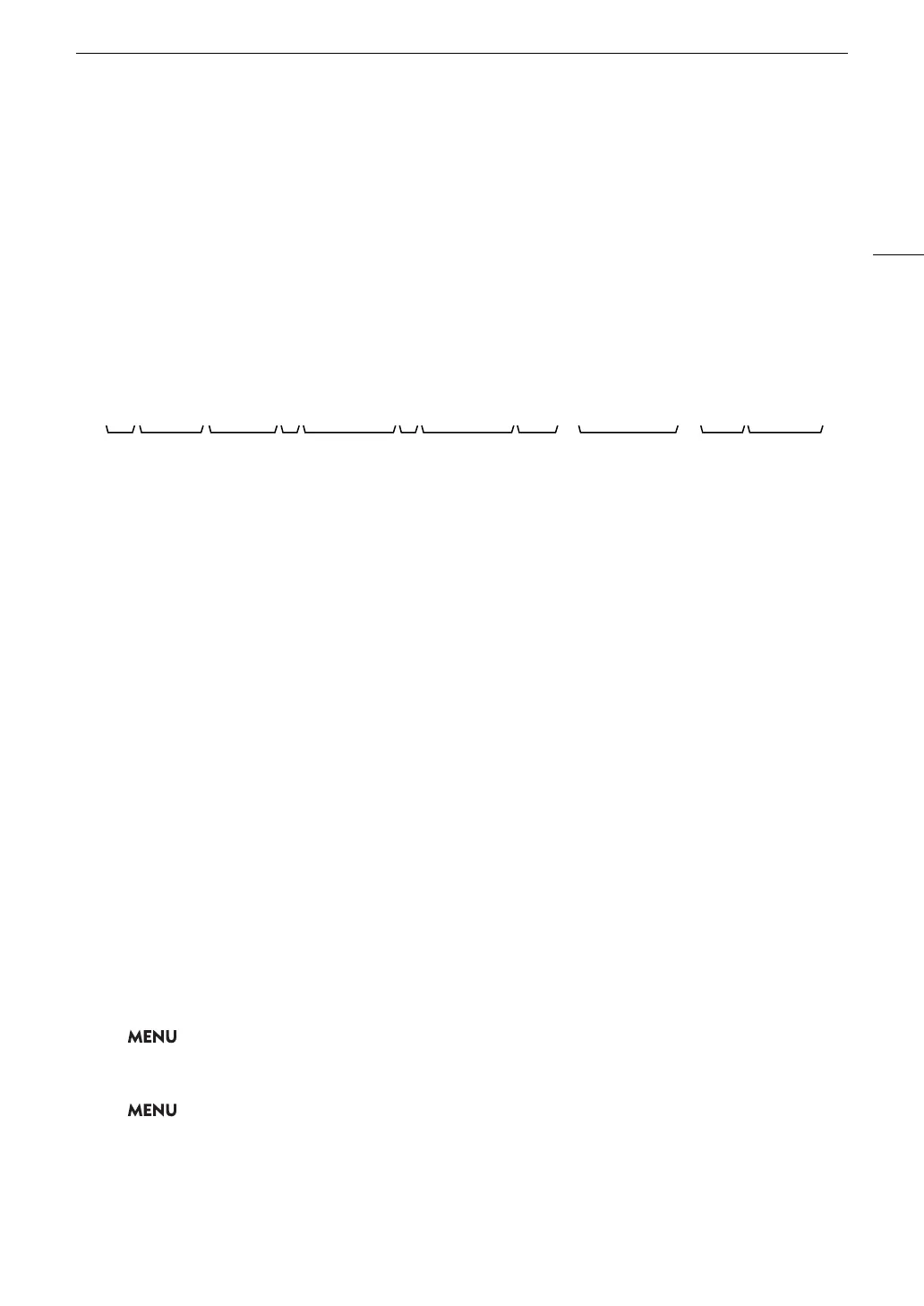
The basic file name structure is as follows.
• Apart from component number 11, the file name of the primary clip and the proxy clip will be identical.
• The file name of double slot recording clips will be the same on both SD cards.
• Apart from the .WAV extension, the file name of the audio recorded with slow & fast motion clips will be the
same as that of the main clip, and will be saved on the "/PRIVATE/AUDIO" folder.
To set the camera index
Select > [Æ Recording/Media Setup] > [Metadata] > [Camera Index] > Desired camera index (A 27).
To set the clip numbering method
Select > [Æ Recording/Media Setup] > [Metadata] > [Clip Numbering] > [Reset] or [Continuous].
Options
[Reset]: The clip number will restart from 001 every time you insert a new card.
[Continuous]: Clip numbers will start from the initial number set with [Clip Number] (following procedure) and
continue across multiple cards.
1 2 3 4 6 7 8 9 10 115
A_ 0 0 0 1 C 0 0 1 X yy mm dd _ hh mm ss X X _ C A N O N _ 0 0 1_ Proxy
1 Camera index: Two characters (A to Z, or “_” for
the second character) that identify the camera
used.
2 Reel number: 4 characters (0001 to 9999) that
identify the card used. The number is assigned
automatically but you can set the initial number.
After you insert a new card (just purchased or
initialized), the number advances by one when the
first recording is made.
3 Clip number: 4 characters (C001 to D999). The
clip number advances automatically with each
clip recorded (switching to D001 after C999), but
you can set the initial clip number and select the
clip numbering method.
4 Main codec identifier: One character that
identifies the main codec (X: RAW, A: AVC/H.264,
H: HEVC/H.265).
5 Recording date and time (set automatically by
the camera).
6 Special recording mode identifier: Identifies the
recording mode (“_” for normal, “C” for the
continuous recording clip on SD card B) used by
the camera.
7 Recording time: Recording hour, minute, and
second (set automatically by the camera).
8 Random component: 2 characters (numbers 0
to 9 and capital letters A to Z) that change
randomly with each clip.
9 User defined field: 5 characters (numbers 0 to 9
and capital letters A to Z) for any other
identification purposes.
10 Stream number: When an SD or SDHC card is
used to record clips, a stream number (001 to
999) will be added. The stream number will
advance every time the video (stream) file within
the clip is split.
11 Proxy clips only: The camera will automatically
add the suffix “_Proxy” to the file name of proxy
clips.



 To Next Page