COPYRIGHT
©
1999 CANON INC. CANON GP160 REV.0 FEB. 1999 PRINTED IN JAPAN (IMPRIME AU JAPON)
CHAPTER 7 PICK-UP/FEEDING SYSTEM
7-24
A. Cassette feeding assembly
1. To remove the pick-up roller
The pick-up roller’s attachment and
removal is easier when the printer unit is
removed from the main unit.
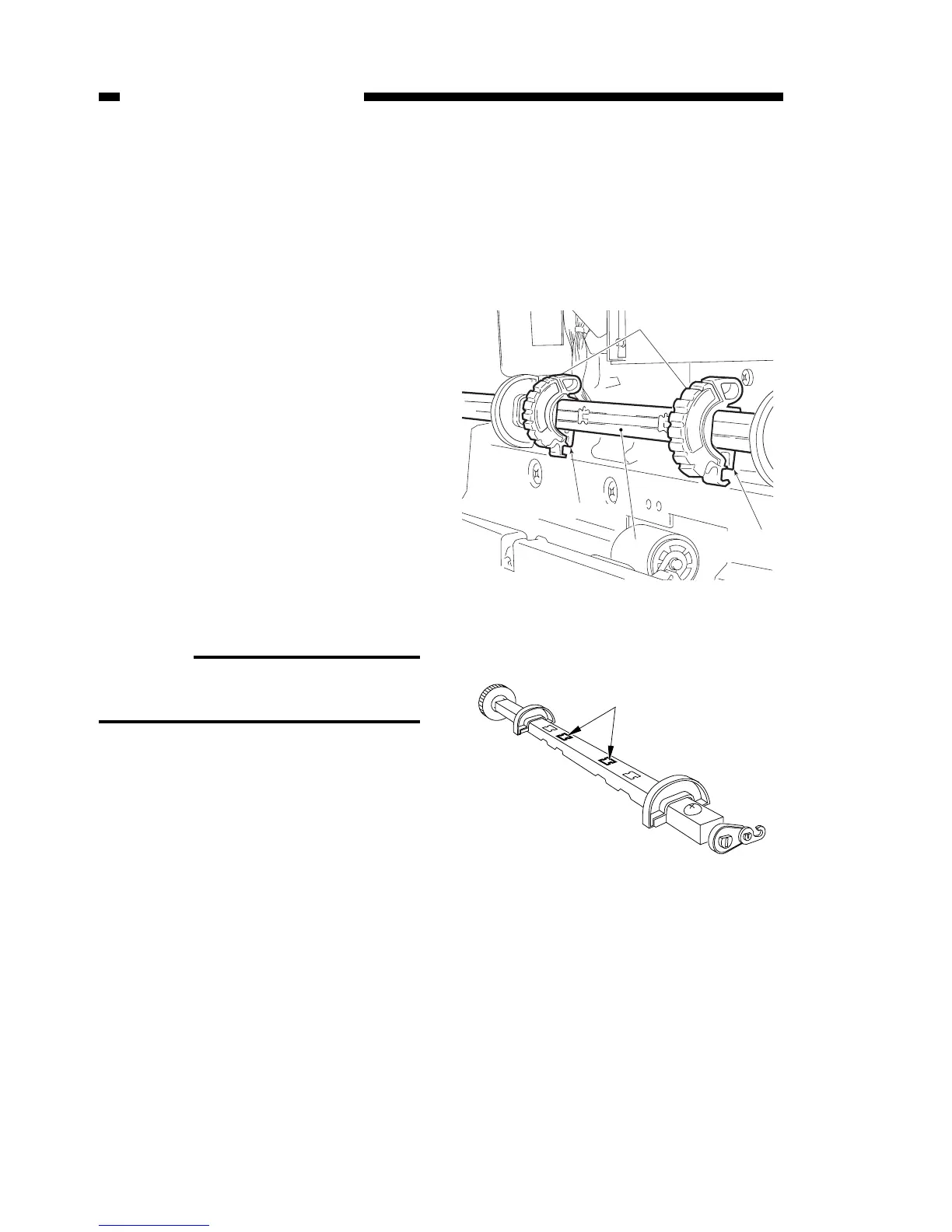
1) Rotate the pick-up roller’s axis [1],
unclip the roller collar tabs and
remove the pick-up roller [2].
Reference:
The pick-up roller’s installation posi-
tion is indicated in Figure 7-702
Figure 7-701
Figure 7-702



 To Next Page