COPYRIGHT
©
1999 CANON INC. CANON GP160 REV.0 FEB. 1999 PRINTED IN JAPAN (IMPRIME AU JAPON)
CHAPTER 11 INSTALLATION
11-13
F. Checking the Copy image
G. Setting the Fax machine function
For those machines which have been equipped with the fax functions only.
1. Executing an all-clear
No. Work details Illustration/ remarks
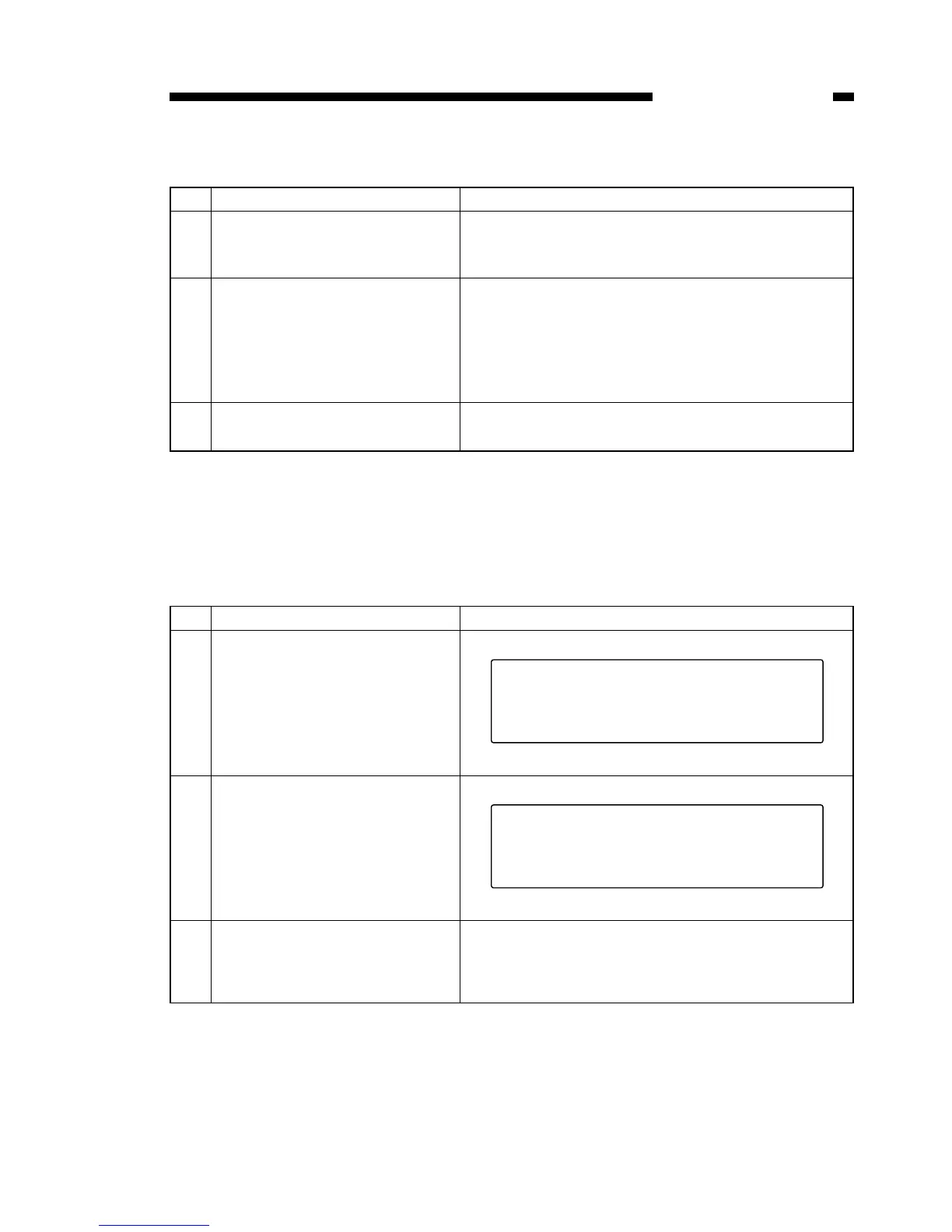
1 Connect the power cord to an
AC power outlet, and turn on the
power switch.
2 Set the document on the glass
or in the automatic document
feeder, and make a copy, using
either the cassette feeder or the
multi-feeder. Confirm the copy
image is correct.
3 Clean the area surrounding the
machine.
No. Work details Illustration/ remarks
1 Press the Registration/Set Key
→ # key. This displays the ser-
vice mode screen.
Service mode screen
2 Using the shift keys ▲▼, select
#8 CLEAR, and press the SET
key. This will display the #8
CLEAR screen.
#8 CLEAR screen
3 Using the shift keys ▲▼, select
ALL, and press the SET key.
This activates the all-clear func-
tion.


 To Next Page