B. Operating Procedures
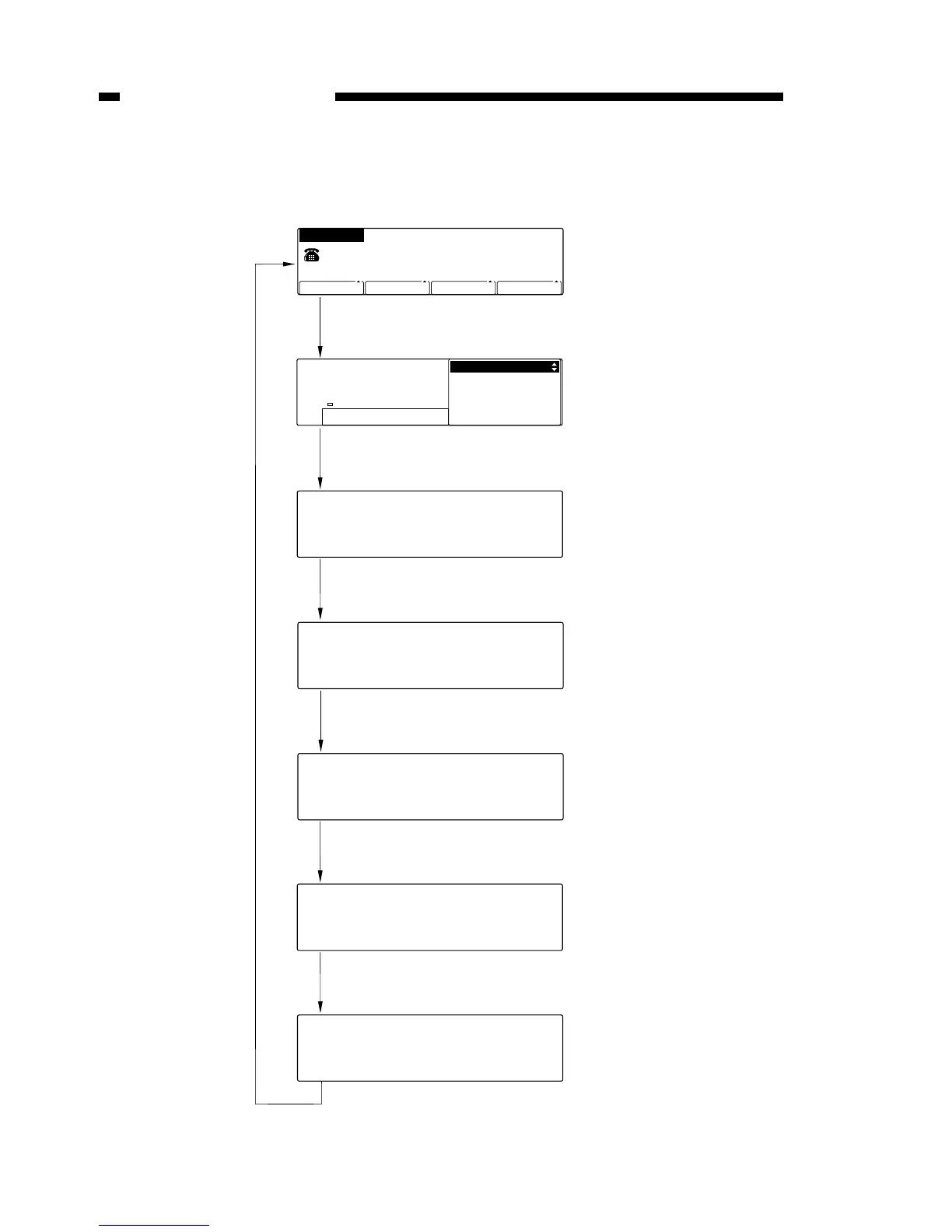
The service mode operates according to the flow displayed in the chart below.
Figure 13-501
COPYRIGHT
©
1999 CANON INC. CANON GP160 REV.0 FEB. 1999 PRINTED IN JAPAN (IMPRIME AU JAPON)
CHAPTER 13 TROUBLESHOOTING
13-56
01 DATA REGISTRATION
02 TEL# REGISTRATION
REGISTRATION/SETTING
SELECT AN ITEM
MANUAL RX
READY TO SEND
RESOLUTION DENSITY IMAGEQUALITY
STANDARD STANDARD
TEXT SHEET
BOOK SENDING
13/01 ’99
WED 09:04
=
1) Select user mode
Press the data registration key.
1) Select service mode
Press the # key on the user mode screen.
SERVICE MODE
#1 SSSW
SERVICE MODE
# 3 NUMERIC Param.
#3 NUMERIC Param.
001:
3) Select menu item
Press the up ▲ or down ▼ shift key.
Press the set key.
#3 NUMERIC Param.
001:
4) Enter or set data
Input data and press the set key.
#3 NUMERIC Param.
002:
When the stop key is pressed, the service mode is exited.
0
0
10



 To Next Page