COPYRIGHT
©
1999 CANON INC. CANON GP160 REV.0 FEB. 1999 PRINTED IN JAPAN (IMPRIME AU JAPON)
CHAPTER 9 EXTERNAL/AUXILIARY MECHANISM
9-27
E. DC power supply PCB
1) Remove the 4 installation screws,
and remove the main unit’s back
cover.
4) Remove the 5 installation connectors
which are attached to the DC power
supply PCB.
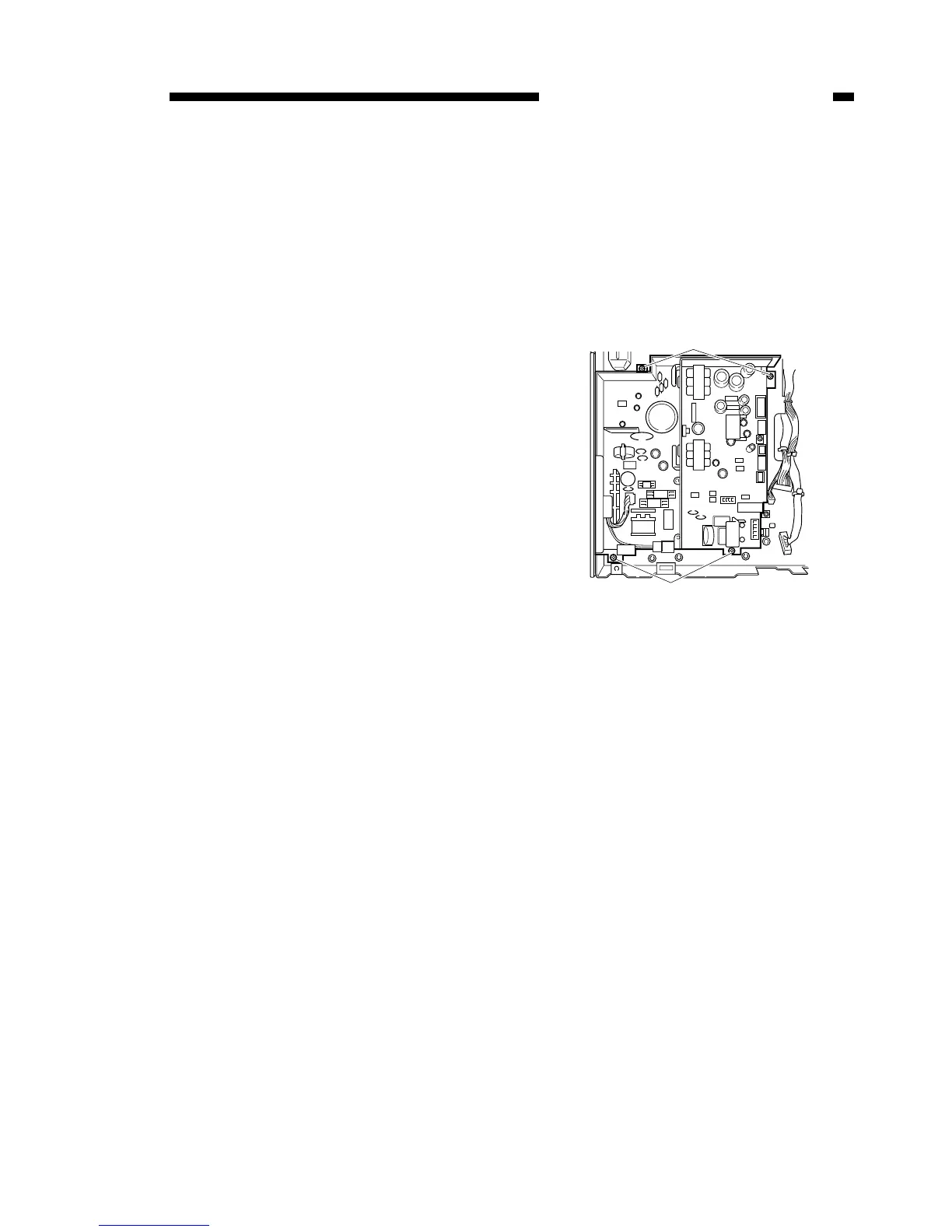
5) Remove the 4 screws [1], and
remove the DC power supply PCB.
Figure 9-520


 To Next Page