COPYRIGHT
©
1999 CANON INC. CANON GP160 REV.0 FEB. 1999 PRINTED IN JAPAN (IMPRIME AU JAPON)
CHAPTER 5 LASER EXPOSURE SYSTEM
5-8
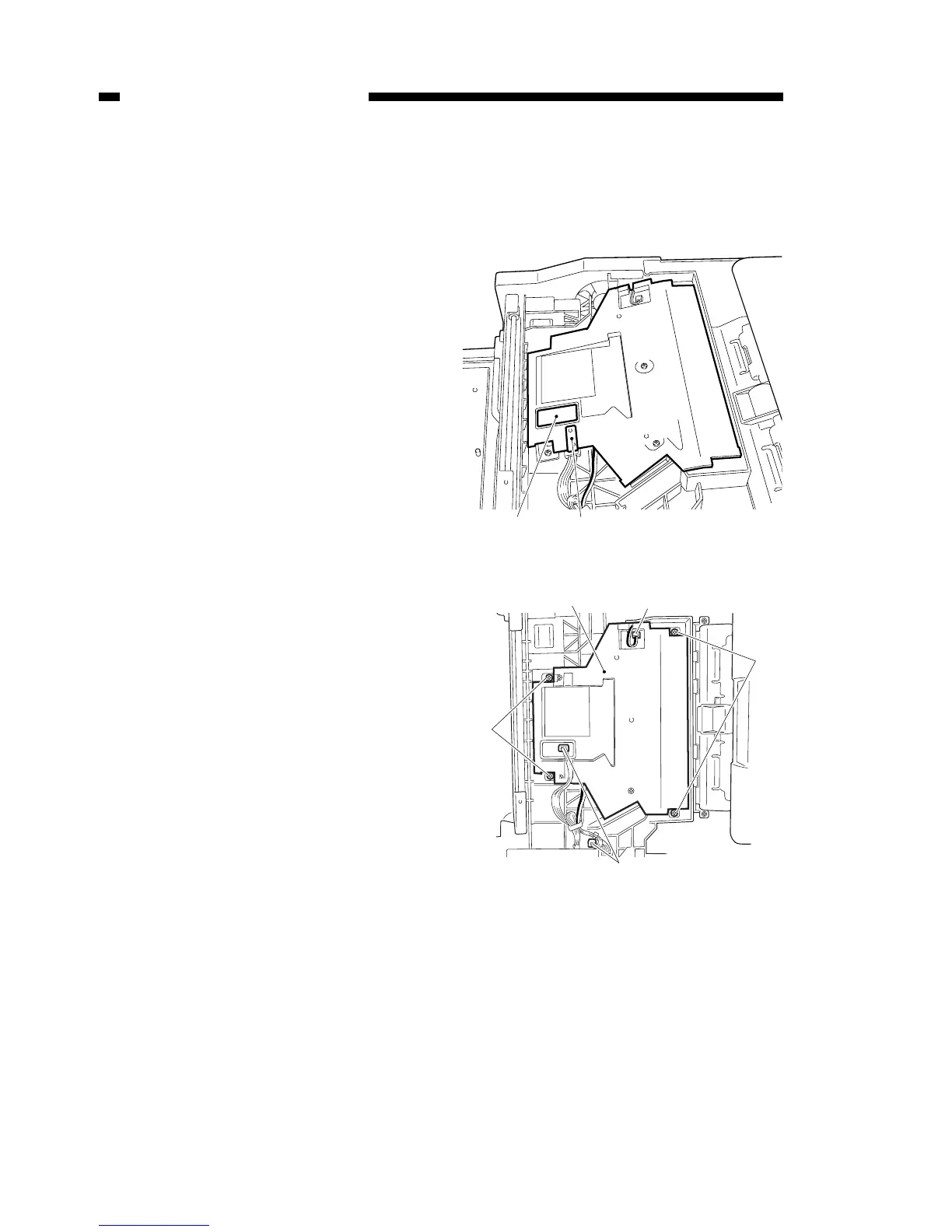
A. Laser scanner unit
1) Remove the printer from the main
body. (Refer to 9-19)
2) Remove the mylar sheet [1] and the
sponge [2] from the upper part of the
laser scanner unit.
3) Remove the 3 connectors [3] which
are connected to the laser scanner
unit. Then, after removing the 4
installation screws [4], remove the
laser scanner unit [5].
Figure 5-501
Figure 5-502



 To Next Page