COPYRIGHT
©
1999 CANON INC. CANON GP160 REV.0 FEB. 1999 PRINTED IN JAPAN (IMPRIME AU JAPON)
CHAPTER 4 IMAGE PROCESSING SYSTEM
4-11
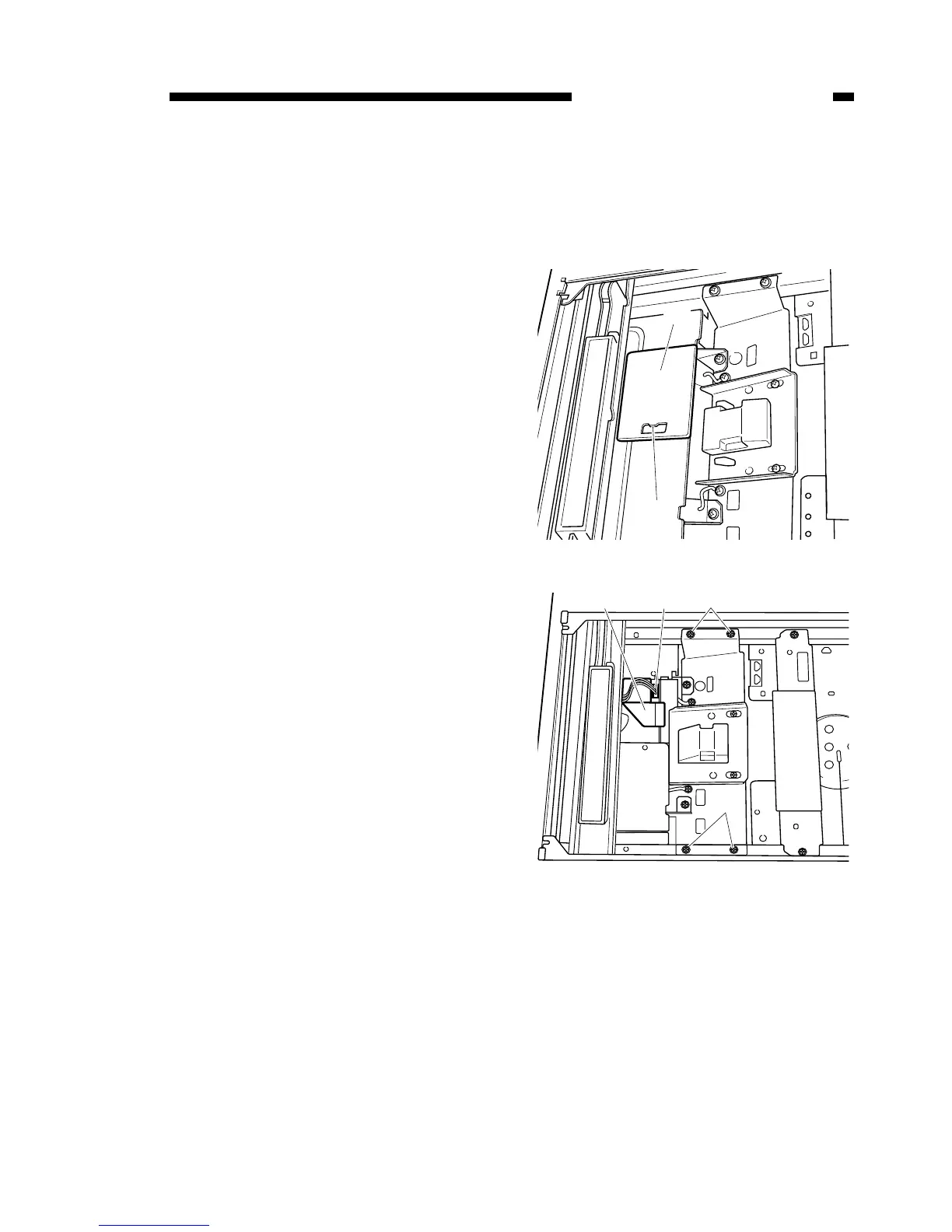
A. CCD unit
1) Remove the 2 installation screws,
remove the copyboard glass stay,
and then take out the copyboard
glass.
2) Unclip the tab [1] and remove the
CCD connector [2].
3) Remove the analog processor PCB
connector [3] and flat cable [4].
4) Remove the 4 installation screws [5]
and then remove the CCD unit.
Figure 4-401
Figure 4-402



 To Next Page