COPYRIGHT
©
1999 CANON INC. CANON GP160 REV.0 FEB. 1999 PRINTED IN JAPAN (IMPRIME AU JAPON)
CHAPTER 7 PICK-UP/FEEDING SYSTEM
7-33
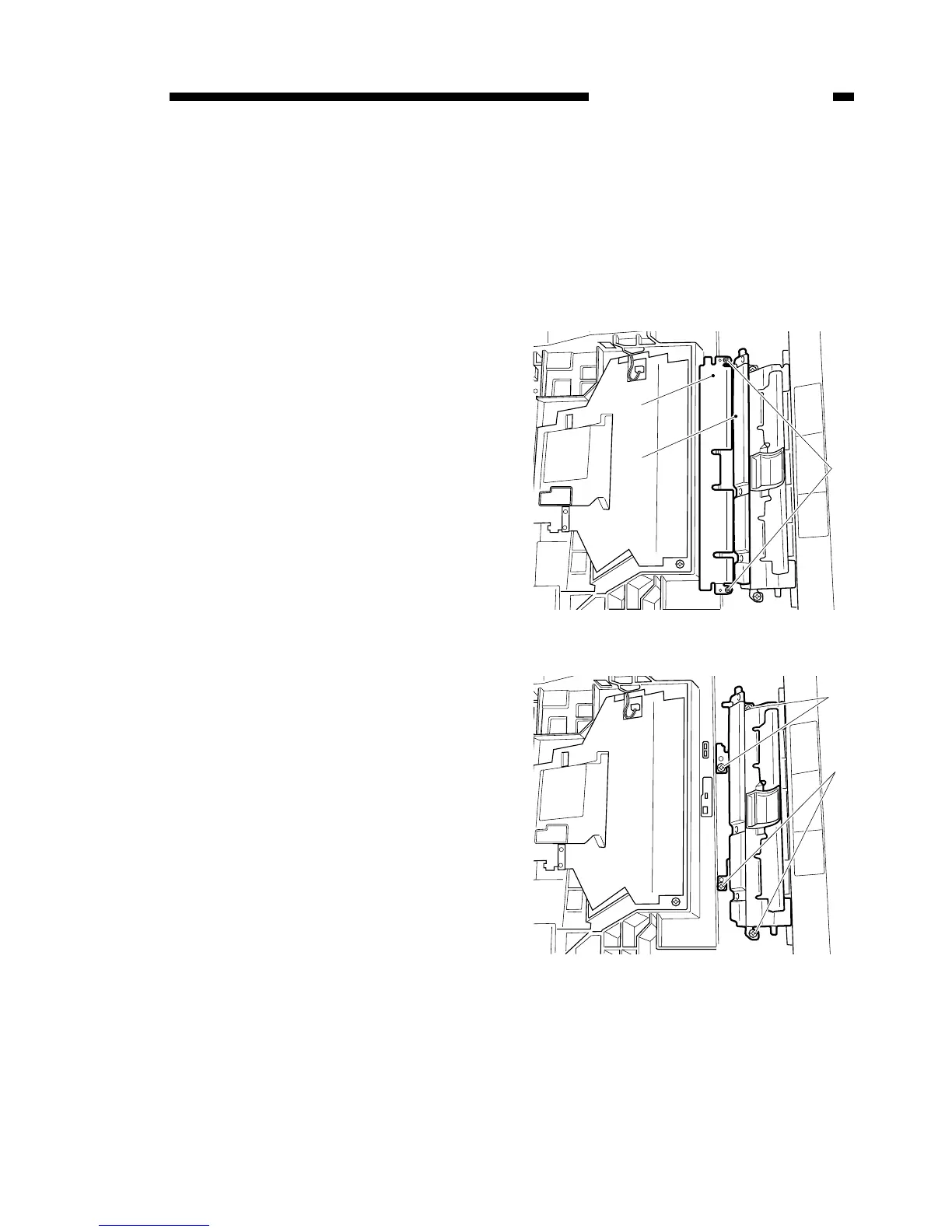
C. Registration roller assem-
bly
1) Remove the printer unit from the
main unit (refer to 9-19).
2) Remove the pick-up unit from the
printer unit (refer to 7-26).
3) Open the registration roller guide
plate [1], remove the 2 installation
screws, then remove the transfer
guide [3].
4) Remove the 4 installation screws [4],
then remove the registration roller
unit.
Figure 7-721
Figure 7-722



 To Next Page