2-18
CHAPTER 2 STANDARDS AND ADJUSTMENTS
E. Adjusting image position
1. Checking image position
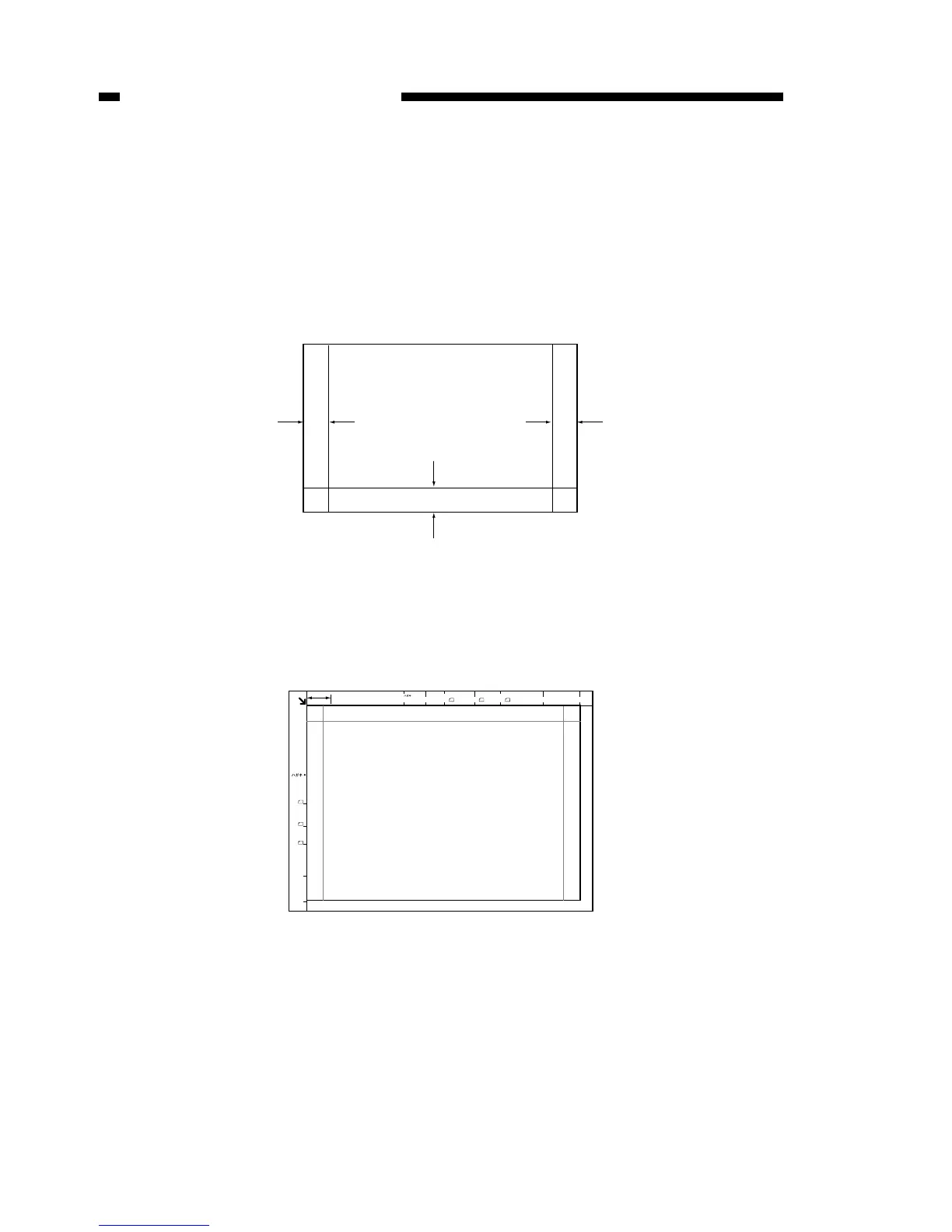
Check for image displacement of ADF copy and pressure plate mode copy.
1) Use A3 (297 × 420 mm) size plain paper (64 to 80 g/m
2
) and draw a straight line 10
mm from the paper edge on three sides of the paper to create a simple chart.
Figure 2-22
2) Place the chart on the copyboard glass and make a direct copy to A3 (297 × 420
mm) size paper. The delivered copy is sample A.
Figure 2-23



 To Next Page