COPYRIGHT
©
1999 CANON INC. CANON GP160 REV.0 FEB. 1999 PRINTED IN JAPAN (IMPRIME AU JAPON)
CHAPTER 10 CASSETTE FEEDER
10-14
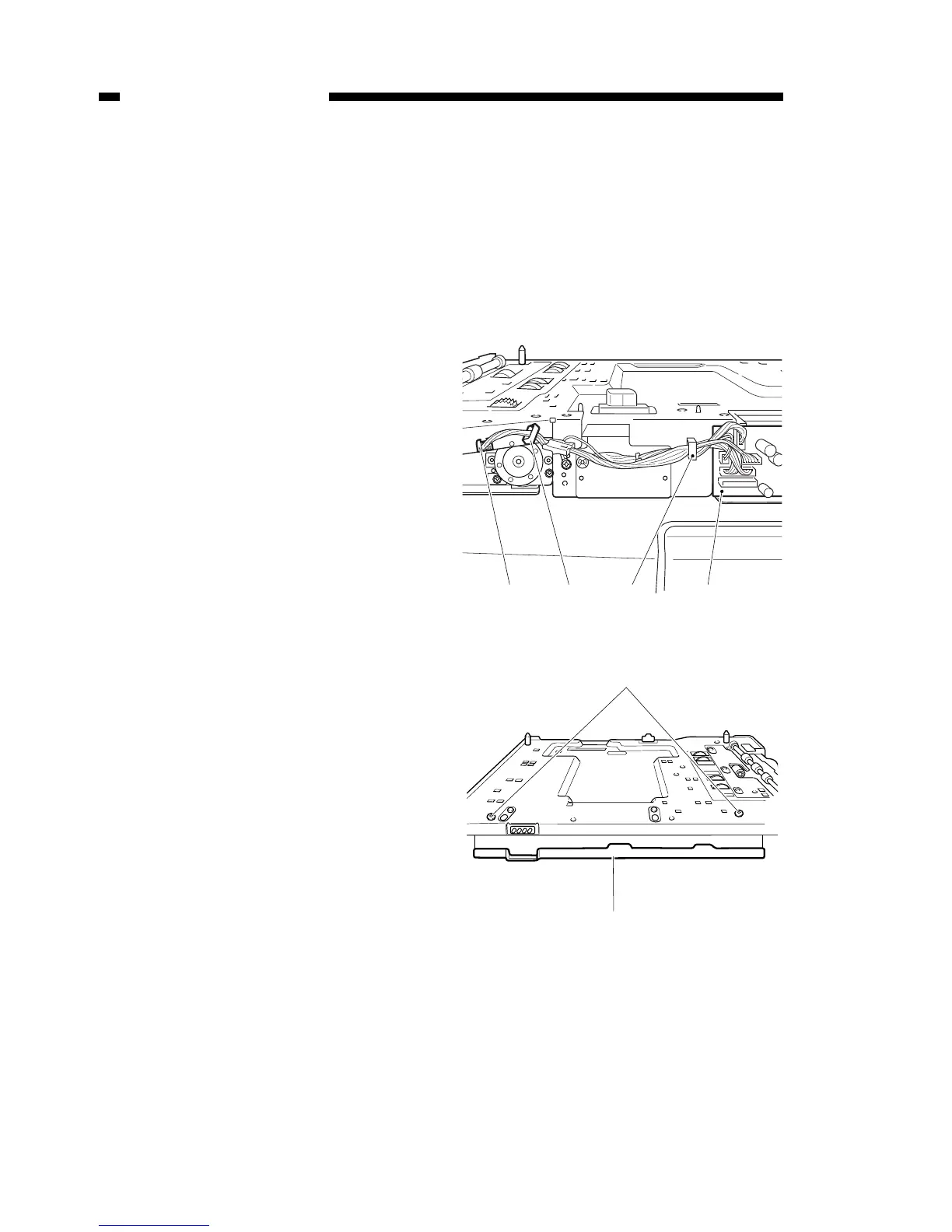
C. Removing the pick-up unit
1) Remove the cassette feeder from the
main unit.
2) Remove the cassette.
3) Remove the rear cover of the cas-
sette feeder.
4) Remove the connectors J652 and
J653 from the top of the feeder con-
troller PCB [1], and remove the dis-
connected connector cables from the
cable guides, at three locations.
5) Remove the two screws [3], and
remove the cord cover [4].
Figure 10-705
Figure 10-706



 To Next Page