COPYRIGHT
©
1999 CANON INC. CANON GP160 REV.0 FEB. 1999 PRINTED IN JAPAN (IMPRIME AU JAPON)
CHAPTER 11 INSTALLATION
11-14
2. Setting the date and time (User mode operation)
No. Work details Illustration/ remarks
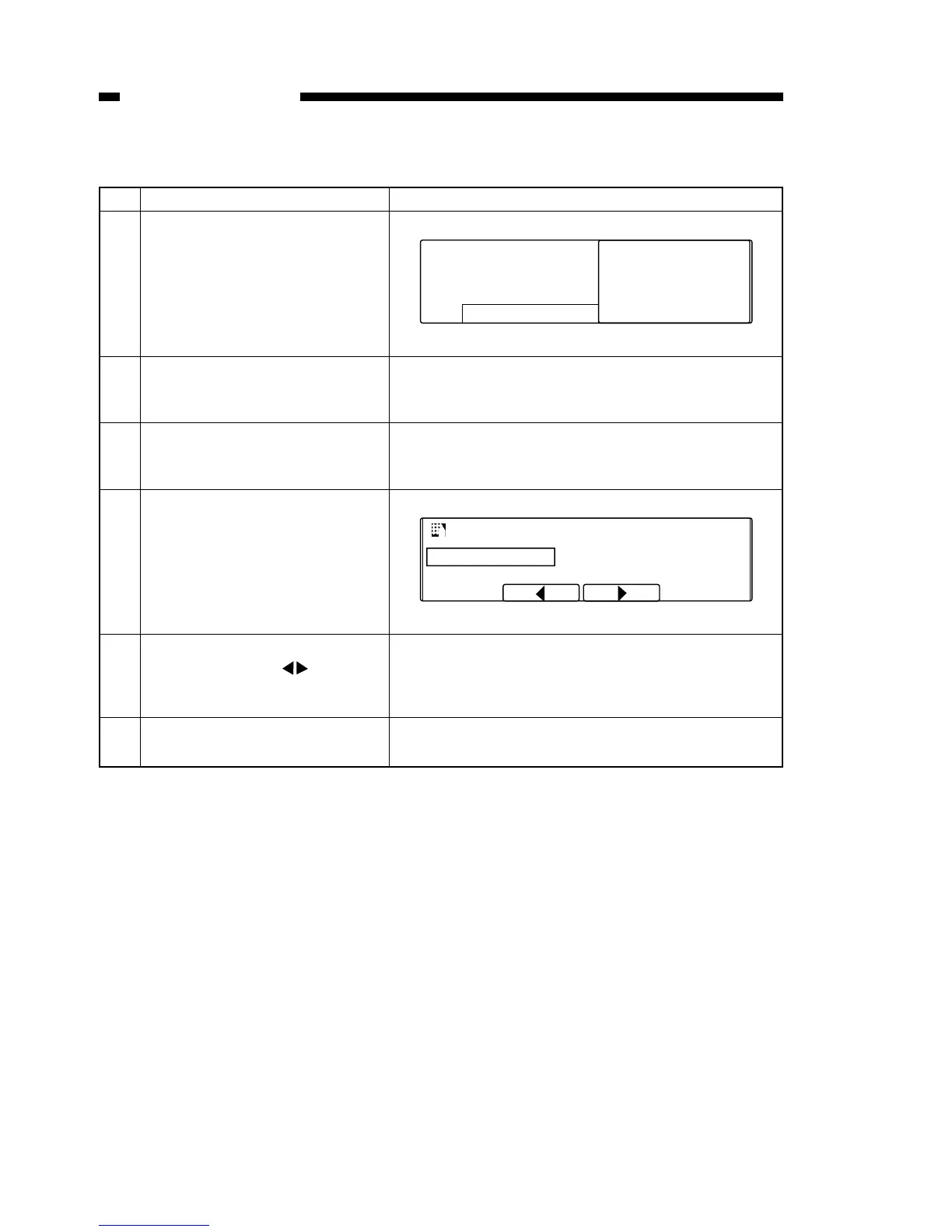
1 Press the Data Registration Key
to display the user mode screen.
User mode screen
2 Confirm that 01 DATA REGIS-
TRATION has been selected,
and press the Set key.
3 Confirm that 01 USER SET-
TINGS has been selected, and
press the set key.
4 Confirm that 01 DATE/TIME
SETTING has been selected,
and press the set key. The date
and time which had been previ-
ously set will be displayed.
5 Enter the current date and time.
Use the shift keys to move
the cursor to enter the desired
numbers.
6 Press the set key. This sets the
date and time.



 To Next Page