COPYRIGHT
©
1999 CANON INC. CANON GP160 REV.0 FEB. 1999 PRINTED IN JAPAN (IMPRIME AU JAPON)
CHAPTER 11 INSTALLATION
11-15
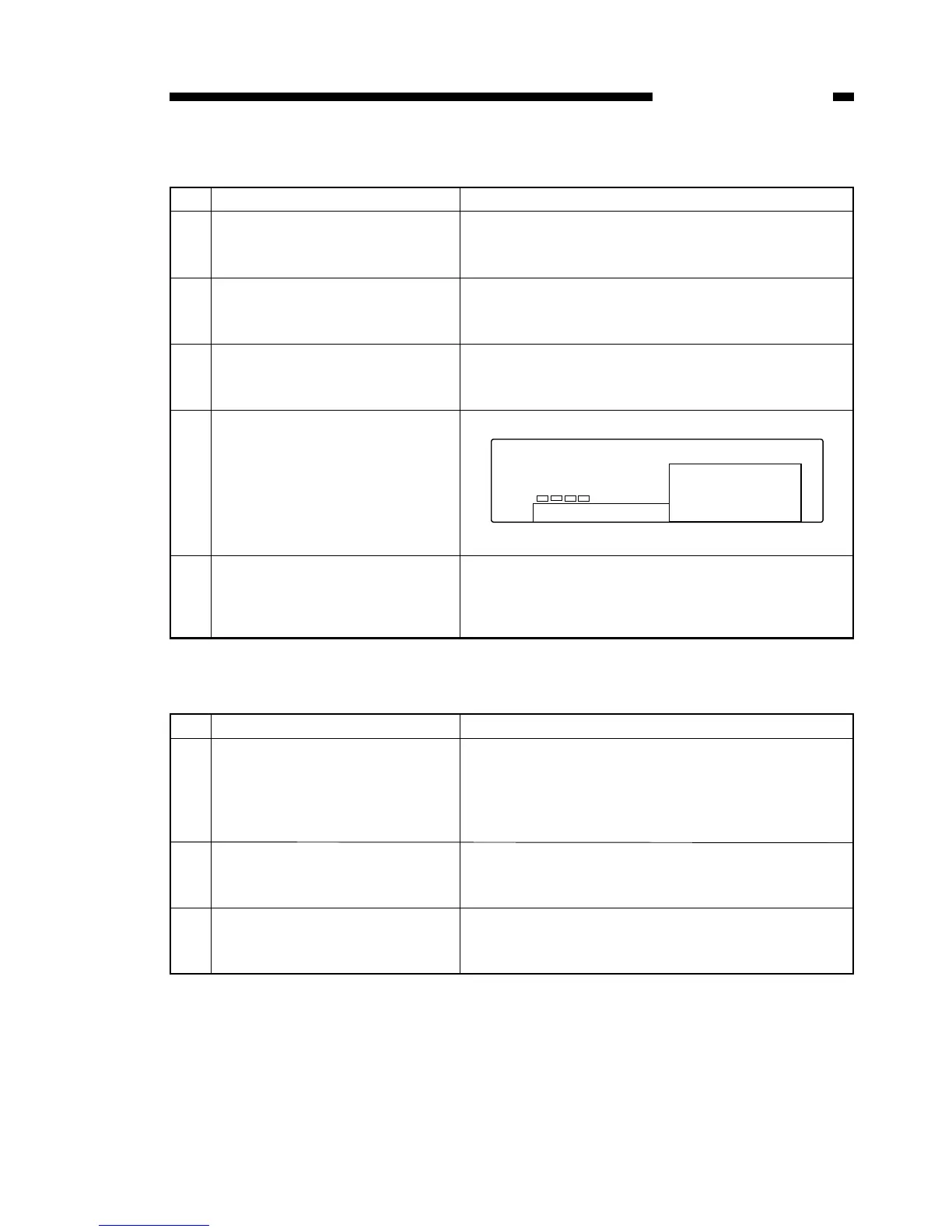
3. Setting the dialing method
4. Communications test
No. Work details Illustration/ remarks
1 Press the Data Registration Key
to display the user mode screen.
2 Confirm that 01 DATA REGIS-
TRATION has been selected,
and press the set key.
3 Confirm that 01 USER SET-
TINGS has been selected, and
press the set key.
4 Use the shift keys ▲▼to select
11 TEL LINE TYPE, and press
the set key.
5 Use the shift keys to select
either 01 ROTARY PULSE or 02
TOUCH TONE, and press the
set key.
No. Work details Illustration/ remarks
1 Press the fax key located on the
control panel to activate the fax
mode. If the fax mode is already
activated, this step may be
skipped.
2 Press the hook key located on
the control panel, and confirm
that a dial tone can be heard.
If a dial tone cannot be heard, please check the line.
3 Send and receive documents,
and confirm the machine opera-
tion and document image.
When there is a communications problem, please
follow the steps outlined below in the reference sec-
tion, and adjust the output level and the NL.



 To Next Page