COPYRIGHT
©
1999 CANON INC. CANON GP160 REV.0 FEB. 1999 PRINTED IN JAPAN (IMPRIME AU JAPON)
CHAPTER 11 INSTALLATION
11-9
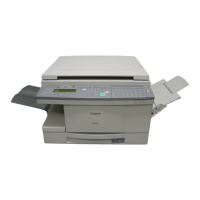
No. Work details Illustration/ remarks
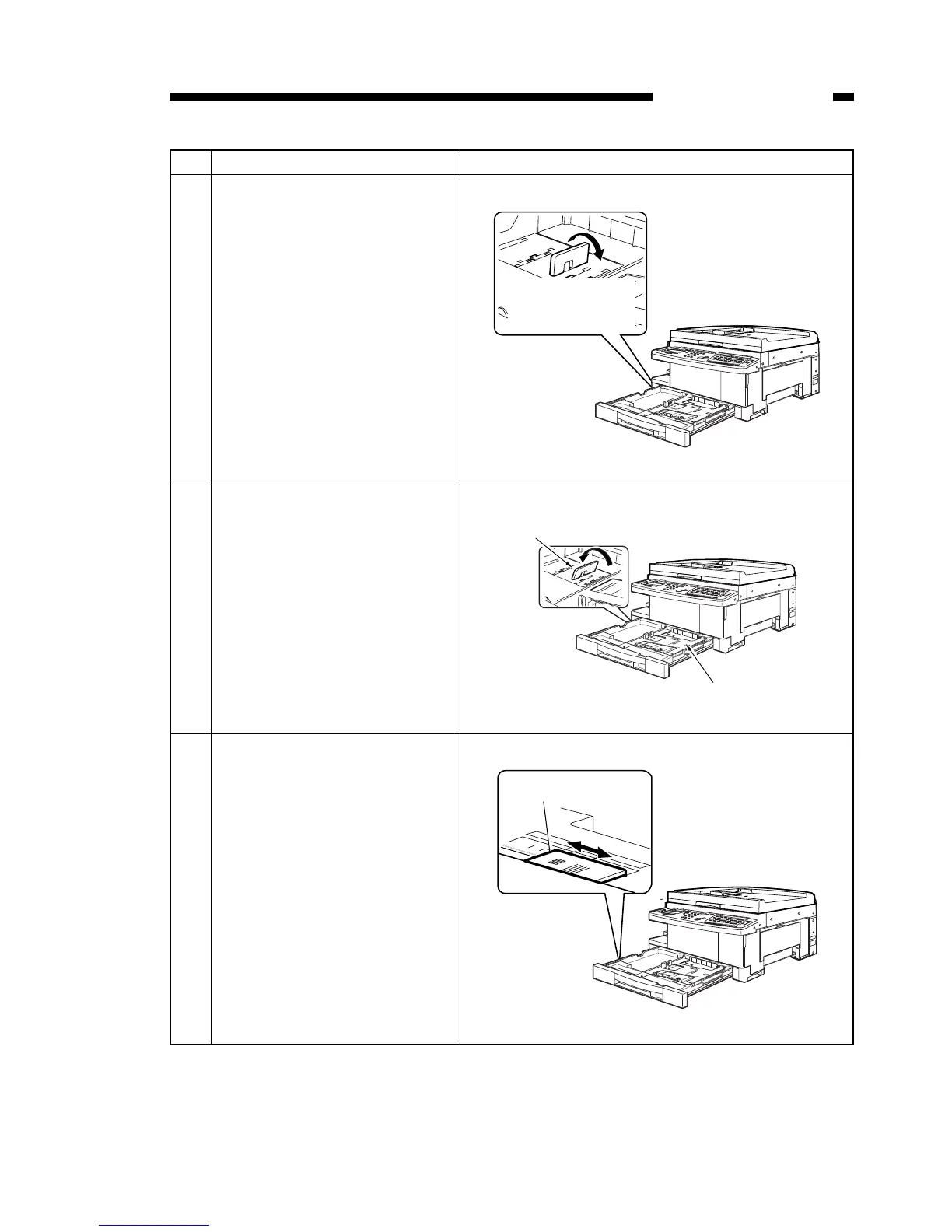
4 Following the ▲▲ mark on the
paper trailing edge position
plate, remove it by pushing it
down. Push down gently to
avoid damaging the paper trail-
ing edge position plate.
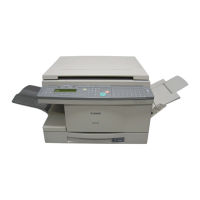
5 Re-install the paper trailing edge
position plate to fit the desired
paper size, by reversing the
process outlined above.
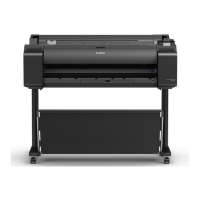
6 Adjust the position of the paper
size sensor lever to fit the
desired paper size.


 To Next Page