COPYRIGHT
©
1999 CANON INC. CANON GP160 REV.0 FEB. 1999 PRINTED IN JAPAN (IMPRIME AU JAPON)
CHAPTER 13 TROUBLESHOOTING
13-10
2) Select 9.BOOK from service mode #6 SCANNER. Set 1 in 018.
3) Set the test chart you made on the copyboard glass with the image facing down.
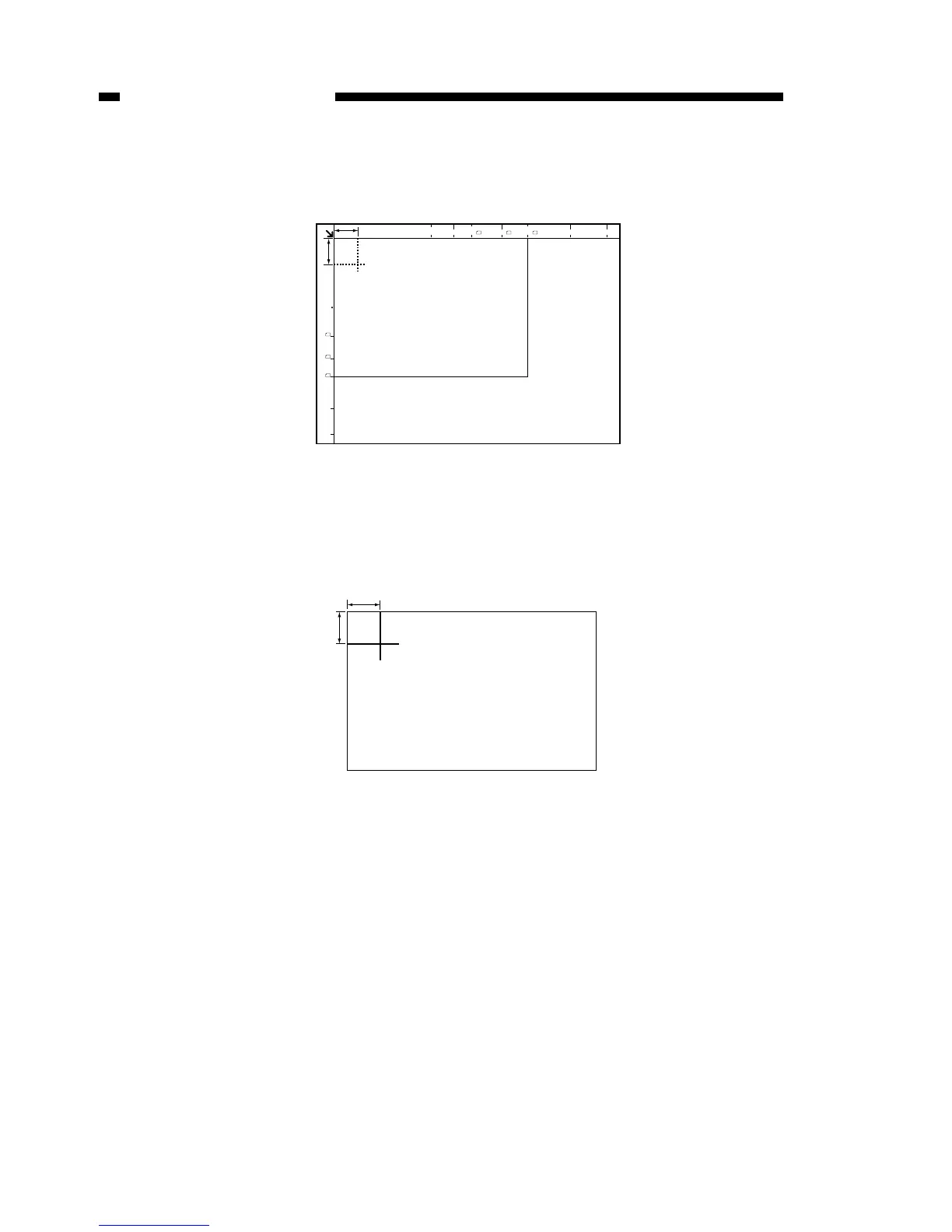
Figure 13-113
4) Copy the image enlarged to 400%.
5) Measure the length of the leading and left edges of the copied image (see the figure
below).
Figure 13-114
6) Refer to Table 13-102. Work out the input value that corresponds to the measure-
ment taken in step 5.
7) Select 8. CCD from service mode #6 SCANNER. Enter the value worked out from
the leading edge data, 007, and the left edge data, 010 in step 6).
8) Select 9.BOOK from service mode #6 SCANNER. Set 1 in 018.
9) Exit service mode. Copy the image at 100%. Check that the copied image and the
original document positioning matches.



 To Next Page