COPYRIGHT
©
1999 CANON INC. CANON GP160 REV.0 FEB. 1999 PRINTED IN JAPAN (IMPRIME AU JAPON)
CHAPTER 13 TROUBLESHOOTING
13-12
3. Sensor check
Assessment of the status of the photo-interrupter is performed by the SENSOR test
in the TEST MODE. The procedure is as described below.
1) On the control panel, press the Entry/Setting key, then the # key to enter the service
mode.
2) Press the shift keys (up arrow, down arrow) to select TEST MODE.
3) Press 6 on the numeric keypad to select FACULTY TEST.
4) Press 3 on the numeric keypad to enter sensor check mode. The image below will
be displayed.
Figure 13-115
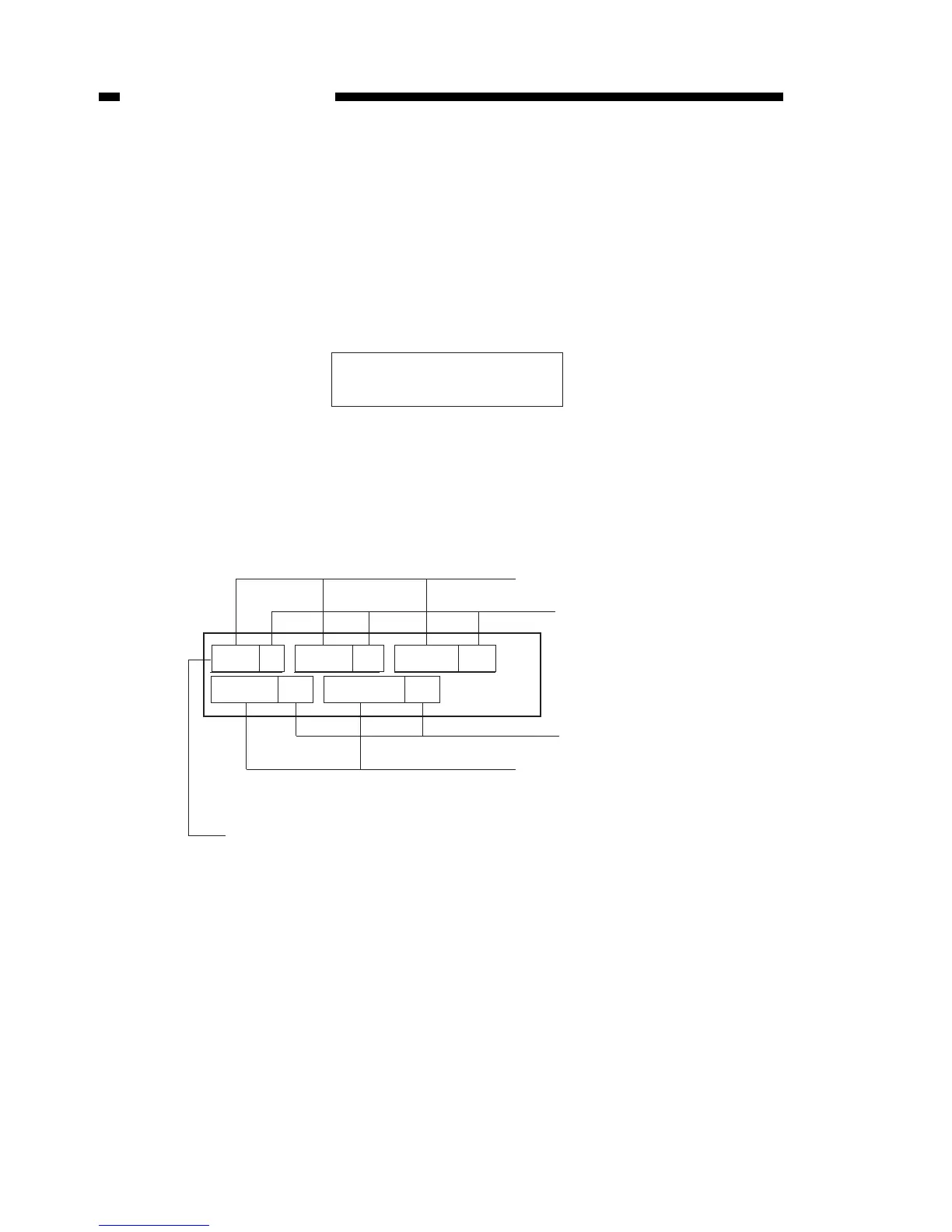
5) When the display shown in Figure13-110 is displayed, push 1,2,3 and 4 on the
numeric keypad. The status of each sensor will be displayed. The following is an
example and explanation of what happens when you push 1 on the numeric keypad.
Figure 13-116
6) Move each sensor’s flag and verify that the display shows of (OFF)/on (ON) repeat-
edly.
The following page shows the display and sensor name, and the status of each sen-
sor when the main unit is in stand-by when keys 1-4 of the numeric keypad are
pressed.



 To Next Page