4-75
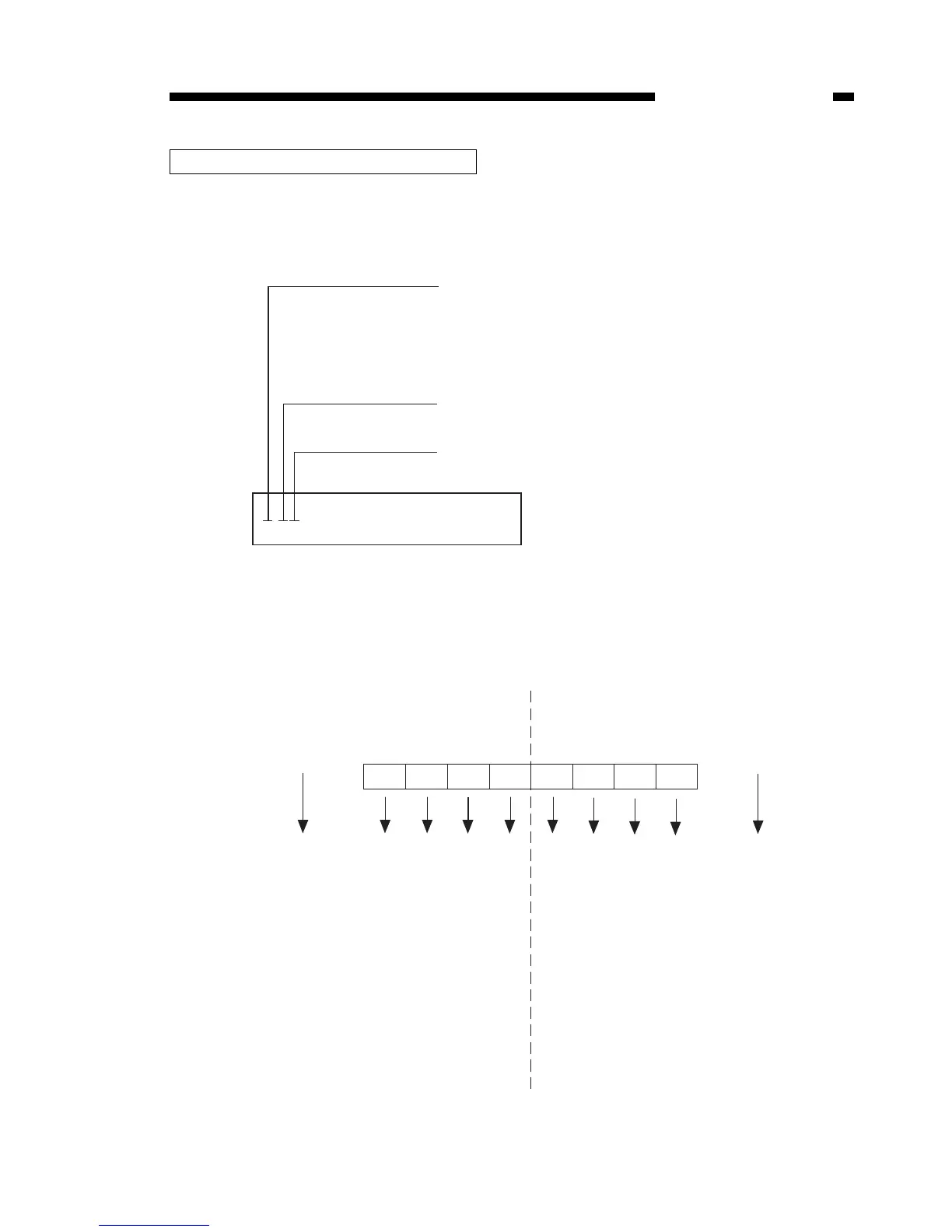
Printer status is displayed as a hexadecimal number.
This is converted to a binary number and then the area which is out of order is
detected.
Below is an explanation of how to read the screen.
Figure 4-25
CHAPTER 4 SERVICE MODE
How to read the printer status screen
0:01 2:01 3:01 5:01
8:02 10:07 11:0B
Status Number
Status information (upper 4 bits)
Upper 4 bits display 0000.
Status information (lower 4 bits)
Lower four bits display 0010.
When status 8’s status information (upper four bits) displays 0 and (lower 4 bits) 2,
as shown above, if the bit pattern is fixed according to the conversion chart below,
at 0000 0010, bit 1 becomes 1.
Status 8’s bit 1 is a status which indicates a fixing assembly problem, and indicates
the cause of the printer’s poor condition is the fixing assembly.
(Upper 4 bits) (Lower 4 bits)
0000=0
0001=1
0010=2
0011=3
0100=4
0101=5
0110=6
0111=7
1000=8
1001=9
1010=A
1011=B
1100=C
1101=D
1110=E
1111=F
0=0000
1=0001
2=0010
3=0011
4=0100
5=0101
6=0110
7=0111
Display
indicator
Display
indicator
3: Misprint status in detail
8: Call service man status
35: Feeder assembly trouble status in detail
39: Fixing assembly trouble status in detail
Bit7 Bit6 Bit5 Bit4 Bit3 Bit2 Bit1 Bit0



 To Next Page