4-84
CHAPTER 4 SERVICE MODE
When all the characters displayed have disappeared, then the one-touch dial key
test starts. Characters from a-z and A-Z are displayed. The display from characters a-B
corresponds to the one-touch dial keys 01-28. When the one-touch dial keys are
pressed, the characters corresponding to them disappear from the display.
Figure 4-30
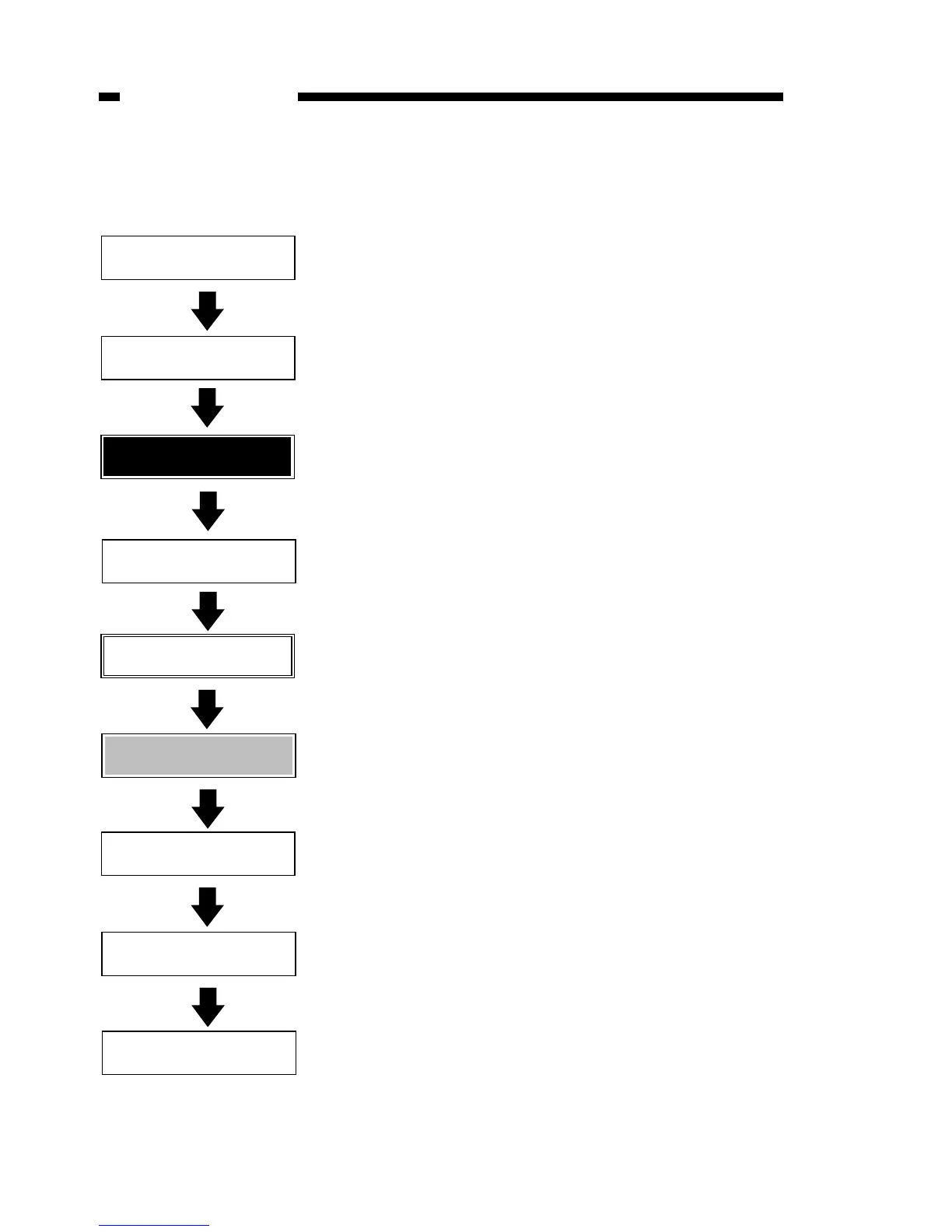
6-7:OPERATION PANEL
Display test
Press Start key
Press start key
All white display
Press start key
All black display
Press start key
Border display
Press start key
Checker pattern display
6-7:OPERATION PANEL
LED TEST
LED lamp test
Press start key
All LED lamps illuminate
123456789*0# UVWX
cEL %SM/DTRO !CEFsaru
Operation
key pad test
Press start key
When the key corresponding to a character
is pressed, that character goes out.
abcdefghijklmnopqrst
uvwxyzAB
The test ends when the stop key is pressed.
When a one-touch dial key is pressed,
the corresponding letter disappears.
Character display
Press start key
ADJUST LCD CONTRAST



 To Next Page