Special Print Mode
Select <Special Settings 1> if a printed bar code is unreadable, or <Special Settings 2> if print results are partially
faded.
Off
Special Settings 1
Special Settings 2
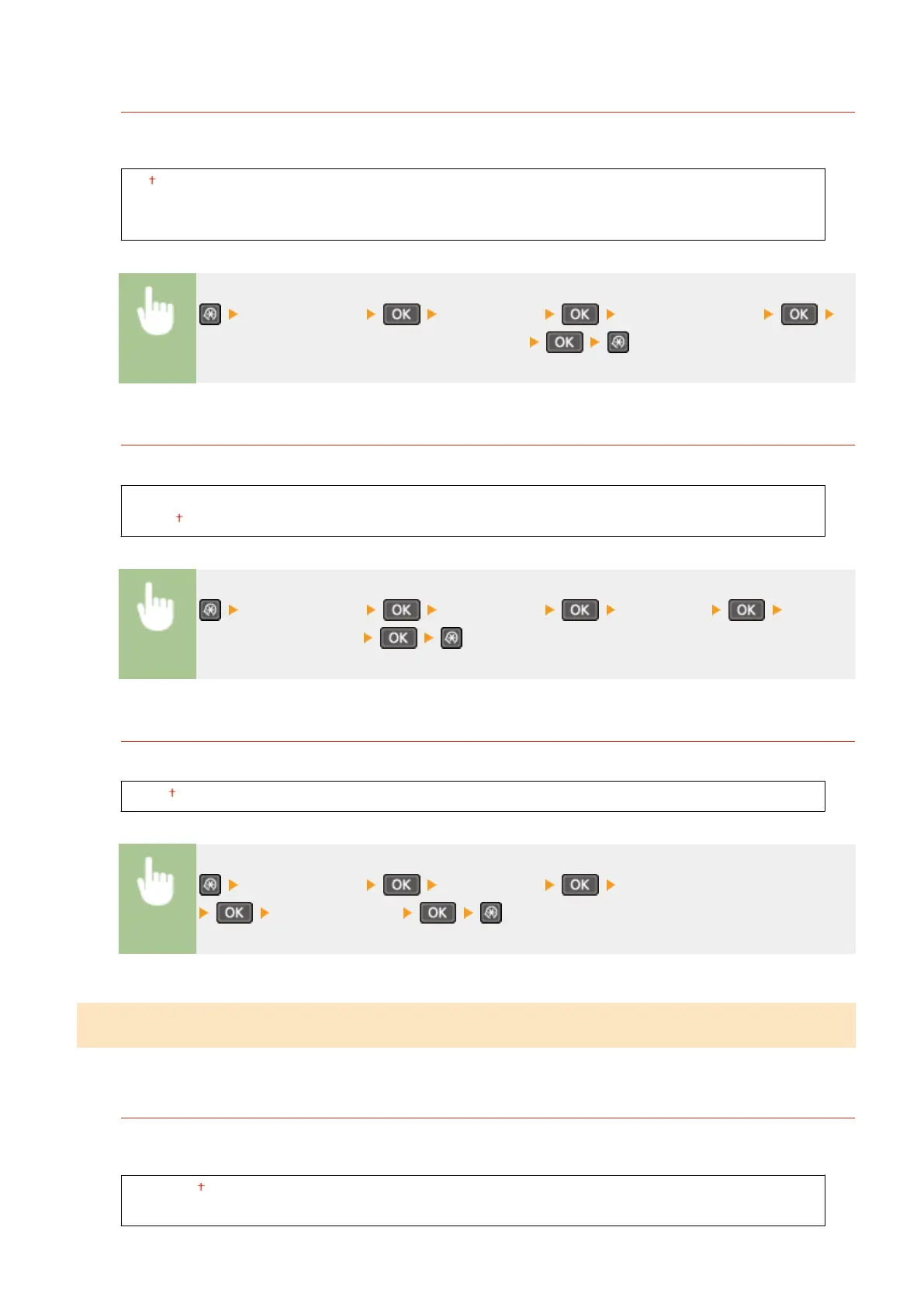
<Printer Settings> <Print Quality> <Special Print Mode>
Select <Special Settings 1> or <Special Settings 2>
Resolution
Specify the resolution to be used for print data processing.
1200 dpi
600 dpi
<Printer Settings> <Print Quality> <Resolution> Select
<1200 dpi> or <600 dpi>
Density Fine Adjustment
Finely adjust the density. You can specify this setting only when <1200 dpi> is selected in <Resolution>.
-1 to 0 to 1
<Printer Settings> <Print Quality> <Density Fine Adjustment>
Specify the density
Layout
Specify the page layout settings such as binding position.
Binding Location
If you are binding the printouts with a binding tool such as a stapler, use this item to specify whether to bind on
the long or short edge.
Long Edge
Short Edge
Setting Menu List
310












 To Next Page