44
Print a Poster
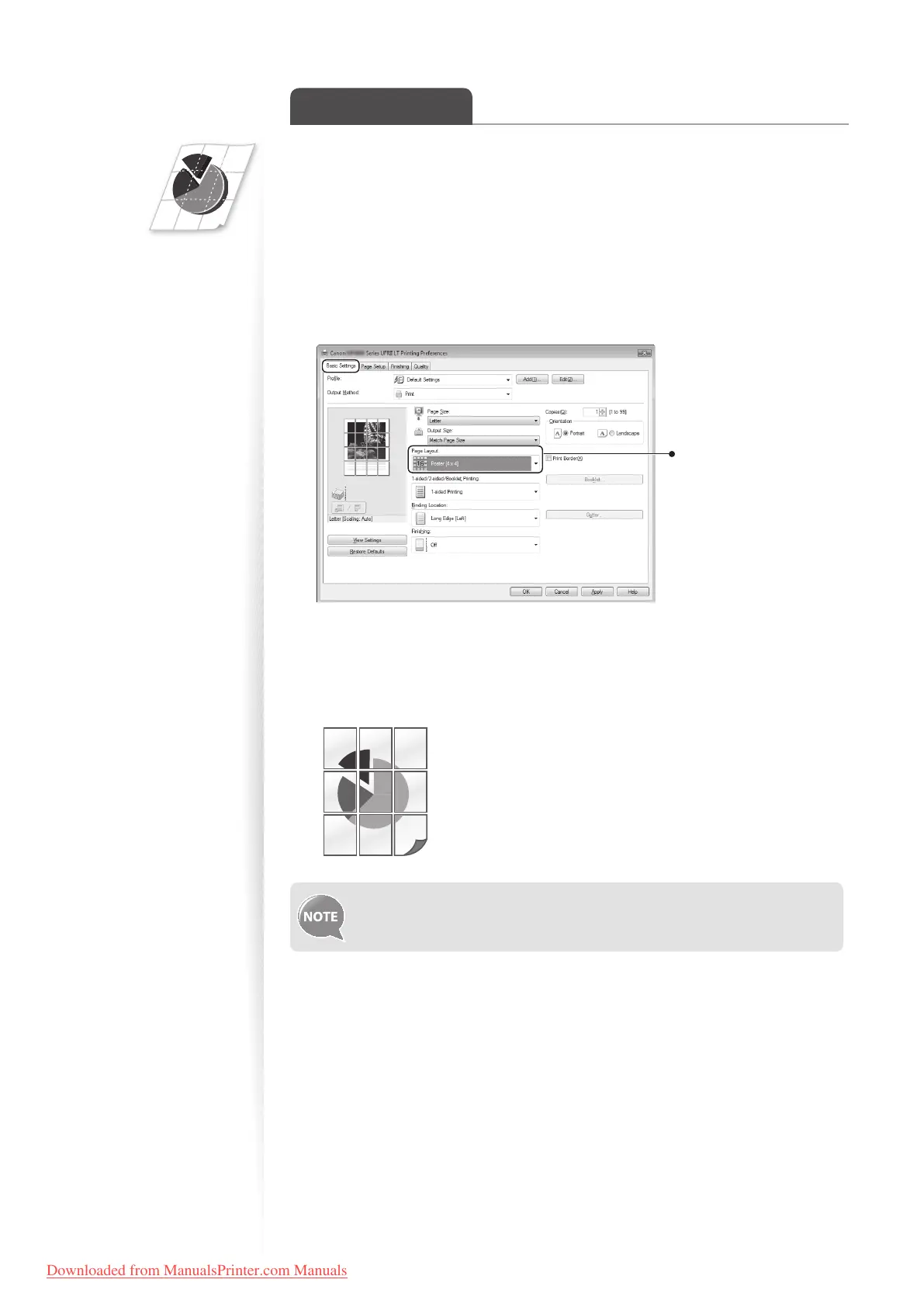
You can enlarge a one-page document and print it on multiple pages. You can then
combine the printed pages to create a large poster.
1
Open a document from an application, and then open the Print window.
2
Select your printer driver, click [Preferences] (or [Properties]), and display
the Printing Preferences window.
3
Click [Basic Settings] tab, and then select [Poster(N×N)] from the
[Page Layout] drop-down menu.
Select [Poster [N×N]]
(N×N is split numbers of
divided pages wide by
high).
4
Click [OK] to return to the Print window.
5
Click [OK] to start printing.
6
Make a poster by gluing or taping the printouts together.
You cannot combine this feature with watermark printing, manual scaling, or
printing multiple pages onto one sheet.
Downloaded from ManualsPrinter.com Manuals












 To Next Page